
The best desktop automation tool depends on who builds the automation and how often the app changes. Microsoft Power Automate is the default on Windows: its desktop app is free on Windows 10 and 11 for flows you run yourself. UiPath and Automation Anywhere are the enterprise RPA platforms, with free community editions. AutoHotkey on Windows and Keyboard Maestro on Mac are the personal macro tools, and pywinauto is the Python library for developers. For apps that change often or have no stable controls, AI agents that read the screen now do the work: the Sai API, which hands the task to a computer-use agent on a real computer, or the computer use tools from Anthropic and OpenAI if you want to run the computer and the agent loop yourself.
This page is for teams choosing software to automate work inside Windows or Mac desktop applications: data entry into an accounting client, a nightly export from a vendor tool, a report that needs three programs. Browser-only tools and test frameworks are left out. Every price, version and platform below was checked on the vendor's own site, docs or package registry on October 29, 2026. Nothing here is sponsored. The Sai API is our product.
What is desktop automation?
Desktop automation is software that operates applications on a computer the way a person would: it opens programs, clicks, types, copies data between windows and reads what is on screen. It is used for repetitive work in desktop apps that have no API or no integration with each other.
Desktop automation is often called robotic desktop automation (RDA). Fortra describes it as "robotic process automation scaled down for a single user": RPA runs bots on servers for the whole company, desktop automation runs on one person's machine (Fortra). Most tools on this list do one or the other, and the enterprise platforms do both.
Every tool also has to decide how to find what to click. There are four approaches, and they explain most of the differences below:
- Recorded UI elements. You record steps or drag in actions, and the tool saves each button or field it touches. Power Automate, UiPath and Automation Anywhere work this way.
- Hotkeys and macros. You write short scripts tied to a key, a schedule or typed text. AutoHotkey and Keyboard Maestro.
- The accessibility tree, from code. A library asks Windows UI Automation for "the button named Save". pywinauto.
- A model reading the screen. A computer-use agent looks at a screenshot, decides the next step from your goal and checks the result. No selectors, but each step costs model calls. The Sai API, Claude computer use and OpenAI computer use.
How we evaluated
- Who builds it: a business user with a recorder, a power user with scripts, or a developer with code.
- How it finds elements and what happens when the app's layout changes.
- Platforms: Windows, macOS, and whether it can run unattended.
- Price: what the free tier covers and what the first paid step costs.
- AI: documented, shipping features, not roadmap items.
Comparison summary
| Tool | Best for | How it automates | Platforms | Price |
|---|---|---|---|---|
| Power Automate | Windows teams on Microsoft 365 | Recorder and drag-and-drop actions on UI elements | Windows 10/11, Windows Server | Free for attended flows; Premium $15/user/month; unattended $150/bot/month |
| UiPath | Enterprise RPA with AI steps | Studio designer, selectors, ScreenPlay AI activity | Windows; Mac Studio in preview | Community free; Basic from $25/month; Standard and Enterprise quote |
| Sai API | Apps that change often or have no usable controls | A computer-use agent reads the screen; repeat runs replay as code | Windows, macOS or Linux | Free plan; Pay as you go $50/month |
| AutoHotkey | Personal Windows macros and hotkeys | Scripts: keys, windows, controls, coordinates | Windows | Free (GPL-2.0) |
| Keyboard Maestro | Personal Mac automation | Macros with hundreds of built-in actions | macOS 10.13+ | US$36 one-time |
| Automation Anywhere | Large companies standardizing on one RPA vendor | Recorder, bots and AI agents in the cloud platform | Windows and Mac (Community Edition) | Community Edition free; paid plans quote only |
| pywinauto | Developers automating Windows apps in Python | Windows UI Automation or Win32 controls | Windows | Free (BSD-3-Clause) |
| Claude computer use | Developers building their own screen agent | Model returns mouse and keyboard actions; your code runs them | Any OS you can screenshot | Claude token prices |
| OpenAI computer use | Developers on the OpenAI Responses API | Model returns actions; your code or a partner sandbox runs them | Your sandbox or a partner's | OpenAI token prices |
The 9 best desktop automation tools in 2026
1. Microsoft Power Automate: best for Windows teams on Microsoft 365
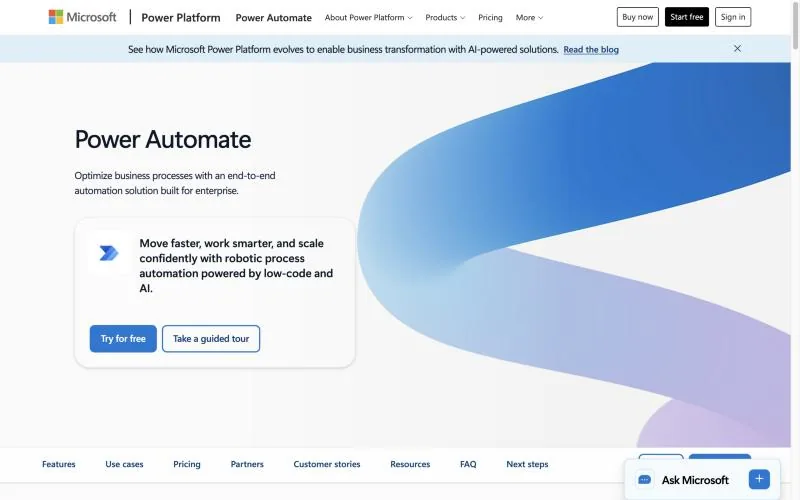
Free: Power Automate for desktop on Windows 10 and 11 with a Microsoft or work account: recorder, designer and 400+ actions (Microsoft docs).Paid, billed yearly: Premium $15/user/month; Process $150/bot/month for unattended runs; Hosted Process $215/bot/month with a Microsoft-hosted VM (pricing).Latest: build 2610, October 15, 2026 (release list).
Power Automate for desktop builds "desktop flows" with a recorder or drag-and-drop actions, and targets each window and field as a captured UI element. It ships monthly. For screens its recorder can't handle, Microsoft's Copilot Studio now offers computer use, where an agent operates websites and Windows apps on a machine managed in Power Automate, billed at 5 Copilot Credits per step, or 15 with a premium model (Copilot Studio docs).
Key strengths
- Free for flows you run yourself on Windows 10 and 11.
- Grows into unattended bots and hosted VMs on the same platform.
- Connects to the rest of Microsoft 365 through cloud flows.
Best for: Windows users and Microsoft 365 companies who want a recorder and a clear path to unattended bots.
2. UiPath: best for enterprise RPA with AI steps
Pricing: Community free forever; Basic from $25/month; Standard and Enterprise contact sales (pricing).Latest: Studio 2026.0.204, October 21, 2026.Mac: Studio in public preview on Apple silicon, macOS 14 or later, since October 2026 (release notes).
UiPath is the best-known RPA platform: Studio designs the automation, robots run it, and Orchestrator schedules and monitors it. Its ScreenPlay activity adds an AI step that "interacts with applications much like a human would", with GPT-5.4 as the default model and a Path Mini option for image-based interfaces (UiPath docs). The Community plan includes Studio and works with coding agents such as Claude Code, Cursor and Codex.
Key strengths
- Selector-based automation and an AI activity in one designer.
- A free-forever Community plan with Studio.
- Mature orchestration, scheduling and governance for many robots.
Best for: companies running dozens of automations that need central scheduling, audit and support. See our UiPath alternatives for the trade-offs.
3. Sai API: best when the app changes often or has no usable controls
Pricing: Explore $0 with daily credits; Pay as you go $50/month; Sai Unlimited $500/month; Enterprise custom (pricing).Computer: a real Windows, macOS or Linux computer; free accounts get one pooled Windows cloud computer.Use it from: your code, or Claude Code, Codex and Cursor through the @simular-ai/sai-mcp server.
The Sai API lets your code or your coding agent hand a task to a computer-use agent that works on a real Windows, macOS or Linux computer: you send a message, the agent works on the computer, and you read the result. Instead of recording selectors, you describe the task in plain English. The agent uses apps the way a person does, by seeing the screen, clicking and typing, so it gets work done where there is no API: desktop software, admin consoles, web apps behind a login, forms with no import. Sign-ins go to a person as an approval, and the model and the computer are included in the plan, so there are no model keys to bring.
On reliability, the Sai API has the highest partial score on the official OSWorld 2.1 leaderboard for computer-use agents, 79.38%, at $14.34 per task (see the results). Run a workflow once and it can be saved as a reusable skill: later runs replay it as code and ask the model only where the screen matters, so they are faster and cheaper, and the agent takes over when the UI changes.
Key strengths
- No selectors, recordings or reference images to maintain.
- Works on apps with poor accessibility data, because it reads the screen.
- Workflows you repeat can be replayed as code.
Best for: teams that want to give their agents a fleet of autonomous computers, to work desktop apps that break recorded flows or have no API.
4. AutoHotkey: best for personal Windows macros
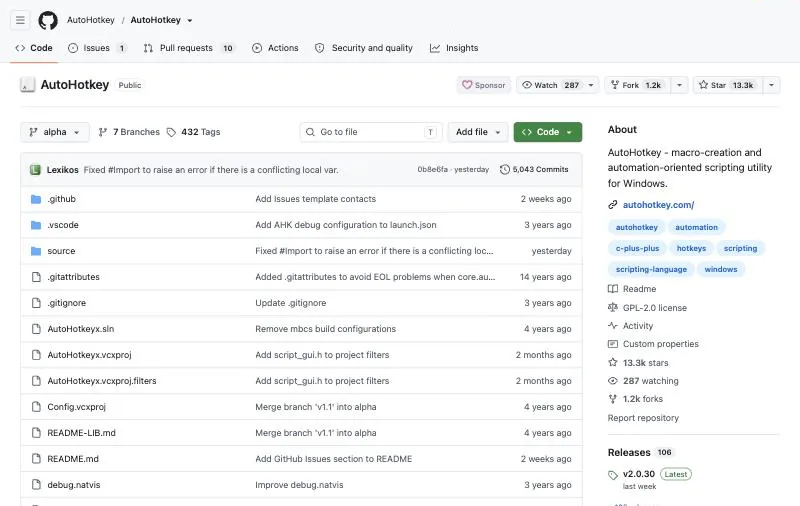
License: GPL-2.0, free; about 13.2k GitHub stars.Latest: v2.0.31, October 25, 2026 (changelog).Platform: Windows only.
AutoHotkey is a free scripting language for Windows used for "filling in forms, auto-clicking, and running macros", plus hotkeys, key remapping and text expansion. It can wait for a window by name and send keys or clicks to it, which makes it more reliable than pure coordinate scripts. It is very active: three v2 releases shipped in October 2026 alone.
Key strengths
- Free, small and fast to start.
- Hotkeys, remapping, text expansion and macros in one tool.
- A large community library of scripts.
Best for: power users automating their own Windows workflow. Developers comparing it with AutoIt, PyAutoGUI and FlaUI should see our GUI automation tools page.
5. Keyboard Maestro: best for personal Mac automation
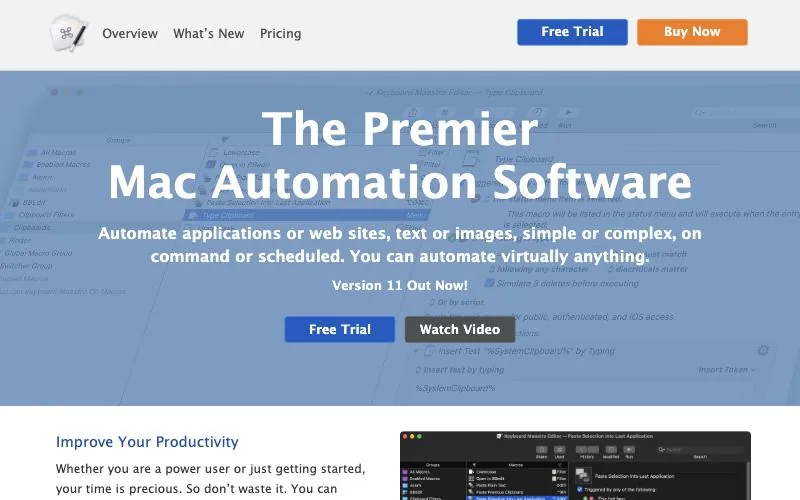
Price: US$36 one-time for version 11; upgrades US$25; free trial.Platform: macOS 10.13 High Sierra or later, native on Apple silicon.Latest: 11.1.1 (keyboardmaestro.com).
Keyboard Maestro calls itself "the premier Mac automation software". Macros built from hundreds of actions control apps, websites, text and images, and run on a hotkey, a typed string or a schedule. It also reads text from images with OCR and keeps a clipboard history. On Mac, it is the closest thing to AutoHotkey, with a visual editor instead of a scripting language. Apple's free Shortcuts app also gained time and folder triggers on Mac in macOS 26, and is enough for simple jobs.
Key strengths
- A one-time license, no subscription.
- Hundreds of built-in actions, OCR and clipboard history.
- Kept current with each macOS release.
Best for: Mac users who want hotkeys and macros across their own apps.
6. Automation Anywhere: best for large companies standardizing on one RPA vendor
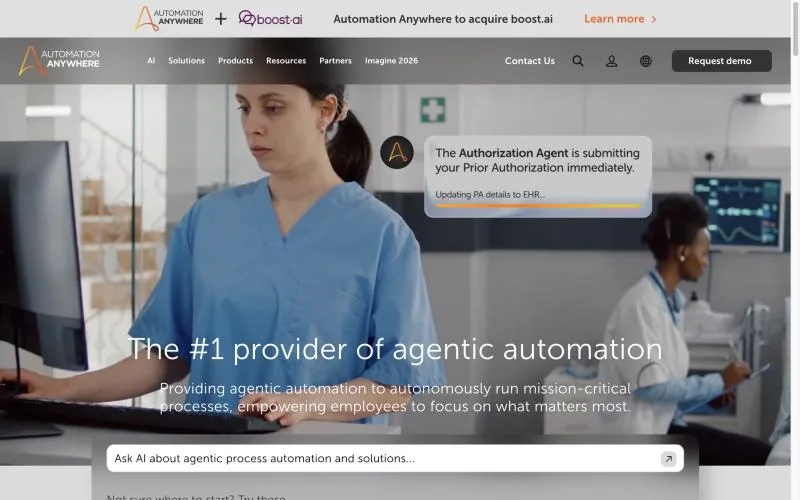
Free: Community Edition, no credit card; for small businesses, up to 5 machines and 100 document pages a month (Community Edition).Paid: no public prices; demo and sales only (automationanywhere.com).2025 change: acquired Aisera, a maker of AI agents for IT, HR and service, announced November 4, 2025.
Automation Anywhere sells a cloud platform for what it calls agentic process automation: AI agents, deterministic bots and people working together. Its AI Agent Studio and Prompt-to-Automate build automations from plain language, and document automation with generative AI is included even in the free Community Edition, which runs on Windows and Mac.
Key strengths
- Bots, AI agents and document processing in one cloud platform.
- A free Community Edition with generative document automation.
- Governance built for large deployments.
Best for: enterprises that want one vendor for RPA, documents and AI agents, and will buy through sales.
7. pywinauto: best for developers automating Windows apps in Python
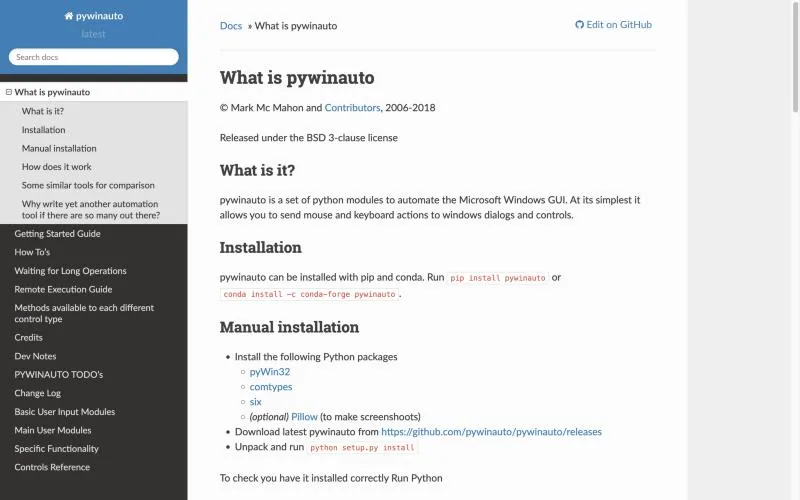
License: BSD-3-Clause; about 6.2k GitHub stars.Latest: 0.6.9 stable (January 2025); 1.0.0b1 pre-release, October 15, 2026 (PyPI).Backends: Win32 and Microsoft UI Automation.
pywinauto is "a Python library for automating Windows GUIs". It starts or attaches to an app and finds controls by their names and types through Windows UI Automation, so a moved window does not break the script the way screen coordinates do. We picked it over PyAutoGUI, which only knows coordinates and images and has not released since May 2023 (PyPI).
Key strengths
- Uses real control properties, not screen positions.
- Plain Python under a permissive license.
- Development has resumed, with a 1.0 beta in October 2026.
Best for: Python developers automating Windows apps that expose standard controls.
8. Claude computer use: best for building your own screen agent on Claude
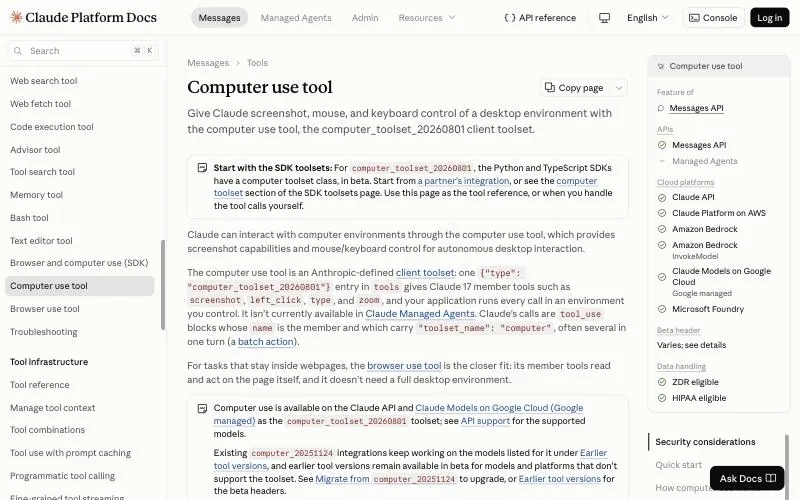
Status: out of beta on the Claude API since August 19, 2026, as computer_toolset_20260801 (release notes).Pricing: standard token prices, for example Sonnet 5.5 at $2/$10 per million input/output tokens; the toolset adds about 4,500 input tokens per request and screenshots bill as image input (pricing).Where: Claude API, Amazon Bedrock, Google Cloud and Microsoft Foundry.
Claude computer use is a tool, not a hosted product: Claude looks at a screenshot and returns mouse and keyboard actions, and "your application runs every call". Anthropic's reference setup is a Linux desktop in a Docker container, and its SDKs added classes in October 2026 for plugging in your own browser or desktop automation. You get a capable model and full control, and you build and host the computer, the loop and the safety checks yourself.
Key strengths
- Works with any app that shows on screen; no selectors.
- Out of beta, with batched actions and zoom.
- Available on several clouds.
Best for: developers who want to build and host their own computer-use agent on Claude.
9. OpenAI computer use: best for teams already on the Responses API
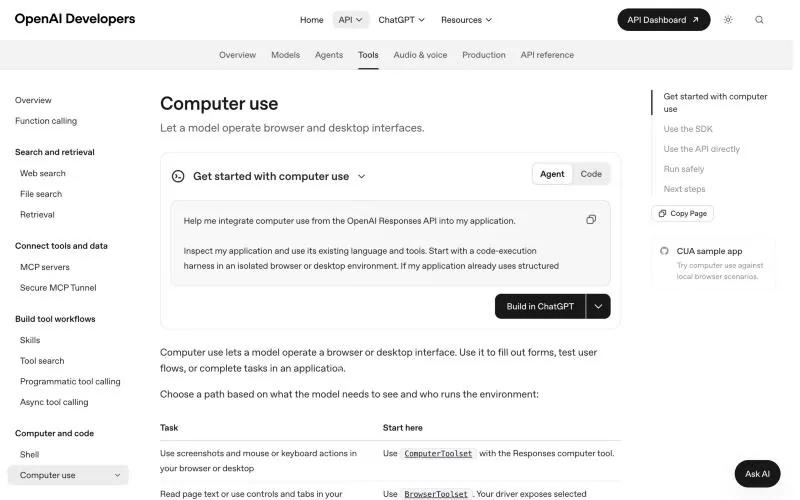
Pricing: tokens for the model you choose, for example gpt-6.1-sol at $2/$10 per million input/output tokens; screenshots count as image input; a hosted environment may charge separately (pricing).Environment: your own sandbox, or partners such as Browserbase, Browser Use, Daytona and E2B Desktop (OpenAI docs).2026 change: the original computer-use-preview model shut down on July 23, 2026 (deprecations).
OpenAI computer use "lets a model operate a browser or desktop interface" from the Responses API: the model returns actions and your code, or a partner sandbox, carries them out. For its newest model OpenAI now recommends code execution first and keeps the computer tool "as an alternative". The same CUA model powers computer use in Microsoft Copilot Studio.
Key strengths
- Built into the Responses API you may already use.
- Partner-hosted desktop sandboxes if you don't want to run one.
- A code-execution path alongside screenshots.
Best for: developers building on OpenAI models who want to own the environment.
What we left out
- Robocorp and RPA Framework are now part of Sema4.ai, which ended Robot Framework support on its platform in February 2025 (Sema4.ai release notes).
- TagUI: AI Singapore "has discontinued maintenance and support", so it is community-supported only (GitHub).
- AutoIt, PyAutoGUI, FlaUI and nut.js are covered on our GUI automation tools page.
- WinAppDriver, Ranorex and TestComplete are for testing desktop apps; see WinAppDriver alternatives.
How to choose
- You are on Windows and Microsoft 365, and want a recorder: Power Automate, free to start.
- You are rolling out many bots with central control: UiPath or Automation Anywhere.
- You want hotkeys and macros for yourself: AutoHotkey on Windows, Keyboard Maestro on Mac.
- You are a Python developer and the app has standard controls: pywinauto.
- The app changes often or has no usable controls: the Sai API.
- You want to build and host your own screen agent: Claude computer use or OpenAI computer use.
Prices, versions and platforms from each vendor's site, docs, GitHub and PyPI on October 29, 2026. The Sai API is made by Simular, the publisher of this page.