

The best RPA software in 2026 depends on what you automate. UiPath is still the most complete platform for a company-wide automation program, Microsoft Power Automate is the lowest-cost serious option for teams on Microsoft 365, and Robot Framework with RPA Framework is the strongest free, code-first choice. If the apps you need to automate have no API and change often, a computer-use agent such as the Sai API is the newer alternative: it works from what is on the screen instead of recorded selectors, so there is no bot to rebuild when a button moves.
This list covers tools that automate desktop and web applications through their user interface, the way a person would. Workflow tools that only connect APIs (Zapier, n8n, Make) are left out on purpose. Every price and plan below was checked on the vendor's own pricing page on October 18, 2026; where a vendor publishes no price, we say so instead of quoting a reseller. Nothing here is sponsored. The Sai API is our product, so its entry says where it is the wrong pick.
What is RPA software?
RPA (robotic process automation) software runs software robots that use applications the way a person does: they click, type, read the screen and move data between desktop and web apps by following a recorded or scripted sequence of steps. It is used where systems have no API or integration, such as legacy ERP clients, mainframe terminals, vendor portals and spreadsheets.
Most RPA bots find each button and field through a selector: a path in the app's accessibility tree or HTML, sometimes backed by image matching. That makes runs fast and repeatable on a stable screen. It is also why bots need upkeep: when a vendor renames a field or moves a menu, the selector no longer matches and the bot stops until someone fixes it.
The market is large and still growing, though more slowly. Gartner's market share analysis puts RPA software at $3.6 billion in 2024, up 14.5%, with UiPath, Microsoft and Automation Anywhere as the leading vendors. Gartner also notes that generative AI, computer-use tools and agentic automation slowed the market's growth that year. That shift is why this list includes a fourth kind of tool next to the classic ones.
Three kinds of RPA software
Most "best RPA tools" lists mix very different products. Sorting them first saves a wasted proof of concept.
- Commercial RPA platforms. A studio to build bots, an orchestrator to schedule and monitor them, and licenses per user or per robot. UiPath, Power Automate, Automation Anywhere, SS&C Blue Prism, IBM RPA and SAP Build Process Automation work this way.
- Open-source RPA frameworks. Free libraries or recorders that you run on your own machines: Robot Framework with RPA Framework, TagUI and OpenRPA. You trade license fees for the work of hosting, scheduling and maintaining the bots yourself.
- Computer-use agents. A model looks at the screen, decides the next click or keystroke and checks the result, so you describe the task instead of recording the steps. This is what vendors now call agentic RPA. The Sai API is the one in this list; for agents aimed at personal desktops, see our comparison of AI agents that control your mouse and keyboard.
One question separates them in practice: when the screen changes, who fixes the bot? On a platform, a developer edits the selectors. With a framework, you edit the code. With an agent, the model adapts on the next run, at the cost of more compute per step.
How we evaluated
We compared each tool on five things, in this order:
- How it drives applications. Selectors, image matching, OCR, or a model reading the screen; desktop apps, web apps or both.
- Unattended runs. Whether bots can run on a schedule without a signed-in person, and what that costs.
- A price you can check. The published price on the vendor's own page, or a note that there is none.
- Developer access. Code, an SDK, an API or an MCP server, so the automation can live in your own systems.
- Governance. Central control of bots, credentials and access, which matters once more than one team builds automations.
Comparison summary
| Tool | Best for | How it drives apps | Unattended runs | Starting price | Open source |
|---|---|---|---|---|---|
| Sai API | Apps with no API, automated from code, without selectors | A model reads the screen, clicks and types; saved skills replay as code | Yes, on a cloud computer | Free; $50/mo | No (Agent S is) |
| UiPath | Company-wide automation programs | Studio workflows with selectors, plus agents | Yes, Unattended Robot licenses | Free; Basic from $25/mo | No |
| Microsoft Power Automate | Teams on Microsoft 365 | Desktop flows on Windows, cloud flows | Yes, Process plan | $15/user/mo; $150/bot/mo unattended | No |
| Automation Anywhere | Cloud-first enterprise RPA | Bots on the cloud-native Automation 360 platform | Yes | Not published; free Community Edition | No |
| SS&C Blue Prism | Governance-heavy enterprises | Visual process designer, run by digital workers | Yes | Contact sales; 30-day trial | No |
| IBM RPA | IBM shops with unattended volume | Bots and intelligent virtual agents on Windows | Yes | From USD 981/mo (indicative) | No |
| SAP Build Process Automation | SAP landscapes | Low-code workflows and SAP-aware bots | Yes, add-on per connection | Via SAP BTP; unattended priced per connection | No |
| Robot Framework + RPA Framework | Python teams with no license budget | Code: keyword libraries for Windows, browsers, Excel, SAP | Yes, on runners you host | Free | Yes (Apache-2.0) |
| TagUI | Free scripted automation on any OS | Plain-text steps by element, image or OCR | With your own scheduler | Free | Yes (Apache-2.0) |
| OpenRPA | A free recorder on Windows | Recorded mouse and keyboard workflows | Through the OpenFlow orchestrator | Free | Yes (MPL-2.0) |
The 10 best RPA software tools in 2026
1. Sai API by Simular: best for apps with no API, without writing selectors
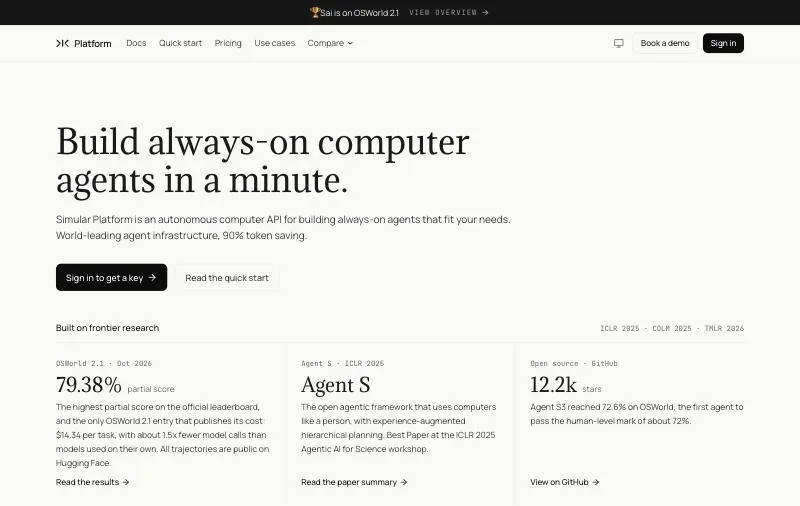
Pricing: Explore $0 with daily credits; Pay as you go $50/month (50,000 credits); Sai Unlimited $500/month; Enterprise custom (pricing).Platforms: A Windows or Linux cloud computer, or your own Mac or Windows PC.How it automates: Sees the screen, clicks and types; workflows it has done can be saved and replayed as code.
The Sai API is a computer-use agent you call over HTTP or through an MCP server. Instead of recording steps and maintaining selectors, you send a task in plain English and Sai carries it out on a real computer: a desktop accounting client, a vendor portal behind a login, a spreadsheet and a folder of PDFs in the same run. Coding agents such as Claude Code, Codex and Cursor can hand GUI work to it through @simular-ai/sai-mcp.
The part that makes it usable as RPA is replay. Run a task once, then ask Sai to save it as a replayable skill with parameters. Later runs replay that code and call the model only where the screen matters, and when a step breaks because the interface changed, the agent takes over from that step instead of failing the whole run. Simular's research on this approach reports per-run cost 15 to 217 times lower and latency 3.4 to 5.1 times lower than the base agent on OSWorld-Verified and ScienceBoard.
On reliability, Sai has the highest partial score on the official OSWorld 2.1 leaderboard, 79.38%, and is the only entry that publishes its cost, $14.34 per task (see the results). Sign-ins, passwords and phone checks are never typed by the agent: they go to a person as an approval link, and other sensitive steps can be approved from your code.
# One task, start to finish
curl -N https://api.simular.ai/v1/agents/message \
  -H "Authorization: Bearer $SAI_API_KEY" \
  -H "Content-Type: application/json" \
  -d '{"message": "Open the vendor portal, export the invoices from last month as CSV, and list any invoice over 5,000 USD"}'

# Or give the same skill to Claude Code
claude mcp add sai -e SAI_API_KEY=sapi_YOUR_KEY -- npx -y @simular-ai/sai-mcp
Key strengths
- No selectors to maintain: it works from the screen, so desktop apps, remote desktops and web apps behind a login are all in scope.
- Run once, replay as code: repeat runs are cheaper and faster, and the agent recovers when the UI changes.
- Built for developers: a REST API, a Python SDK and an MCP server for Claude Code, Codex and Cursor.
- Cloud computers that keep running when your laptop is closed, up to five at once on the $50 plan, or your own Mac or Windows PC.
- A published benchmark result and cost per task.
Limitations
- Not a full RPA suite: there is no process mining, no visual bot designer and no central control room like UiPath Orchestrator.
- SSO, role-based access and SOC 2 are listed on the Enterprise plan only.
- Cloud computers are Windows or Linux; macOS work needs your own Mac.
- Pricing is by usage, not per robot. For millions of identical runs on a screen that never changes, a classic robot license can cost less per run.
- The free plan has a daily computer-time limit, enough to test, not to run a daily job.
Best for: agent builders and automation teams whose bots keep breaking on changing screens, or who need to automate apps with no API from their own code.
2. UiPath: best for company-wide automation programs
Pricing: Free plan; Basic from $25/month; Standard and Enterprise through sales, with a 60-day Standard trial. Users and robots are licensed on top (UiPath pricing).Platforms: Automation Cloud or your own premises.How it automates: Studio workflows (low-code or code) run by attended and unattended robots, orchestrated centrally, now with agents.
UiPath is the platform most enterprise automation programs are built on, and the first name in Gartner's list of 2024 market leaders. Its pricing page now describes it as agentic automation: Maestro orchestrates agents, robots and people, and it lists Claude Code, Cursor and Codex as ways to start building. The depth is real, from document processing and test automation to process mining, and so is the learning curve.
Plans scale by tier. Basic is for personal automations at limited scale, hosted in UiPath's European region, and UiPath says an updated plan is coming. Standard adds enterprise agents, document processing and governance; Enterprise adds what it calls "self-healing UI automation", bring-your-own model and keys, and process simulation.
Key strengths
- The broadest feature set: Studio, Orchestrator, document processing, test automation and agents in one platform.
- Cloud or on-premises deployment, with enterprise governance on the upper tiers.
- A large community, the UiPath Academy and certifications for developers.
Limitations
- Prices above Basic are not published, and users and robots are bought separately.
- Self-healing UI automation is an Enterprise feature (available to buy on Standard), so most bots still depend on selectors.
- It takes trained developers and an automation team to run well at scale.
Best for: organizations building an automation center of excellence across many departments.
3. Microsoft Power Automate: best for teams on Microsoft 365
Pricing: Premium $15/user/month (cloud flows and attended desktop flows); Process $150/bot/month (unattended); Hosted Process $215/bot/month with a Microsoft-hosted machine; all paid yearly (Microsoft pricing).Platforms: Desktop flows on Windows; cloud flows in the browser.How it automates: Power Automate for desktop records and runs UI flows; cloud flows connect Microsoft 365 and other services.
Power Automate is the easiest RPA to start with if your company already runs on Microsoft 365. Power Automate for desktop comes preinstalled on Windows 11, and Microsoft's licensing FAQ says Windows 11 users can build attended desktop flows for personal productivity in the default environment. Sharing flows, cloud flows and full RPA need Premium; unattended runs need one Process license per machine.
The constraint to plan around is concurrency: Microsoft notes that a Process bot runs one unattended desktop flow at a time per machine, so parallel runs mean more bots.
Key strengths
- Published, per-user and per-bot prices, and a free way to try desktop flows on Windows 11.
- Close fit with Outlook, Teams, SharePoint, Excel and Dataverse.
- A Microsoft-hosted machine option for unattended bots.
Limitations
- Desktop flows run on Windows only.
- Unattended automation is priced per bot, and each bot runs one flow at a time per machine.
- Outside the Microsoft ecosystem, premium connectors and licensing get complicated.
Best for: Microsoft 365 organizations automating Windows desktop and Office work.
4. Automation Anywhere: best for cloud-first enterprise RPA
Pricing: Not published; a free Cloud Community Edition for students and developers (Automation Anywhere).Platforms: The cloud-native Automation 360 platform.How it automates: Bots built and run from Automation 360, with AI agents added on top.
Automation Anywhere is the third of Gartner's 2024 market leaders and the most cloud-oriented of the big three. Its free Community Edition gives developers the full platform to learn on. For production, pricing comes from sales: there is no public price list, and the "$750 per month Cloud Starter" figure that still circulates comes from a 2020 press release, so treat it as history, not a quote.
Key strengths
- A cloud-native platform, with no on-premises servers to run.
- A free, full-featured Community Edition for learning and prototypes.
- One of the three leading vendors in Gartner's 2024 market share analysis.
Limitations
- No published pricing for production use.
- Like other platforms, bots depend on selectors and need upkeep when apps change.
Best for: enterprises that want a large RPA platform delivered as a cloud service.
5. SS&C Blue Prism: best for governance-heavy enterprises
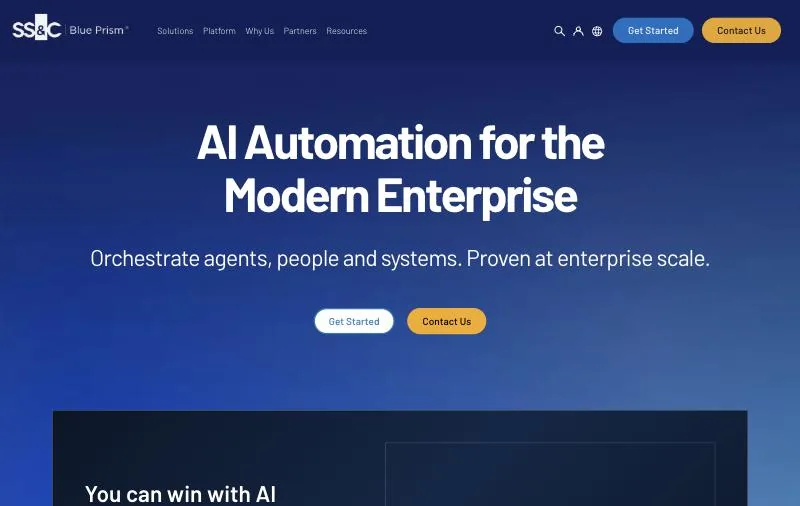
Pricing: Contact sales; a 30-day free trial with 15 processes, and a 180-day Learning Edition (Blue Prism plans).Platforms: Blue Prism Enterprise, Blue Prism Cloud and Blue Prism Desktop, plus Chorus for process management.How it automates: Processes built in a visual designer and run by digital workers under central control.
Blue Prism is one of the original enterprise RPA platforms, now part of SS&C, and positions itself around control and governance. That suits organizations where every automation goes through change management. It is less suited to a small team that wants to try something this week: there is no self-service purchase and no published price.
Key strengths
- Built around governance and control of a digital workforce.
- On-premises, cloud and desktop editions.
- A free trial and a longer Learning Edition.
Limitations
- No public pricing and no self-service plan.
- A heavier platform than most teams need for a handful of automations.
Best for: regulated enterprises that need every bot to pass formal change control.
6. IBM Robotic Process Automation: best for IBM shops running unattended bots
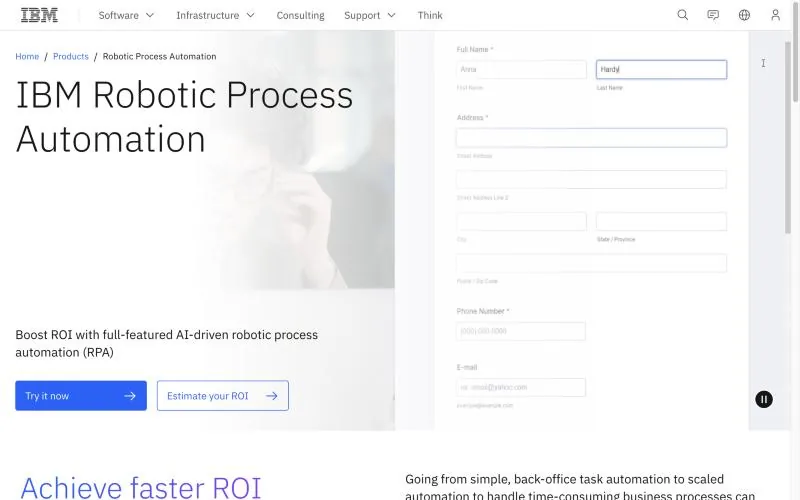
Pricing: A no-cost 30-day trial; SaaS or on premises, with IBM's comparison table showing a starting price of USD 981/month (prices indicative; IBM pricing).Platforms: SaaS or on premises; Windows is required.How it automates: Bots, intelligent virtual agents and dashboards.
IBM RPA fits organizations already standardized on IBM software that want bots and conversational agents from the same vendor. It publishes more pricing than most enterprise platforms, though IBM labels the figures indicative and the page also says to contact IBM for pricing.
Key strengths
- A published starting price and a free 30-day trial.
- SaaS or on-premises deployment.
- Bots and virtual agents in one product.
Limitations
- Windows only for the bots.
- The listed price is indicative and varies by country.
Best for: IBM customers adding unattended bots and virtual agents.
7. SAP Build Process Automation: best for SAP landscapes
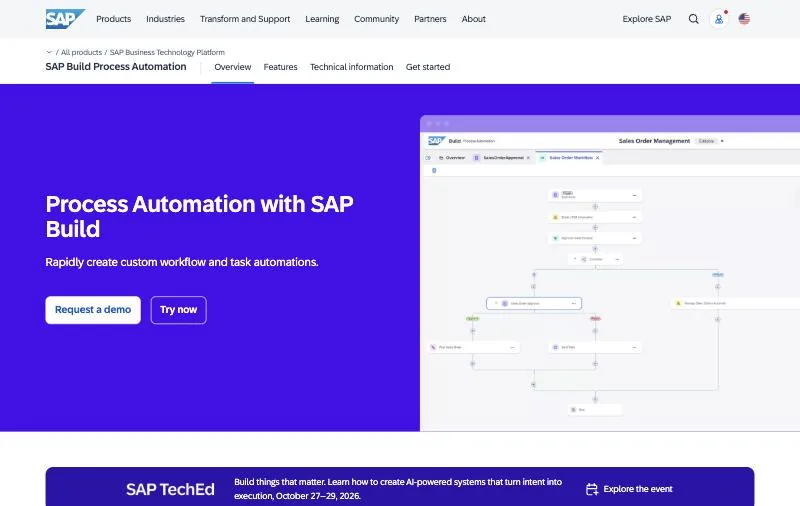
Pricing: Bought through SAP BTP (pay-as-you-go or an enterprise agreement); unattended automation is an add-on priced per connection, listed at SGD 747/month on SAP's Southeast Asia page; prices vary by region.Platforms: SAP BTP in the cloud, with a desktop agent for bots.How it automates: Low-code workflows, decisions and attended or unattended bots.
If most of your manual work happens in SAP GUI, SAP Fiori and the spreadsheets around them, SAP's own tool is designed around those processes and is bought the same way as the rest of SAP BTP. Outside SAP, the general-purpose platforms above have more breadth.
Key strengths
- Built for SAP processes, with workflows and bots in one low-code tool.
- Billed through SAP BTP, which many SAP customers already have.
Limitations
- Pricing is spread across user plans and per-connection add-ons, in local currency.
- Less reach than UiPath or Power Automate for non-SAP apps.
Best for: SAP customers automating SAP-centric processes.
8. Robot Framework with RPA Framework: best free option for Python teams
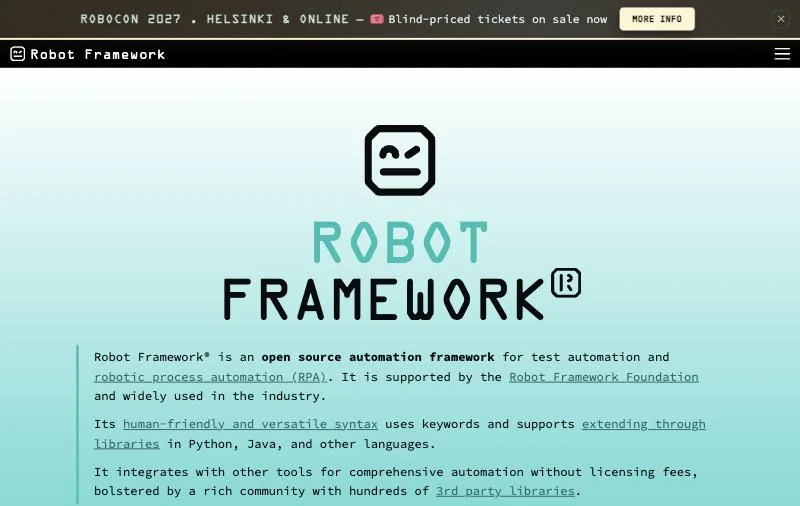
Pricing: Free (Apache-2.0).Platforms: Anywhere Python runs; Windows desktop libraries for Windows apps.How it automates: Code, in Python or Robot Framework syntax, using libraries for Windows desktop, browsers, Excel, Outlook, PDF and SAP (RPA Framework).
RPA Framework is an open-source set of RPA libraries sponsored by Robocorp, usable from plain Python or from Robot Framework's keyword syntax. It is actively released (version 33.0.2 shipped on October 4, 2026, per PyPI). For developers it is the most natural RPA: automations live in Git, run in CI and are reviewed like any other code.
Key strengths
- No license fees, and code you own and version.
- Libraries for the usual RPA targets: Windows apps, browsers, Excel, Outlook, PDFs and SAP.
- Works with the wider Robot Framework testing ecosystem.
Limitations
- You host the runners, scheduling and credential storage yourself, or pay for a control room.
- Locators break when apps change, as with any selector-based bot.
Best for: Python developers who want RPA as code with no license budget.
9. TagUI: best for free scripted automation on any OS
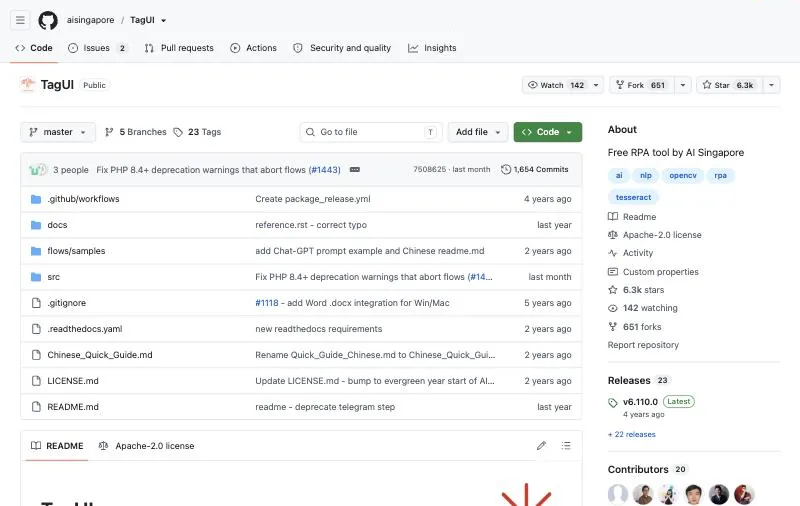
Pricing: Free (Apache-2.0).Platforms: Windows, macOS and Linux; Chrome and Edge for web steps.How it automates: Plain-text steps that target elements, image snapshots, screen coordinates or text found by OCR (TagUI on GitHub).
TagUI was built by AI Singapore as a free RPA tool with a readable script syntax, and Python users can drive it with pip install rpa. Check its status before you depend on it: the README says AI Singapore has discontinued maintenance and support, and the project continues with open-source contributors and the community.
Key strengths
- Free, cross-platform and easy to read.
- Image and OCR targeting for apps without usable selectors.
Limitations
- No longer maintained by AI Singapore; support comes from the community.
- No built-in orchestration for unattended runs.
Best for: individuals and small teams scripting repetitive web and desktop steps at no cost.
10. OpenRPA: best for a free recorder on Windows
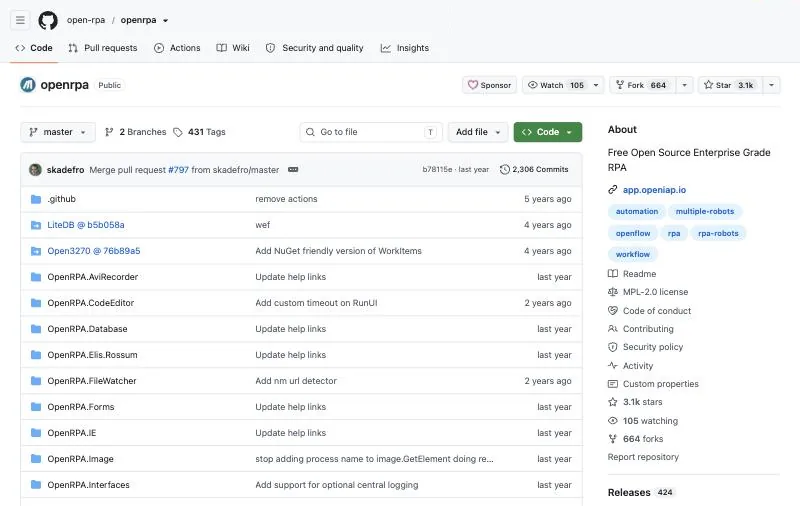
Pricing: Free (MPL-2.0).Platforms: Windows only.How it automates: Recorded mouse and keyboard workflows, with OpenFlow as the orchestration backend (OpenRPA on GitHub).
OpenRPA is a Windows desktop RPA tool written in C# that records interactions and turns them into repeatable workflows, including image recognition for elements without stable selectors. It is the closest free equivalent to a commercial studio, with the trade-off that you run the infrastructure and rely on a smaller community.
Key strengths
- A free recorder and workflow designer.
- Orchestration through OpenFlow.
Limitations
- Windows only.
- A small community compared with the commercial platforms.
Best for: teams that want recorder-style RPA on Windows without license fees.
RPA vs AI agents: is RPA being replaced?
Not yet, and not everywhere. A selector-based robot on a stable screen is fast, cheap per run and predictable, which is exactly what high-volume back-office work needs. Where RPA struggles is the long tail: screens that change every quarter, apps with no usable selectors, and processes with too many exceptions to script. That is where computer-use agents earn their cost.
Be careful with the label, though. Gartner predicts that over 40% of agentic AI projects will be canceled by the end of 2027 because of cost, unclear value or weak risk controls, and estimates that only about 130 of the thousands of vendors claiming agentic AI are real. Ask any "AI RPA" vendor three things: does it work from the screen when selectors fail, can you see and approve what it is about to do, and what does a run cost?
Most teams will run both. Keep robots on the stable, high-volume processes, and give the brittle ones to an agent. With replay, that gap narrows: an agent that saves a workflow as code behaves much like a robot on repeat runs and falls back to reasoning only when the screen changes.
How to choose RPA software
- Your company runs on Microsoft 365 and Windows: start with Power Automate; try desktop flows on Windows 11 before buying.
- You are building an automation program across departments: shortlist UiPath, Automation Anywhere and SS&C Blue Prism, and run the same real process on each.
- Most of the work is in SAP or IBM software: look at SAP Build Process Automation or IBM RPA first.
- You are developers with no license budget: Robot Framework with RPA Framework, or TagUI for quick scripts.
- The apps have no API, change often, or you want to automate from your own code or coding agent: use the Sai API, and replay the workflows you repeat.
- You run millions of identical steps on a screen that never changes: a classic robot is usually cheaper per run; keep an agent for the exceptions.
Prices and plans checked on each vendor's own page on October 18, 2026. Sai API is made by Simular, the publisher of this page.