


The closest WinAppDriver alternatives keep your Appium tests and swap the driver underneath: NovaWindows Driver calls itself a drop-in replacement, and the new Appium WinCore Driver is now the Appium project's official successor to its WinAppDriver-based driver. FlaUI and pywinauto are free code-first libraries for .NET and Python. TestComplete, Ranorex, Katalon and Tosca are commercial tools with recorders and support. And Sai takes a different route: an agent that tests your Windows app from the screen, on a cloud computer, with no locators at all.
This page is for teams with a WinAppDriver suite that is getting harder to keep running, and for teams choosing a Windows desktop test tool for the first time. Versions, licenses and requirements below were checked on each project's README, release page, package registry or the vendor's site on October 23, 2026. Nothing here is sponsored. Sai is our product, so its entry says where it is the wrong pick.
Is WinAppDriver still maintained?
WinAppDriver (Windows Application Driver) is Microsoft's free service that lets Selenium-style WebDriver and Appium tests drive Windows apps: UWP, WinForms, WPF and classic Win32. It runs on a Windows 10 machine with Developer Mode on, listening on 127.0.0.1:4723 by default.
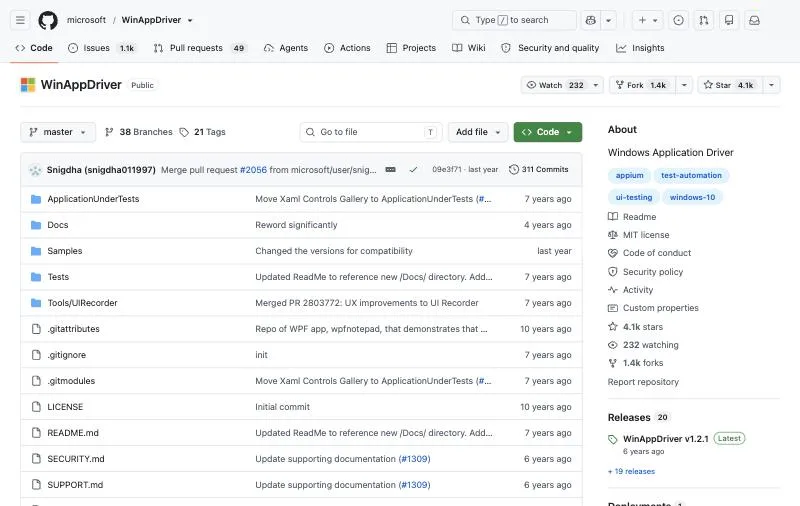
Microsoft has not announced that it is deprecated, and the repository is not archived. But the last stable release on the releases page is still v1.2.1, and the last pre-release, v1.3 Release Candidate 1, is from July 2021. The repository shows about 1.1k open issues, and the driver's source has never been published. Two places say it plainly:
- Appium's own Windows driver README: "WinAppDriver server has not been maintained by Microsoft for years." That driver is now marked deprecated and "not compatible with Appium 4 and later, since the WinAppDriver server only speaks the legacy JSONWP protocol" (appium-windows-driver).
- On Microsoft Q&A, a 2023 question asking whether WinAppDriver is dead got links to the releases and issues pages, but no roadmap (Microsoft Q&A). A comment from 2024 notes that the 2021 release "still works, but only if .NET 5 is installed", and .NET 5 has been out of support since May 2022.
So existing suites keep working on today's Windows, but bugs in the driver will not be fixed, and the Appium ecosystem is moving on.
Three ways to replace it
- Swap the driver, keep the tests. NovaWindows or WinCore speak W3C WebDriver through Appium 3, so most locators and test code carry over. Least work.
- Move to a UI Automation library. FlaUI (.NET) or pywinauto (Python) call Microsoft UI Automation directly from your test code. More control, a rewrite.
- Move to a commercial tool or an agent. TestComplete, Ranorex, Katalon and Tosca add recorders, object repositories and support. Sai drops locators and scripts: you describe the test, and it is carried out from the screen.
One rule applies to every option on this list except Sai's cloud computers: Windows UI tests need an unlocked, interactive desktop. pywinauto's docs say "If RDP window is minimized, there is no active desktop" and that GUI tests "won't work ... when running as a service" (pywinauto); TestComplete's say GUI tests "cannot be run on locked computers" (SmartBear). Plan your CI runners around it.
How we evaluated
- Migration effort from an existing WinAppDriver or Appium suite.
- App coverage: Win32, WinForms, WPF, UWP, WinUI and embedded web content.
- How it finds elements: UI Automation, image recognition or the screen itself.
- Running in CI: what the test machine needs, and how runs are triggered.
- Maintenance and cost: release activity, license and published price.
Comparison summary
| Tool | Best for | How it finds elements | Languages | License / price |
|---|---|---|---|---|
| NovaWindows Driver | Drop-in swap for Appium suites | UI Automation (PowerShell back-end) | Any Appium client | Apache-2.0, free |
| Appium WinCore Driver | Appium's official path to Appium 4 | UI Automation, plus WebView2 over CDP | Any Appium client | Apache-2.0, free |
| Sai | Tests without locators, on a cloud computer | The screen, like a person | Plain English; any language over HTTP or MCP | Free plan; paid from $50/month |
| FlaUI | .NET teams writing tests in code | UI Automation (UIA2 or UIA3) | C# / .NET | MIT, free |
| pywinauto | Python teams, legacy Win32 | Win32 API or UI Automation | Python | BSD-3-Clause, free |
| TestComplete | QA teams wanting a full IDE | Object properties, with AI visual fallback | JavaScript, Python, VBScript, keyword tests | Quote; 14-day trial |
| Ranorex Studio | .NET shops with third-party controls | RanoreXPath and an object repository | C#, VB.NET, codeless | Quote; 14-day trial |
| Katalon Studio | One tool for web, mobile, API and desktop | FlaUI-based driver | Groovy, Java, low-code | Professional $2,199/seat/year |
| Tricentis Tosca | Enterprises with SAP and Citrix | Model-based, with Vision AI | Codeless | Quote |
The 9 best WinAppDriver alternatives
1. NovaWindows Driver: best drop-in replacement for Appium suites
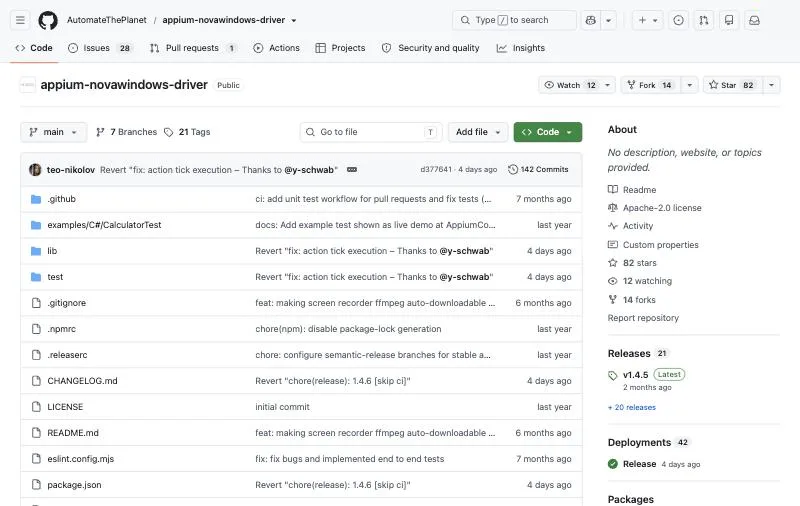
Maker: Automate The Planet.Version: 1.4.5 (August 27, 2026), Apache-2.0, about 80 GitHub stars.Requires: Windows 10 or later and Appium 2 or 3; it "should not require" Developer Mode.
NovaWindows is the replacement Appium's own WinAppDriver-based driver points to as "a modern drop-in replacement". It supports WinAppDriver-style locators, so most suites move over by changing the driver and automationName. Its README lists faster XPath, RawView elements hidden from the normal tree, text input that works across keyboard layouts, and more reliable dropdowns and clicks.
appium driver install --source=npm appium-novawindows-driverKey strengths
- The smallest migration from WinAppDriver.
- No Developer Mode and no extra software.
- Fixes long-standing WinAppDriver pain points such as text input.
Limitations
- Runs on a PowerShell back-end for now; the README plans a .NET back-end.
- XPath 1.0 only, no cached elements yet, and the README calls it early-stage.
Best for: teams with an Appium or WinAppDriver suite who want it running on a maintained driver this week.
2. Appium WinCore Driver: best long-term Appium path
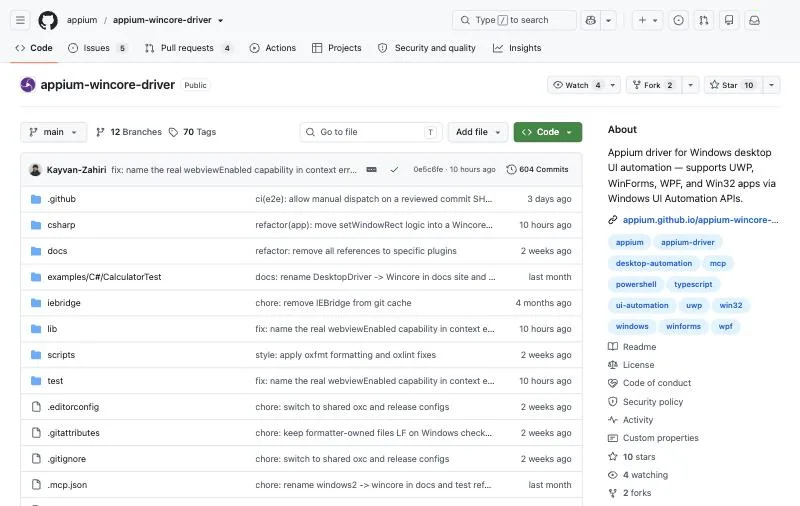
Maker: The Appium project (published by Verisoft).Version: 3.2.0 (October 14, 2026), Apache-2.0; first published September 2026.Requires: Appium 3 and Windows 10 or later.
WinCore is what the Appium Windows Driver now names as its "official replacement", compatible with Appium 3 and 4. It drives UWP, WinForms, WPF, Win32 and Internet Explorer through UI Automation, reads standard accessibility values so grids that hide content behind placeholder names become locatable, and reaches WebView2, Chrome and Edge content over CDP. Set appium:automationName to Wincore.
appium driver install --source=npm appium-wincore-driverKey strengths
- Backed by the Appium project, and ready for Appium 4.
- Embedded web content and IE 11 in the same session.
- Built-in screen recording and clipboard commands.
Limitations
- Very new: first published in September 2026, with few users so far (about 10 GitHub stars).
- Appium 3 or later only.
Best for: Appium teams planning for Appium 4 who can adopt a young driver.
3. Sai: best for testing Windows apps without locators or a test machine
Runs on: A Windows or Linux cloud computer, or your own Windows PC or Mac.How it works: You describe the test in plain English; Sai, a computer-use agent, opens the app, clicks and types from the screen, and reports each check with a screenshot.Pricing: Free plan with daily credits; Pay as you go $50/month (pricing).
Every other tool here finds controls through the accessibility tree, so a test is only as good as its locators, and apps with custom-drawn controls, canvas UIs or poor automation IDs are the hard part. Sai works from what is on the screen, the way a tester does, so it does not depend on automation IDs and does not break when one changes. Runs happen on a Windows cloud computer, so there is no Developer Mode to enable and no runner to keep logged in and unlocked.
Start a run from Claude Code, Codex or Cursor over MCP, or from CI with one HTTP call, and get a pass or fail with evidence for each check. On reliability, Sai has the highest partial score on the official OSWorld 2.1 leaderboard, 79.38%, at $14.34 per task (see the results). Checks you repeat can be saved and replayed as code, which for repetitive tasks can cut cost by up to 90%.
Key strengths
- No locators, no driver, no Developer Mode.
- Works on custom-drawn and legacy UIs that UI Automation can't see well.
- Runs on a cloud computer, so CI does not need an unlocked desktop.
- Approvals for sign-ins and sensitive steps.
Limitations
- Not a WebDriver drop-in: it does not run your existing WinAppDriver test code.
- Slower and less deterministic than a scripted UI Automation test; keep fast regression suites in code.
- A hosted service: needs an account, and usage beyond the free plan is billed.
Best for: teams that spend more time fixing locators than finding bugs, and release checks on apps that are hard to automate.
4. FlaUI: best free library for .NET teams
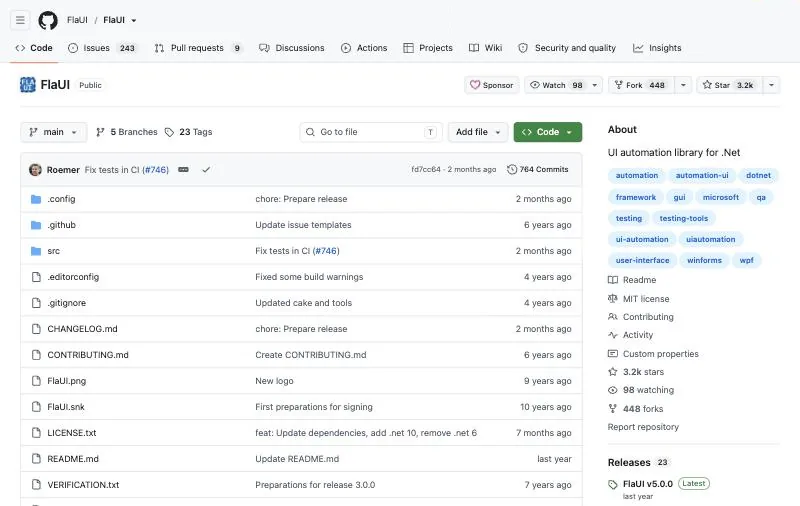
Version: FlaUI.UIA3 5.0.0 (February 25, 2025), MIT, about 3.2k GitHub stars (NuGet).How it finds elements: Microsoft UI Automation, with a choice of UIA2 (managed) or UIA3 (COM).Language: C# and other .NET languages.
FlaUI is the most used .NET wrapper around UI Automation, and the engine behind Katalon's Windows driver. Tests are plain C# in xUnit, NUnit or MSTest. If you want to keep a WebDriver interface, FlaUI.WebDriver exposes FlaUI as a W3C WebDriver server, but its README says it is "EXPERIMENTAL" and "not feature complete".
dotnet add package FlaUI.UIA3Key strengths
- Free, maintained and widely used.
- UIA2 or UIA3 per app, and access to the raw UIA objects.
Limitations
- A rewrite for existing WebDriver tests.
- FlaUI notes UIA3 "can have some bugs with WinForms", and UIA2 does not work well with WPF or Store apps.
Best for: .NET teams who want code-first desktop tests with no license cost.
5. pywinauto: best for Python teams and legacy Win32 apps
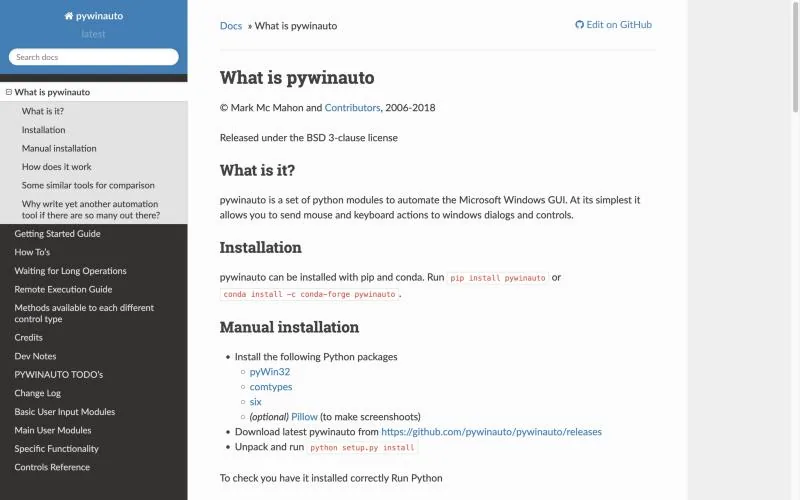
Version: 0.6.9 on PyPI, BSD-3-Clause, about 6.2k GitHub stars.How it finds elements: backend="win32" for classic apps or backend="uia" for UI Automation.Language: Python, with pytest or any runner.
pywinauto sends mouse and keyboard actions to Windows dialogs and controls. Its two back-ends cover old Win32 and MFC apps as well as WPF and UWP, which makes it a practical choice for legacy line-of-business software. The README calls it "a hobby project", and releases are infrequent.
pip install pywinautoKey strengths
- The most-starred Python option.
- Good coverage of legacy Win32 apps.
Limitations
- Maintained in spare time, with stale roadmap dates.
- Needs an active desktop: minimized or disconnected RDP sessions break tests.
Best for: Python teams automating legacy Windows apps cheaply.
6. TestComplete: best commercial IDE with AI-assisted object recognition
Maker: SmartBear.Version: 15.85 in the current docs.Pricing: Not published; free 14-day trial. Windows required.
TestComplete records and plays back tests for desktop, web and mobile, with scripts in JavaScript, Python or VBScript, or codeless keyword tests. Its "hybrid engine" combines property-based recognition with AI visual recognition, and switches to the visual mode when properties are not easy to detect. It supports a long list of control libraries, and TestExecute runs suites in CI from Jenkins or Azure DevOps.
Key strengths
- Codeless and scripted tests in one IDE.
- AI visual fallback for controls UI Automation can't identify.
Limitations
- Price is quote-only.
- GUI tests cannot run on locked computers, and a minimized RDP session switches to a GUI-less mode.
Best for: QA teams that want a mature commercial IDE with recorders and support.
7. Ranorex Studio: best for .NET apps with third-party controls
Version: 12.8.1 (August 26, 2026) per the release notes.Languages: C#, VB.NET and a codeless recorder.Pricing: Quote only; free 14-day trial, no credit card.
Ranorex Studio identifies controls with Ranorex Spy and RanoreXPath, stored in an object repository, and is known for deep support of WinForms, WPF and third-party control suites. Suites compile to an executable you run from the command line or CI, with a Runtime license on each machine. Releases have been monthly through 2026.
Key strengths
- Strong third-party control support.
- Codeless and C# in one tool, with a very active release cadence.
Limitations
- Quote-only pricing.
- Every parallel or remote machine needs its own Runtime license.
Best for: .NET-heavy QA teams testing apps built on commercial control suites.
8. Katalon Studio: best when you test web, mobile and desktop in one tool
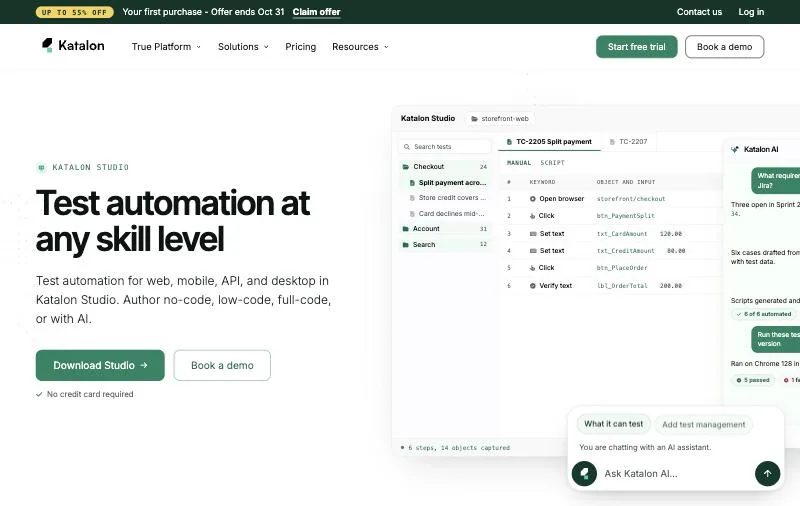
Version: 11.6.0 (October 7, 2026).Windows engine: "A new custom driver based on the FlaUI library", from version 10.4.0, with nothing extra to install (Katalon docs).Pricing: Windows desktop testing is in Professional and Enterprise; Professional lists at $2,199 per seat a year (pricing). 30-day free trial.
Katalon Studio used WinAppDriver for desktop tests and has replaced it with its own FlaUI-based driver, which supports UWP, WinForms, WPF and Win32. Tests are low-code keywords or Groovy and Java, and Katalon Runtime Engine runs them on CI agents. If your web and mobile tests are already in Katalon, this keeps desktop in the same place.
Key strengths
- Web, mobile, API and desktop in one tool.
- Its own maintained driver, no WinAppDriver install.
Limitations
- Desktop testing is not in the free plan.
- Recent release notes still fix desktop-driver issues, so the engine is maturing.
Best for: teams already on Katalon for web or mobile testing.
9. Tricentis Tosca: best for enterprises with SAP, Citrix and packaged apps
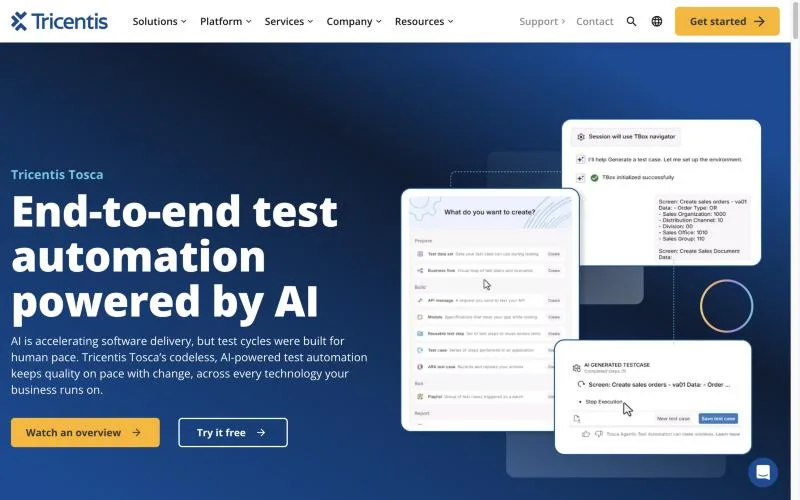
Approach: Codeless and model-based, separating the test model from the application.Desktop technologies: .NET, Java, WPF, WinForms, SAP GUI for Windows and Microsoft UIA.Pricing: Quote only; a free trial is offered.
Tosca is built for large enterprise portfolios. Its Vision AI recognizes UI elements from the screen and, per Tricentis, "can work through things like Citrix and it can work on Remote Desktop" (Tricentis), which UI Automation tools cannot. AI agents can generate end-to-end tests from plain-language descriptions, and tests run on cloud or on-premises agents.
Key strengths
- Vision AI over Citrix and Remote Desktop.
- Model-based tests that are easier to maintain across many apps.
Limitations
- Enterprise pricing and sales process.
- A heavy platform for a single app.
Best for: large enterprises testing SAP, Citrix-delivered and packaged applications.
Migrating a WinAppDriver suite
- Start with a driver swap. Install NovaWindows or WinCore in Appium 3, change
appium:automationName, and run the suite. Most locators carry over. - Fix what breaks. XPath differences, timing and text input are the usual suspects; both drivers handle text input better than WinAppDriver.
- Move the brittle tests. Tests that keep failing on custom controls or remote sessions are candidates for a screen-based approach, such as Sai or Tosca's Vision AI.
- Fix the runners. Keep test machines logged in with an active desktop, or run on cloud computers that are.
How to choose
- You have an Appium suite and want it running now: NovaWindows Driver.
- You are planning for Appium 4: Appium WinCore Driver.
- You write tests in C#: FlaUI. In Python: pywinauto.
- You want a commercial IDE and support: TestComplete or Ranorex.
- You already use Katalon: Katalon Studio's desktop testing.
- You test SAP or apps over Citrix: Tricentis Tosca.
- Locators keep breaking, or you have no test machine to keep unlocked: Sai.
Versions, licenses and requirements checked on each project's README, GitHub releases, the npm registry, PyPI or the vendor's site on October 23, 2026; star counts are GitHub's rounded figures that day. Sai is made by Simular, the publisher of this page.