


The best GUI automation tool depends on how it should find what to click. For Windows apps in Python, pywinauto is the standard choice because it reads the app's controls instead of guessing screen positions. PyAutoGUI is the simplest cross-platform option for mouse and keyboard scripts, but it only knows coordinates and screenshots. SikuliX, now continued as OculiX, matches images on screen and works over remote desktops. AutoHotkey and AutoIt are the classic Windows scripting tools, FlaUI is the .NET pick, and nut.js covers Node.js. When the app changes too often for any script, a computer-use agent such as the Sai API works from the screen and the goal you describe.
This page is for developers automating desktop applications from code: data entry into a legacy client, a nightly export from a vendor tool, a smoke test of an installer. Browser-only tools such as Playwright and Selenium are left out; see our Playwright MCP alternatives for those. Every version, license and platform below was checked on the project's own site, repository or package registry on October 18, 2026. Nothing here is sponsored. The Sai API is our product, so its entry says where it is the wrong pick.
What is GUI automation?
GUI automation is software that operates another application through its graphical user interface, the way a person would: it moves the mouse, clicks, types and reads what is on screen. It is used to automate desktop apps that have no API, to test user interfaces, and to move data between programs that do not integrate.
Every GUI automation tool has to answer one question before each click: where is the thing I want? There are four answers, and they explain most of the differences on this list:
- Coordinates and keystrokes. Click at x, y and send keys. Fast and universal, but a moved window or a different screen resolution breaks the script. PyAutoGUI, AutoHotkey and AutoIt start here.
- The accessibility tree. Ask Windows UI Automation for "the button named Save" in a given window. Robust to layout changes, but only as good as the app's accessibility data. pywinauto, FlaUI and RPA Framework's Windows library work this way.
- Image matching. Find a saved picture of the button on the current screen. Works on anything visible, including remote desktops, but breaks when themes, scaling or fonts change. SikuliX/OculiX is built on it; PyAutoGUI and nut.js offer it too.
- A model reading the screen. A computer-use agent looks at a screenshot, decides the next action from your goal and checks the result. Slower and costlier per step, but it does not need selectors or saved images. This is the Sai API.
How we evaluated
- How it finds elements. Coordinates, the accessibility tree, image matching or a model, and what happens when the UI changes.
- Platforms. Windows, macOS, Linux, and remote desktops such as RDP and Citrix.
- Language. Python, C#, JavaScript, or its own scripting language.
- Maintenance. Latest release, license and whether the project is still active.
- Cost. Free and open source, freeware, or paid.
Comparison summary
| Tool | Best for | Finds elements by | Platforms | Language | Price and license |
|---|---|---|---|---|---|
| Sai API | Apps that change often or have no usable controls | A model reading the screen | Cloud computer (Windows, Linux) or your Mac or Windows PC | Any, over HTTP or MCP | Free plan; $50/mo |
| pywinauto | Windows apps from Python | Accessibility tree (UIA or Win32) | Windows | Python | Free, BSD-3-Clause |
| PyAutoGUI | Simple mouse and keyboard scripts | Coordinates, image matching | Windows, macOS, Linux | Python | Free, BSD-3-Clause |
| SikuliX / OculiX | Remote desktops and custom-drawn UIs | Image matching (OpenCV) | Windows, macOS, Linux | Java, Python (Jython) | Free, MIT |
| AutoHotkey | Windows hotkeys and quick macros | Window titles, controls, coordinates | Windows | AutoHotkey language | Free, GPL-2.0 |
| AutoIt | Windows scripts compiled to .exe | Window and control IDs, coordinates | Windows | AutoIt (BASIC-like) | Freeware |
| FlaUI | Windows UI tests in .NET | Accessibility tree (UIA2, UIA3) | Windows | C# / .NET | Free, MIT |
| RPA Framework (RPA.Windows) | Robot Framework and Python RPA teams | Accessibility tree locators | Windows | Robot Framework, Python | Free, Apache-2.0 |
| nut.js | Node.js and TypeScript teams | Coordinates; image, text and element search via plugins | Windows, macOS, Linux | JavaScript / TypeScript | Open-source core; prebuilt packages from $20/mo |
The same task in four tools
Open Notepad, type a line and open the Save dialog. The differences in how each tool finds Notepad are the differences that matter in production.
# PyAutoGUI: keystrokes and timing, no idea which window has focus
import time
import pyautogui

pyautogui.hotkey("win", "r")
pyautogui.write("notepad")
pyautogui.press("enter")
time.sleep(2)
pyautogui.write("Quarterly numbers are in.")
pyautogui.hotkey("ctrl", "s")
# pywinauto: starts the process and talks to its window
from pywinauto.application import Application
app = Application(backend="uia").start("notepad.exe")
win = app.window(title_re=".*Notepad")
win.type_keys("Quarterly numbers are in.", with_spaces=True)
win.type_keys("^s"); AutoHotkey v2: waits for the window by its executable
Run "notepad.exe"
WinWaitActive "ahk_exe notepad.exe"
Send "Quarterly numbers are in."
Send "^s"# Sai API: describe the result, not the steps
curl -N https://api.simular.ai/v1/agents/message \
-H "Authorization: Bearer $SAI_API_KEY" \
-H "Content-Type: application/json" \
-d '{"message": "In Notepad, type: Quarterly numbers are in. Save as report.txt"}'The PyAutoGUI script is the shortest and the most fragile: if a notification steals focus during the two-second sleep, it types into the wrong window. pywinauto and AutoHotkey both wait for the right window. Sai finishes the job, including the dialog the scripts above still have to handle, but each run costs model calls.
The 9 best GUI automation tools in 2026
1. Sai API: best when the UI changes or has no usable controls
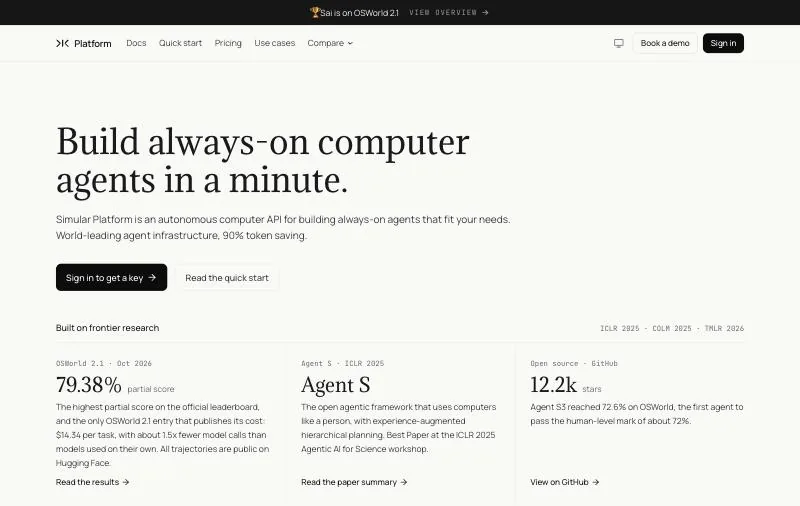
Pricing: Explore $0 with daily credits; Pay as you go $50/month; Sai Unlimited $500/month; Enterprise custom (pricing).Platforms: A Windows or Linux cloud computer, or your own Mac or Windows PC.How it finds elements: A model reads the screen, clicks and types; finished tasks can be replayed as code.
The Sai API is a computer-use agent you call over HTTP or through an MCP server. Instead of writing coordinates, selectors or image files, you send the task in plain English and Sai carries it out on a real computer: a legacy accounting client, an app inside a remote desktop, a dialog that only appears on some runs. Once a task works, you can save it as a replayable skill, so repeat runs follow recorded code and only fall back to the model when the screen changes.
On reliability, Sai has the highest partial score on the official OSWorld 2.1 leaderboard for computer-use agents, 79.38%, and is the only entry that publishes its cost, $14.34 per task (see the results). Sign-ins never go through the agent: they go to a person as an approval link.
Key strengths
- No coordinates, locators or reference images to maintain.
- Works on apps with poor accessibility data and inside remote desktops, because it reads pixels.
- Runs on a cloud computer that stays on when your laptop is closed.
- Callable from any language, or from Claude Code, Codex and Cursor through
@simular-ai/sai-mcp.
Limitations
- Slower and more expensive per step than a local script; for a stable UI and thousands of identical runs, pywinauto or FlaUI is cheaper.
- Needs a network connection and an account; not suited to air-gapped machines.
- The free plan has daily limits and one task per computer at a time.
Best for: automations that keep breaking because the app changes, and apps where no selector or image is reliable.
2. pywinauto: best for Windows apps from Python
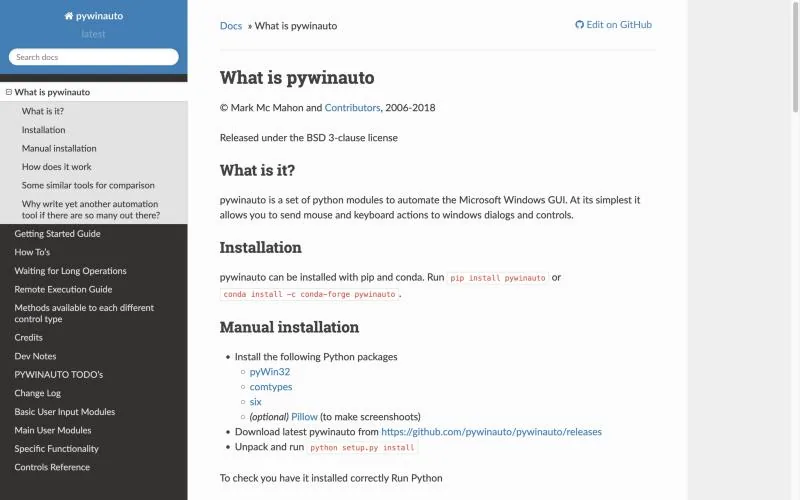
Latest release: 0.6.9 on PyPI (January 2025); commits on GitHub as recent as October 2026.License: BSD-3-Clause, 6.2k stars.Platforms: Windows.
pywinauto automates Windows applications through their controls. It has two backends: win32, the default, built on the Win32 API, and uia, built on Microsoft UI Automation, which covers newer frameworks such as WPF. You address windows and controls by title, class or automation ID, so a script keeps working when a dialog moves. Its own docs and the Inspect tool help you find those properties.
Key strengths
- Reads text and state from controls, not just pixels, so scripts can check what happened.
- Readable scripts, and one of the most widely used Python options for Windows desktop automation.
Limitations
- Windows only. The README still lists Linux and macOS support as plans.
- Apps with poor accessibility data (some Java, Qt or custom-drawn UIs) expose little to find.
- The last PyPI release is from January 2025.
Best for: Python teams automating or testing Windows desktop apps with reasonable accessibility support.
3. PyAutoGUI: best for simple cross-platform mouse and keyboard scripts
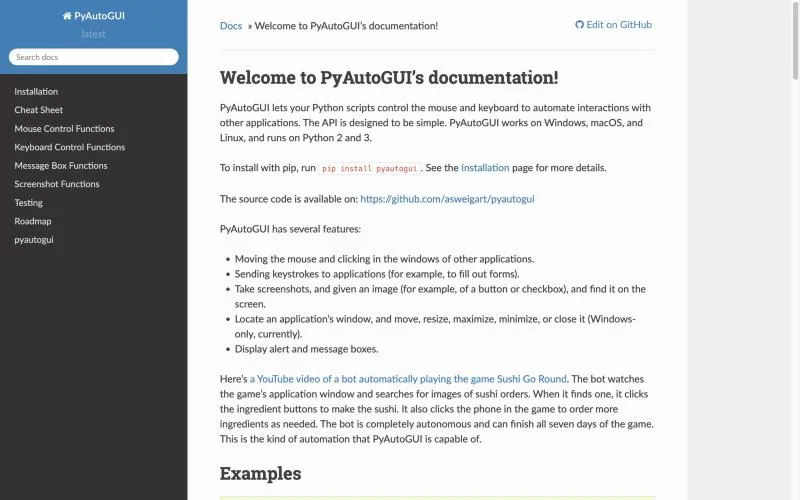
Latest release: 0.9.54 (May 2023).License: BSD-3-Clause, 12.7k stars.Platforms: Windows, macOS, Linux.
PyAutoGUI moves the mouse, clicks, types and takes screenshots on all three desktop platforms with a very small API. It can also find a saved image of a button on screen and click its center. It has no notion of windows' controls: everything is coordinates or pictures. A fail-safe stops the script with pyautogui.FailSafeException when you move the mouse to the upper-left corner.
Key strengths
- The quickest way to start:
pip install pyautoguiand a few lines of code. - Same API on Windows, macOS and Linux.
Limitations
- No release since May 2023, and no commits on GitHub since June 2023.
- Its docs warn that the locate functions "are slow and can take a full second or two," and it only handles the primary monitor.
- Window management is Windows-only, and there is no OCR.
Best for: personal scripts and quick prototypes on a screen you control.
4. SikuliX (now OculiX): best for remote desktops and custom-drawn UIs
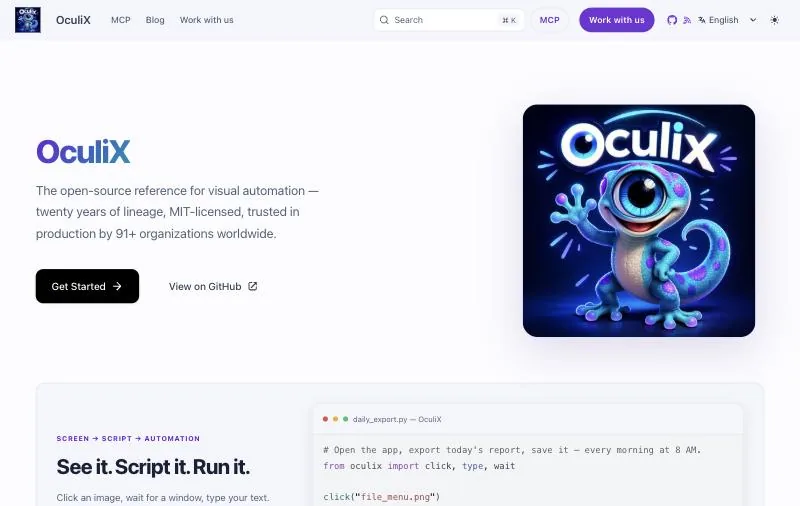
Status: According to the OculiX project, SikuliX's creator archived the original repository in March 2026; OculiX is the active fork, latest release 4.0.0.License: MIT.Platforms: Windows, macOS, Linux; Java 17+.
SikuliX automates whatever is visible on screen by matching images with OpenCV and then sending mouse and keyboard input. That makes it one of the few free tools that works where there are no controls to read: OculiX names Citrix, RDP and VNC sessions and Canvas or WebGL interfaces. Scripts click on screenshots of buttons, such as click("export_to_csv.png").
Key strengths
- Works on anything you can see, including remote and virtual desktops.
- A long track record and an IDE for capturing images while you write the script.
Limitations
- Reference images break with theme, scaling or font changes, and need upkeep.
- Older SikuliX guides and downloads point to the archived project; new work should use OculiX.
- OculiX is a young fork, with 175 stars on GitHub.
Best for: Citrix, RDP and custom-drawn interfaces where accessibility-based tools see nothing.
5. AutoHotkey: best for Windows hotkeys and quick macros
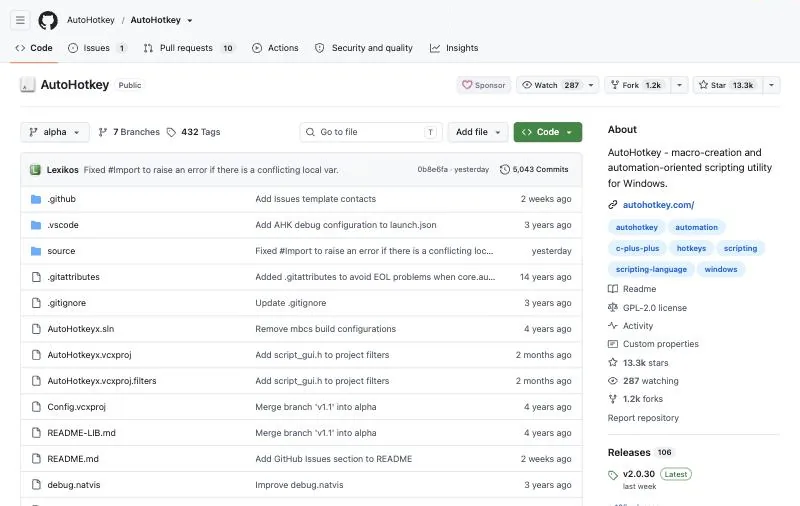
Latest release: v2.0.30 (October 2026); v2.1 in alpha.License: GPL-2.0, 13.3k stars.Platforms: Windows.
AutoHotkey is a free, open-source scripting language for Windows built around hotkeys: press a key combination and run a macro. It can launch programs, wait for windows by title or executable, send keystrokes and clicks, and read and set some controls. Version 1 is no longer maintained, so new scripts should use v2 syntax.
Key strengths
- Excellent for personal productivity: hotkeys, text expansion and window management.
- Active releases and a large community forum.
Limitations
- Windows only, and its own language rather than Python or JavaScript.
- Not designed as a testing or RPA framework: there is no built-in reporting, retries or orchestration.
- Many examples online are v1 code that does not run on v2.
Best for: individual Windows users and admins scripting their own workflows.
6. AutoIt: best for Windows scripts compiled to a standalone .exe
Latest release: v3.3.18.0 (September 7, 2025).License: Freeware (not open source).Platforms: Windows XP to Windows 11.
AutoIt is a BASIC-like scripting language for automating the Windows GUI. It simulates keystrokes and mouse movement, manipulates windows and controls, and compiles scripts into standalone executables with Aut2Exe, a job it was first designed for: rolling out and configuring thousands of PCs. AutoItX exposes the same functions as a COM and DLL library for other languages.
Key strengths
- Small and self-contained: no runtime to install on the target machine.
- Reliable control-level commands for classic Win32 dialogs and installers.
Limitations
- Freeware with closed source, and Windows only.
Best for: IT teams automating installers and setup dialogs across many Windows PCs.
7. FlaUI: best for Windows UI tests in .NET
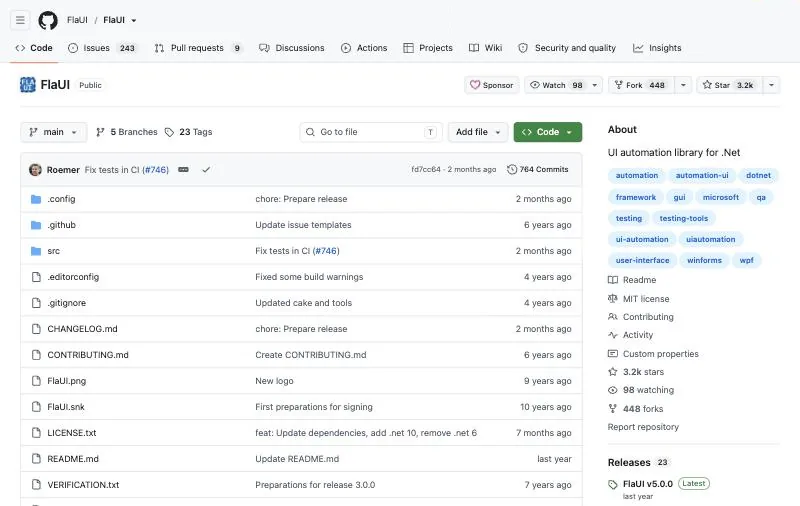
Latest release: v5.0.0 (February 2025).License: MIT, 3.2k stars.Platforms: Windows.
FlaUI is a .NET library for automated UI testing of Windows applications: Win32, WinForms, WPF and Store apps. It wraps Microsoft's UI Automation libraries, both UIA2 (managed) and UIA3 (COM), and still exposes the native objects when you need something it does not cover. It borrows ideas from TestStack.White and UIAComWrapper, rewritten from scratch.
Key strengths
- Full access to UI Automation from C#, with a choice of UIA2 or UIA3.
- Fits naturally into NUnit, xUnit or MSTest suites.
Limitations
- Windows only, and C# or another .NET language only.
- A library, not a tool: no recorder, scheduler or reporting of its own.
Best for: .NET teams writing automated UI tests for their own Windows apps.
8. RPA Framework (RPA.Windows): best for Robot Framework and Python RPA teams
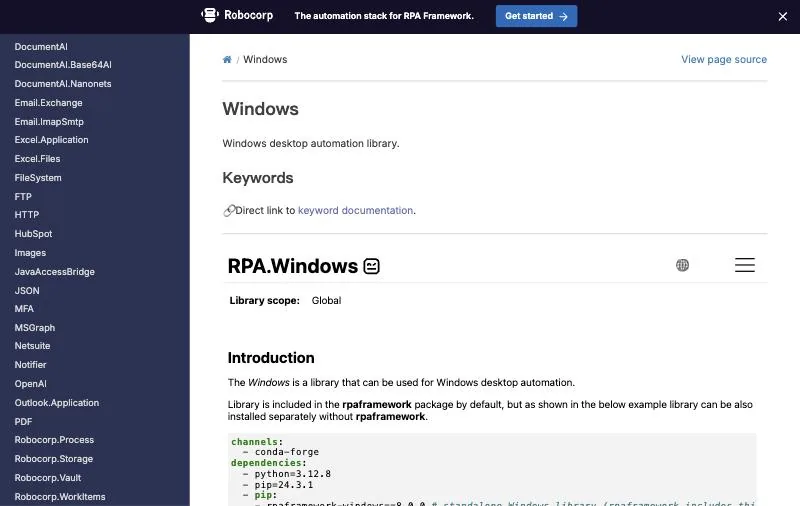
Latest release: rpaframework-windows 11.0.0 (May 2026).License: Apache-2.0.Platforms: Windows; Python 3.10 or newer.
The Windows library in RPA Framework automates desktop apps through locators such as name:Calculator, id:... and control:, chained with > to walk from a window down to a control. You use it as Robot Framework keywords or as a Python library, next to RPA Framework's libraries for Excel, Outlook, PDFs and browsers.
Key strengths
- Readable locators, and keywords that non-developers can follow in Robot Framework.
- Part of a broader open-source RPA toolkit, so one project can cover desktop, files and web.
Limitations
- Windows only for desktop automation.
- Scheduling and monitoring are up to you, or to Robocorp's commercial products.
Best for: teams already using Robot Framework, or building RPA in Python. See also our best RPA software comparison.
9. nut.js: best for Node.js and TypeScript teams
Pricing: Open-source core you build yourself; prebuilt packages from $20/month (Core) or $75/month (Solo, with plugins), prices shown for Germany.Platforms: Windows, macOS, Linux.Language: JavaScript / TypeScript.
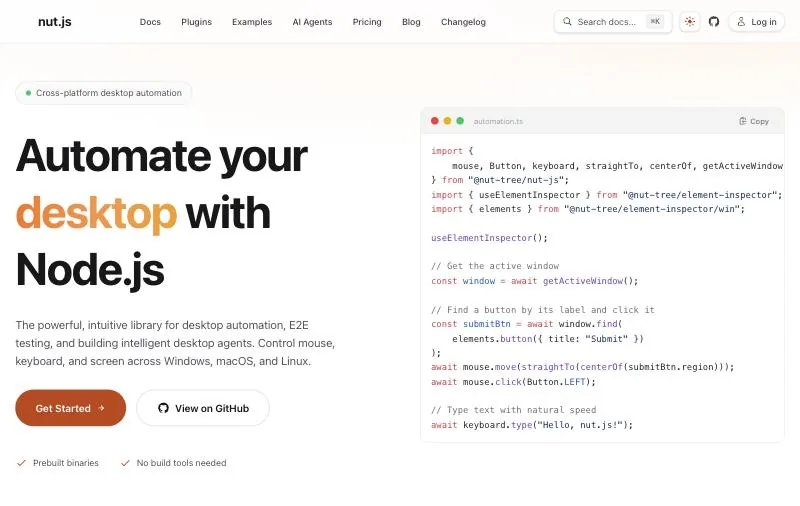
nut.js controls the mouse, keyboard, screen and windows from Node.js with a promise-based API, and fits into Jest or Mocha test suites. Its public packages were removed from npm; the core is still open source and free if you build it from source, while prebuilt packages and plugins for image search, OCR and UI element detection are part of a subscription.
Key strengths
- The most complete desktop automation option for JavaScript developers.
- Cross-platform, with element, image and text search available through plugins.
Limitations
- The useful search features are paid plugins; the free route means building from source.
- The public GitHub repository has not had a commit since May 2024.
Best for: TypeScript teams testing Electron or native apps who are fine paying for prebuilt packages.
pywinauto vs PyAutoGUI
They are often compared but solve different problems.
| pywinauto | PyAutoGUI | |
|---|---|---|
| Finds elements by | Window and control properties (UIA or Win32) | Screen coordinates or a saved image |
| Platforms | Windows | Windows, macOS, Linux |
| Reads text from controls | Yes | No |
| Survives a moved window | Yes | Only with image matching |
| Latest release | 0.6.9, January 2025 | 0.9.54, May 2023 |
Use pywinauto when the target is a Windows app with accessible controls. Use PyAutoGUI when you need macOS or Linux, or when the app exposes nothing and a coordinate or image is all you have. Many scripts use both: pywinauto to find and focus the window, PyAutoGUI for a drag or a click on a custom-drawn canvas.
How to choose a GUI automation tool
- A Windows app with standard controls, from Python: pywinauto, or RPA.Windows if you use Robot Framework.
- A Windows app you develop, tested from .NET: FlaUI.
- A quick script on macOS or Linux: PyAutoGUI, or nut.js from Node.js.
- A remote desktop, Citrix session or custom-drawn UI: SikuliX/OculiX, or the Sai API if images keep breaking.
- Personal hotkeys and macros on Windows: AutoHotkey.
- Installers and setup dialogs across many PCs: AutoIt.
- An app that changes often, or a task you would rather describe than script: the Sai API, then replay the steps that work.
Versions, licenses and prices checked on each project's site, repository or package registry on October 18, 2026. The Sai API is made by Simular, the publisher of this page.