The best UiPath alternative depends on why you are leaving. If your company runs on Microsoft 365, Microsoft Power Automate is the cheapest serious replacement, with published prices from $15 per user per month. For a like-for-like enterprise platform, Automation Anywhere and SS&C Blue Prism are the long-standing peers. For no license fees at all, Robot Framework with RPA Framework is the strongest open-source option. And if the real problem is bots that break whenever a screen changes, a computer-use agent such as the Sai API works from what is on screen instead of selectors.
This page is for teams already on UiPath, or close to signing, who want to know what else is out there. We start with what UiPath does well and the usual reasons people look elsewhere, then compare eight alternatives. Every price, plan and platform below was checked on the vendor's own pages on October 22, 2026; where a vendor publishes no price, we say so instead of quoting a reseller. Nothing here is sponsored. The Sai API is our product, so its entry says where it is the wrong pick.
What is UiPath?
UiPath is an enterprise automation platform best known for RPA (robotic process automation): software robots, built in UiPath Studio and run by UiPath Orchestrator, that use desktop and web applications the way a person does. It now markets itself as a platform for business orchestration and automation, adding AI agents, document processing, process mining and testing to its robots.
UiPath remains the reference point for the category. Gartner named it a Leader in the 2025 Magic Quadrant for RPA for the seventh year in a row and ranked it highest for Ability to Execute (UiPath announcement), and in September 2026 it was named a Leader in Gartner's newer Magic Quadrant for Business Orchestration and Automation Technologies. Its agentic platform, launched on April 30, 2025, added Maestro to orchestrate agents, robots and people (announcement). On August 19, 2026 it added Maestro Flow, an orchestration canvas that works with Claude Code, Cursor, GitHub Copilot and Codex (announcement).
Why teams look for UiPath alternatives
UiPath is rarely replaced because it cannot do the job. Teams look elsewhere for these reasons:
- Pricing you cannot see. The pricing page lists a free Community plan and Basic "starting at $25 per month" with two robots, but Standard and Enterprise are contact-sales, and robots and users are sold separately with no published price. The page also says Basic "is evolving", with an updated plan coming.
- Licensing that keeps changing. UiPath runs two models, Flex (separate AI Units, Robot Units, Agent Units and more) and Unified Pricing (one Platform Unit). Moving between them means reassigning licenses and upgrading Studio (licensing docs).
- You already pay for Microsoft. Power Automate Premium includes an attended bot for $15 per user per month, and Power Automate for desktop comes preinstalled on Windows 11.
- Bots that need upkeep. Like every selector-based RPA tool, a UiPath robot stops when an app renames a field or moves a menu, and a developer has to fix it. That maintenance, not the license, is often the larger cost.
- Scale features tied to Windows. Robots run on Windows, macOS (through Assistant) and Linux, but High-Density Robots are Windows-only (requirements).
Three kinds of UiPath alternative
- Other commercial RPA platforms. The same model as UiPath, a studio, an orchestrator and licenses per user or robot: Power Automate, Automation Anywhere, SS&C Blue Prism, IBM RPA, SAP Build Process Automation and Appian RPA.
- Open-source RPA. Robot Framework with RPA Framework. No license fees, but you host the runners, the scheduler and the code.
- Computer-use agents. A model looks at the screen, decides the next click or keystroke and checks the result, so you describe the task instead of recording it. The Sai API is the one on this list.
Switching between two platforms of the first kind mostly moves your maintenance work to a new tool. Switching kinds changes who fixes a bot when the screen changes: a developer, your own code, or the model on its next run.
How we evaluated
- Price transparency. Whether a buyer can see a starting price without calling sales, and what the free option includes.
- How it drives applications. Selectors, image matching, OCR or a model reading the screen; desktop, web or both.
- Where robots run. Operating systems, cloud or on-premises, attended or unattended.
- Migration effort from UiPath. How much of your existing process knowledge carries over.
- Who it fits. The team size, stack and skills each tool assumes.
Comparison summary
| Tool | Best for | How it drives apps | Runs on | Starting price | Free option |
|---|---|---|---|---|---|
| UiPath (baseline) | Company-wide automation programs | Studio workflows with selectors, plus agents | Windows, macOS (Assistant), Linux | Basic from $25/mo; Standard and Enterprise via sales | Community plan |
| Sai API | Apps with no API that change often | A model reads the screen; saved skills replay as code | Windows or Linux cloud computer, or your Mac or PC | $50/mo pay as you go | Free plan with daily credits |
| Microsoft Power Automate | Microsoft 365 shops | Desktop flows with UI selectors, cloud connectors | Windows 10/11, Windows Server | $15/user/mo; $150/bot/mo unattended | Preinstalled on Windows 11 (attended, local) |
| Automation Anywhere | A cloud-first enterprise peer | Bots and AI agents on its cloud platform | Pure Cloud or on-premises | Not published | Community Edition (capped) |
| SS&C Blue Prism | Regulated, governance-heavy enterprises | Visual designer and reusable objects | Self-managed or Blue Prism Cloud | Not published | 30-day trial; Learning Edition |
| Robot Framework + RPA Framework | Python teams with no license budget | Code: keyword libraries for Windows, browsers, Excel, SAP | Any OS you host | Free | Open source (Apache-2.0) |
| Appian RPA | RPA inside a low-code process platform | Recorder and low-code actions | Windows, Linux or Mac robots | Per user, per app; no list price | Community Edition |
| SAP Build Process Automation | SAP landscapes | Low-code workflows and SAP-aware bots | SAP BTP | Unattended add-on USD 590 per connection per month | BTP free tier |
| IBM RPA | Existing IBM customers | Bots on Windows, plus virtual agents | SaaS or on-premises, Windows bots | From USD 981/mo (indicative) | 30-day trial |
The 8 best UiPath alternatives
1. Sai API by Simular: best when bots keep breaking on changing screens
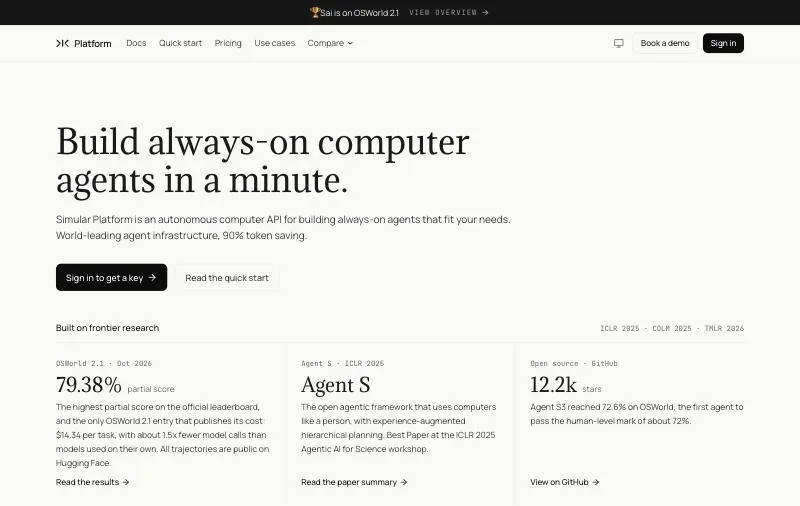
Pricing: Explore $0 with daily credits; Pay as you go $50/month (50,000 credits); Sai Unlimited $500/month; Enterprise custom (pricing).Platforms: A Windows or Linux cloud computer, or your own Mac or Windows PC.How it automates: Sees the screen, clicks and types; tasks it has done can be saved and replayed as code.
The Sai API is a different kind of replacement. Instead of rebuilding your UiPath workflows in another studio, you describe each task in plain English and Sai carries it out on a real computer: a desktop client, an admin console behind a login, a spreadsheet and a folder of PDFs in the same run. There are no selectors to maintain, so a renamed field does not stop the run.
Repeat work is handled by replay. Run a task once, save it as a skill with parameters, and later runs replay that code, calling the model only where the screen matters. When a step breaks because the interface changed, the agent takes over from that step instead of failing the run. Simular's research on this approach reports per-run cost 15 to 217 times lower and latency 3.4 to 5.1 times lower than the base agent on OSWorld-Verified and ScienceBoard. For repetitive tasks, replay can cut cost by up to 90% compared with running the agent from scratch each time.
On reliability, Sai has the highest partial score on the official OSWorld 2.1 leaderboard, 79.38%, and is the only entry that publishes its cost, $14.34 per task (see the results). Sign-ins and other sensitive steps are never typed by the agent; they go to a person as an approval. Sai is built on Agent S, Simular's open-source agent framework.
curl -N https://api.simular.ai/v1/agents/message \
  -H "Authorization: Bearer $SAI_API_KEY" \
  -H "Content-Type: application/json" \
  -d '{"message": "Open the HR admin console, export every active user with their role, and flag accounts with no login in 90 days"}'
Key strengths
- No selectors: works from the screen, so desktop apps, remote desktops and web apps behind a login are all in scope.
- Run once, replay as code, with the agent recovering when the UI changes.
- Published prices from $0, and a free plan that includes a Windows cloud computer.
- A REST API, a Python SDK and an MCP server, so developers and coding agents can call it directly.
Limitations
- Not a full UiPath replacement: no process mining, no visual bot designer and no central control room like Orchestrator.
- SSO, role-based access and SOC 2 are listed on the Enterprise plan only.
- Cloud computers are Windows or Linux; macOS work needs your own Mac.
- Usage pricing: for millions of identical runs on a screen that never changes, a robot license can cost less per run.
Best for: teams that want to keep UiPath for stable, high-volume bots and move the brittle ones, the processes on screens that change every quarter, to an agent.
2. Microsoft Power Automate: best for Microsoft 365 shops
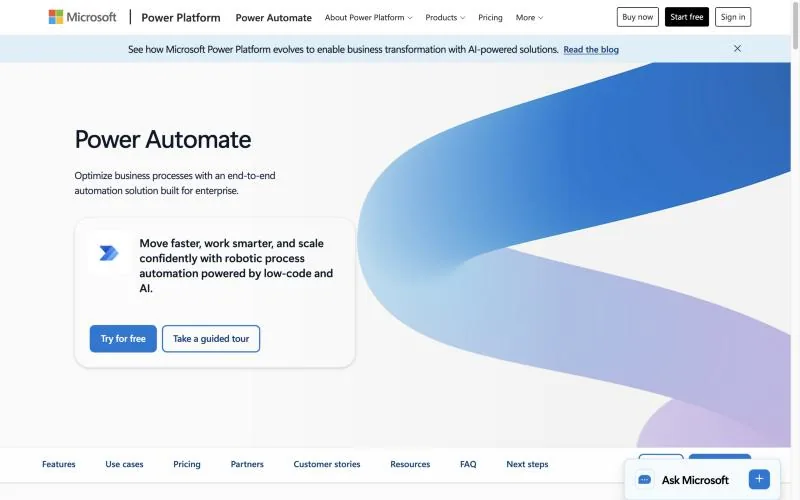
Pricing: Premium $15/user/month with one attended bot; Process $150/bot/month unattended; Hosted Process $215/bot/month, paid yearly (pricing).Platforms: Power Automate for desktop on Windows 10/11 and Windows Server 2016–2025; no ARM (setup).How it automates: Desktop flows with UI actions and selectors, cloud flows with connectors, Copilot authoring.
Power Automate is the alternative most UiPath customers already own part of. Power Automate for desktop is preinstalled on Windows 11 (Microsoft Learn), and a Premium user license covers attended desktop flows, process and task mining and premium connectors. It is the only major platform on this list with list prices for both attended and unattended automation.
The limits are in the unattended model. A Process license "becomes an unattended bot that can run one desktop flow at a time" (licensing docs), so parallel work means more $150 bots. A free Microsoft account gives you local, attended runs only.
Key strengths
- Transparent list prices for attended and unattended use.
- Included with Windows 11 and tightly integrated with Microsoft 365, Teams and Dataverse.
- Hundreds of cloud connectors alongside desktop RPA.
Limitations
- Desktop flows run on Windows only, and not on ARM devices.
- Each unattended bot runs one desktop flow at a time.
- Less suited to estates that are mostly outside Microsoft.
Best for: Microsoft 365 organizations automating Windows desktop and Office work.
3. Automation Anywhere: best cloud-first enterprise peer
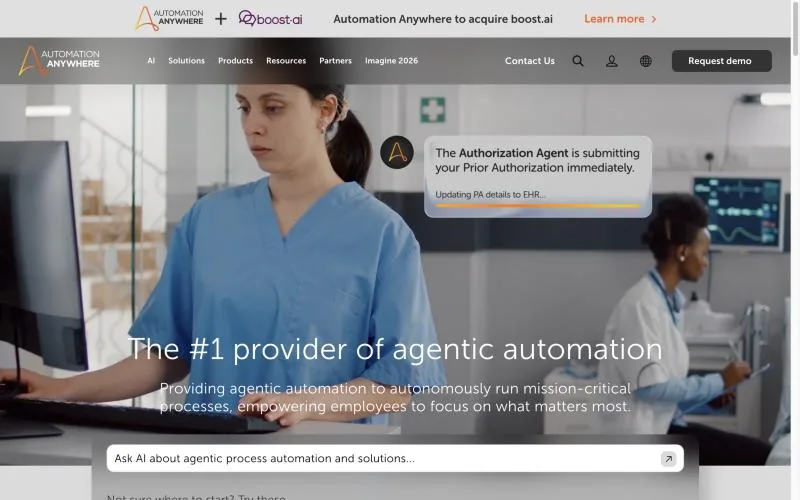
Pricing: Not published; demo and sales only. Free Community Edition (details).Platforms: Pure Cloud (Control Room hosted, bot agents on your machines) or on-premises (deployment models).How it automates: Drag-and-drop bot builder, natural-language prompt-to-automate, AI agents orchestrated by Mozart.
Automation Anywhere is the closest like-for-like replacement: a full enterprise platform with an orchestrator, document AI and agents. It calls itself "the #1 provider of agentic automation" and says it was named a Leader in the 2026 Gartner Magic Quadrant for RPA for the eighth year in a row (Automation Anywhere). Its control room is cloud-native, which is the main architectural difference from UiPath's longer on-premises history.
The Community Edition is free and supports Windows and Mac, but it is capped: only small businesses qualify, with at most five machines.
Key strengths
- Cloud-native control room, with an on-premises option.
- Agent orchestration and document AI in the same platform.
- A long-running Gartner Leader, so procurement teams know it.
Limitations
- No public pricing; the only list price on its site is from a 2020 press release.
- The free edition has commercial-use caps.
- Migrating means rebuilding bots; UiPath workflows do not import directly.
Best for: enterprises that want a full UiPath peer with a cloud-first architecture.
4. SS&C Blue Prism: best for regulated enterprises
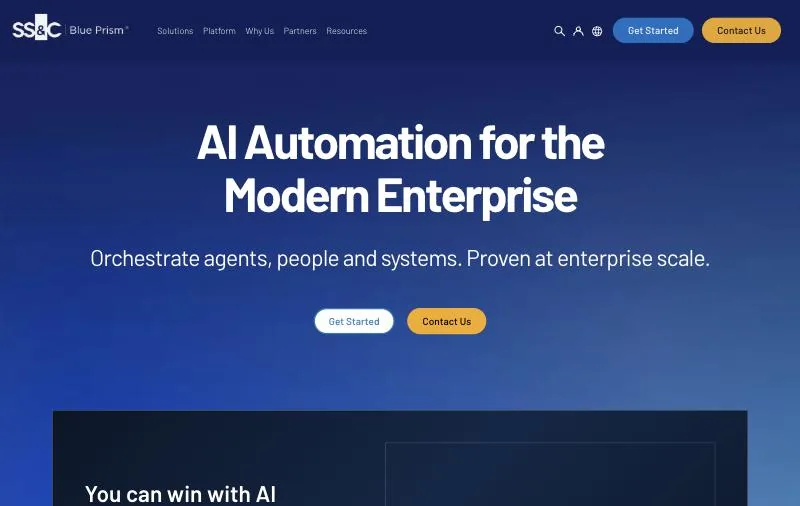
Pricing: Not published; a 30-day free trial with all features, including Blue Prism Cloud (trial).Platforms: Self-managed Enterprise or fully managed Blue Prism Cloud (products).How it automates: No-code process designer with reusable objects, AI Surface Automation, agents in WorkHQ.
Blue Prism's pitch has always been governance: digital workers built from reusable, centrally controlled objects, with audit trails that suit banks, insurers and healthcare. SS&C now positions WorkHQ as "the control plane for agentic automation". Blue Prism was a Leader in the 2025 Gartner Magic Quadrant for RPA for the seventh time.
Key strengths
- Strong governance, audit and access control.
- A reusable object model that suits large, standardized estates.
- Self-managed or SaaS deployment.
Limitations
- No public pricing.
- The free Learning Edition disables the scheduler and server, so you cannot test unattended runs on it.
- Heavier to adopt than UiPath for small teams.
Best for: financial services, insurance and healthcare teams where control matters more than speed of building.
5. Robot Framework + RPA Framework: best free, open-source alternative
Pricing: Free and open source (Apache-2.0).Platforms: Any OS with Python; Robot Framework 7.5 (September 14, 2026) and rpaframework 33.0.2 (October 4, 2026) (PyPI).How it automates: Keyword-driven .robot files or Python, with about 50 libraries for Windows, browsers, Excel, Outlook, PDFs and SAP.
Robot Framework is a test and RPA framework run by a non-profit foundation, and RPA Framework adds the libraries a UiPath developer would expect. Bots are plain text in Git, so they go through code review and CI like any other code, and there is no per-robot fee however many you run.
Key strengths
- No license fees; Apache-2.0.
- Code-first and Git-friendly, shared with testing teams.
- Actively released, with broad library coverage.
Limitations
- No built-in orchestrator: you host scheduling and runners yourself.
- Needs Python skills; there is no visual designer for business users.
- Selector maintenance is still yours.
Best for: developer teams that want UiPath-style automation without license costs.
6. Appian RPA: best for RPA inside a low-code process platform
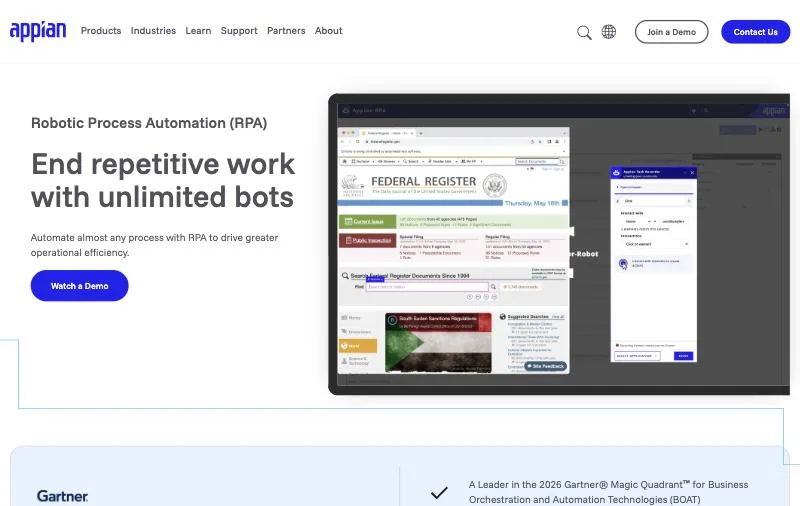
Pricing: "Priced per user, per month, per app" with no list price; RPA bots included: Standard 5, Advanced 25, Premium unlimited (pricing).Platforms: Appian Cloud or self-managed; robots on Windows, Linux or Mac with Java 17 (requirements).How it automates: Task recorder and low-code actions, with custom Java for edge cases.
Appian treats RPA as one feature of a process and case management platform rather than a product of its own. Bots come bundled with the platform license, up to unlimited on Premium (Appian RPA), and sit next to workflow, case management and AI agents. That makes it a good fit if the reason you bought UiPath was really end-to-end process work, not bots alone.
Key strengths
- Bots included in the platform license instead of priced per robot.
- Robots on Windows, Linux or Mac.
- Tight coupling with workflow, case management and a free Community Edition.
Limitations
- No dollar prices published.
- The value depends on adopting the Appian platform.
- Headless browsers are not supported.
Best for: teams that want RPA embedded in a low-code process platform.
7. SAP Build Process Automation: best for SAP landscapes
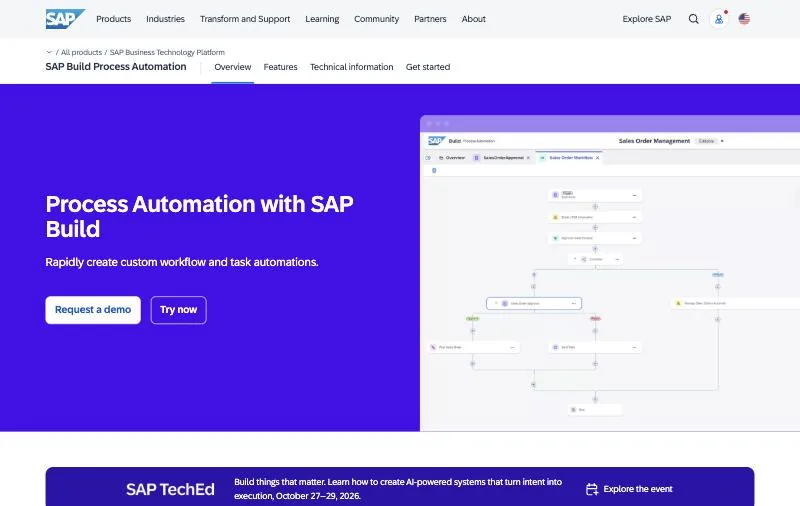
Pricing: Users priced per active user (no list price shown); unattended automation add-on USD 590 per connection per month (pricing).Platforms: SAP Business Technology Platform, with a free tier and no time limit (get started).How it automates: Low-code workflows, desktop bots and Joule generative AI, with prebuilt content for S/4HANA and SuccessFactors.
If most of your UiPath bots touch SAP, SAP's own tool has prebuilt content no third party matches. Notably, SAP also sells an "SAP Build Process Automation add-on by UiPath", so for some customers this is less a replacement than a different way to buy the same robots.
Key strengths
- Native SAP content and Joule AI authoring.
- A free BTP tier with no time limit.
- Published unattended price per connection.
Limitations
- Value is concentrated in SAP landscapes.
- Per-user prices are not shown.
Best for: SAP-centric organizations.
8. IBM RPA: best for existing IBM customers
Pricing: 30-day free trial; SaaS and on-premises plans through IBM, with an indicative "starting at USD 981.00 per month" (pricing).Platforms: Bots on Windows; SaaS or on-premises.How it automates: Attended and unattended bots, a studio, OCR and virtual agents.
IBM RPA is a full-featured platform that makes most sense alongside other IBM automation and AI products. If you are on it already, check your version: v30.0.x is current, and v23.0.x was withdrawn from support on September 30, 2026 (lifecycle).
Key strengths
- An indicative starting price is published.
- SaaS or on-premises.
- Fits IBM automation and AI estates.
Limitations
- Bots run on Windows only.
- Smaller ecosystem than UiPath or Power Automate.
Best for: organizations already standardized on IBM software.
UiPath vs Power Automate
- Price. Power Automate publishes everything: $15 per user per month attended, $150 per bot per month unattended, $215 with a Microsoft-hosted VM. UiPath publishes a $25 Basic plan; Standard, Enterprise, robots and users go through sales.
- Platforms. UiPath robots run on Windows, macOS (through Assistant) and Linux. Power Automate desktop flows run on Windows only.
- Orchestration. UiPath Orchestrator and Maestro are more complete for large, mixed estates. Power Automate is simpler and lives inside the Microsoft admin tools you already use.
- Pick Power Automate if your processes live in Microsoft 365 and Windows. Stay on UiPath if you run hundreds of bots across operating systems and need its orchestration depth.
UiPath vs Automation Anywhere
- Architecture. Both offer SaaS and self-hosted options: UiPath through Automation Cloud and Automation Suite, Automation Anywhere through Pure Cloud and on-premises.
- Price transparency. UiPath publishes a Basic plan and its Test Cloud add-on prices; Automation Anywhere publishes none.
- Free editions. UiPath Community is "free forever"; Automation Anywhere Community Edition is free but capped at five machines for small businesses.
- Agents. Both now pitch agentic automation: UiPath with Maestro and Maestro Flow, Automation Anywhere with Mozart and AI Agent Studio.
- Pick Automation Anywhere if you want a cloud-native control room and are ready to rebuild. Otherwise the switching cost rarely pays back on features alone.
How to choose a UiPath alternative
- Your company runs on Microsoft 365: Power Automate.
- You want a full enterprise peer: Automation Anywhere or SS&C Blue Prism, the latter if governance is the deciding factor.
- You want no license fees and have Python developers: Robot Framework with RPA Framework.
- Your processes are mostly in SAP: SAP Build Process Automation.
- RPA is one part of a wider process platform: Appian.
- Your bots keep breaking on screens that change, or the app has no API: the Sai API, alongside or instead of your robots.
Whichever you choose, do not migrate everything at once. Move the bots with the highest maintenance cost first; they show fastest whether the new tool pays off.
Prices, plans and platforms checked on each vendor's own pages on October 22, 2026. Screenshots of tools that also appear in our best RPA software roundup were captured on October 18, 2026. The Sai API is made by Simular, the publisher of this page.