




The best computer use MCP server depends on where the computer is. To control your own Windows PC from Claude Code or Cursor, Windows-MCP is the most popular choice. On a Mac, Claude Code now has a built-in computer-use server, and Peekaboo goes deeper into native macOS apps. Cua Driver covers macOS, Windows and Linux and works in the background without taking your cursor. And if you would rather the agent not touch your own desktop at all, the Sai MCP server gives your coding agent a cloud computer to work on instead.
This page is for developers who want Claude Code, Codex, Cursor or another MCP client to use desktop apps, not only a browser or a terminal. Every install command, supported platform, license and version below was checked on the project's own README, registry page or documentation on October 22, 2026, and star counts are GitHub's rounded figures that day. Nothing here is sponsored. The Sai MCP server is our product, so its entry says where it is the wrong pick.
What is a computer use MCP server?
A computer use MCP server is a Model Context Protocol server that lets an AI agent see and operate a desktop: it takes screenshots or reads the accessibility tree, and moves the mouse, clicks and types on the agent's behalf. Any MCP client, such as Claude Code, Codex or Cursor, can add one and use desktop apps the way a person does.
MCP itself is "an open-source standard for connecting AI applications to external systems", which its authors compare to a USB-C port for AI applications (modelcontextprotocol.io). In Claude Code, a local server is added with claude mcp add [options] <name> -- <command> [args...] (Claude Code docs). Anthropic's own computer use tool is different: it is a tool in the Messages API that your application executes, not an MCP server you install.
Two ways to see the screen
- Accessibility tree. The server reads the operating system's UI tree (UI Automation on Windows, the Accessibility API on macOS) and gives the agent named buttons and fields. It is fast and precise on standard apps, and needs no vision model. Windows-MCP, Peekaboo, Terminator and mcp-server-macos-use mostly work this way.
- Screenshots and coordinates. The agent looks at a screenshot and clicks at pixel positions, like Anthropic's computer use tool. It works on anything drawn on screen, including remote desktops and canvas apps, but depends on the model's visual accuracy. computer-use-mcp works this way; Cua Driver, Claude Code's built-in server and Sai combine both.
The second question is whose computer. Every local server on this list runs on your real desktop with your accounts signed in. Anthropic's guidance for computer use is to "use a dedicated virtual machine or container with minimal privileges", because instructions on a web page or in an image can steer the model (Anthropic). Keep that in mind before you give an agent your main machine.
How we evaluated
- Operating systems it can control, and whether it runs locally or on a remote machine.
- How it sees the screen: accessibility tree, screenshots, or both.
- Setup: whether there is a one-line install for Claude Code.
- Safety: approvals, background operation, and how much of your machine it can reach.
- Maintenance: latest release, license and community size.
Comparison summary
| Server | Best for | Controls | How it sees | Install | License |
|---|---|---|---|---|---|
| Sai MCP server | Desktop work off your own machine | A Windows or Linux cloud computer, or your Mac or PC | Screen plus a computer-use agent | npx -y @simular-ai/sai-mcp | Proprietary service (free plan) |
| Claude Code computer use | Mac users on Pro or Max | Your Mac (Windows in the Desktop app) | Screenshots, per-app approval | Built in; enable in /mcp | Part of Claude Code |
| Windows-MCP | Native Windows apps | Your Windows 7–11 PC | UI Automation tree; optional screenshots | uvx windows-mcp serve | MIT |
| Cua Driver | Cross-platform, background control | macOS, Windows (preview), Linux, or a VM | Accessibility tree plus screenshot | cua-driver mcp | MIT |
| Peekaboo | Deep native macOS control | Your Mac (macOS 15+) | Screen capture plus UI map | npx -y @steipete/peekaboo mcp | MIT |
| computer-use-mcp | A simple cross-platform baseline | Your computer, via nut.js | Screenshots and coordinates | npx -y computer-use-mcp | MIT |
| Terminator | Deterministic Windows workflows | Your Windows PC | Accessibility selectors | npx -y terminator-mcp-agent@latest | MIT |
| mcp-server-macos-use | Lightweight macOS accessibility | Your Mac | Accessibility tree after every action | Build from source (Swift) | BUSL-1.1 (source-available) |
| Playwright MCP (contrast) | Web apps only | A browser | Accessibility snapshots | npx @playwright/mcp@latest | Apache-2.0 |
The 8 best computer use MCP servers
1. Sai MCP server: best when the agent should not use your own desktop
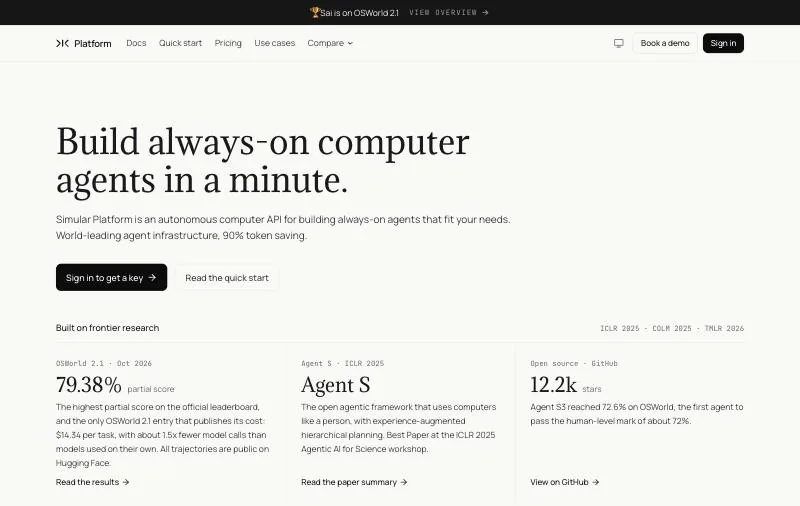
Controls: A Sai cloud computer (Windows or Linux), or your own Mac or Windows PC.How it works: Your coding agent hands a GUI task to Sai, a computer-use agent, which sees the screen, clicks, types and reports back.Pricing: Free plan with daily credits; Pay as you go $50/month (pricing).
Every other server on this list hands your coding agent low-level actions on the machine it runs on: take a screenshot, click here, type this. The Sai MCP server works one level up. Your coding agent sends a task, such as "install the build and click through the setup wizard", and Sai carries it out on a cloud computer, then returns what happened along with a link to watch. Your own desktop, cursor and signed-in accounts stay out of it, which is the isolation Anthropic recommends for computer use.
It works in Claude Code, Codex, Cursor and any stdio MCP client. Sign-ins and other sensitive steps are never typed by the agent; they go to you as an approval. On reliability, Sai has the highest partial score on the official OSWorld 2.1 leaderboard, 79.38%, and is the only entry that publishes its cost, $14.34 per task (see the results). Tasks you repeat can be saved and replayed as code, which for repetitive tasks can cut cost by up to 90%.
claude mcp add sai -e SAI_API_KEY=sapi_YOUR_KEY -- npx -y @simular-ai/sai-mcpKey strengths
- Runs on a cloud computer, so the agent never touches your own desktop or blocks your cursor.
- Task-level: your coding agent spends its context on the goal, not on hundreds of screenshots.
- Windows and Linux in the cloud, plus your own Mac or PC when the task needs it.
- Approvals for sign-ins and sensitive steps, and a published benchmark result with cost per task.
Limitations
- A hosted service: needs a Sai account and API key, and usage is billed beyond the free plan.
- Less fine-grained control than an accessibility-tree server when you want to script each click.
- No macOS cloud computers; Mac apps need your own Mac.
- Not open source (the Agent S framework behind it is).
Best for: developers who want their coding agent to test or operate desktop apps without giving it their own machine.
2. Claude Code computer use: best built-in option on a Mac
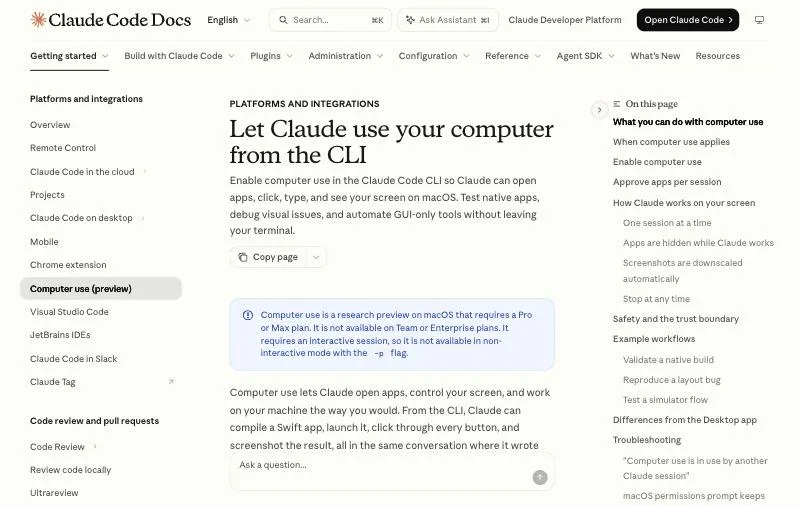
Controls: Your Mac in the Claude Code CLI; Windows only in the Claude Desktop app.Plans: A research preview for Pro and Max; "not available on Team or Enterprise plans" (docs).Install: Built in. Run /mcp, choose computer-use, enable it, and grant Accessibility and Screen Recording.
Claude Code now ships computer use as a built-in MCP server called computer-use, off by default. Its safeguards are the most complete on this list: you approve each app per session, it warns before using terminals, Finder or System Settings, it hides other apps while it works, and Esc aborts. The docs are frank that it is the last resort: Claude Code prefers an MCP server, then Bash, then Claude in Chrome, and only then computer use, "the broadest and slowest".
Key strengths
- Nothing to install, and it ships with Claude Code.
- Per-app approvals, warnings on sensitive apps and an abort key.
- Screenshots are downscaled automatically to save context.
Limitations
- macOS only in the CLI, on Pro or Max plans; not on Team, Enterprise, Bedrock, Google Cloud or Microsoft Foundry.
- Not available in non-interactive runs (
-p), so not for CI. - Runs on your actual desktop, one session at a time.
Best for: individual Mac developers on Pro or Max who want occasional GUI help with no setup.
3. Windows-MCP: best for native Windows apps
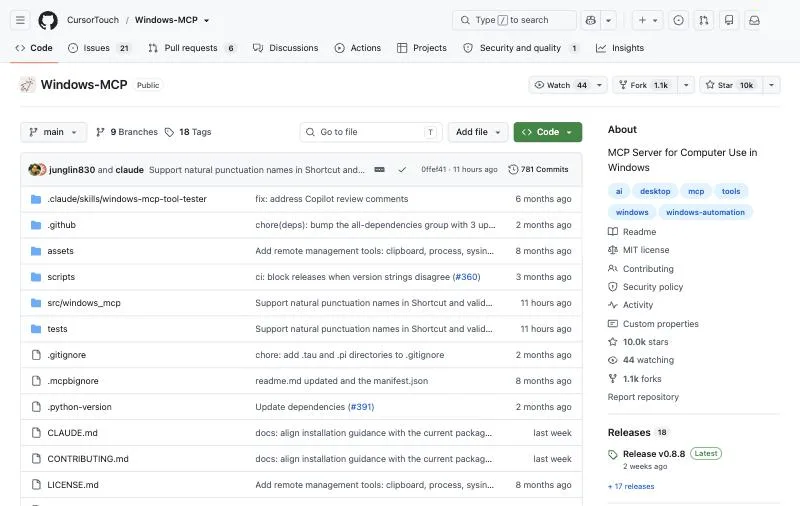
Controls: Your Windows 7, 8, 8.1, 10 or 11 PC.Version: 0.8.8 (October 10, 2026), MIT, about 10k GitHub stars; Python 3.14+ per PyPI.How it sees: The UI Automation tree, with optional screenshots.
Windows-MCP is the most widely used Windows server. It reads the accessibility tree, so it needs no vision model, and its 20 tools go well beyond clicking and typing: PowerShell, the file system, the registry, processes, the clipboard and notifications. The README is direct about the risk: it "operates with full system access and can perform irreversible operations."
claude mcp add --transport stdio windows-mcp -- uvx windows-mcp serveKey strengths
- Native accessibility tree, no vision model needed.
- A broad toolset including PowerShell, registry and file system.
- One-line
uvxinstall.
Limitations
- Full system access on your real PC.
- The App tool needs Windows set to English, and the Type tool is not suited to typing code in IDEs.
- Telemetry is on by default; set
ANONYMIZED_TELEMETRY=falseto turn it off.
Best for: Claude Code and Cursor users on Windows who want their agent to use native apps.
4. Cua Driver: best cross-platform server that works in the background
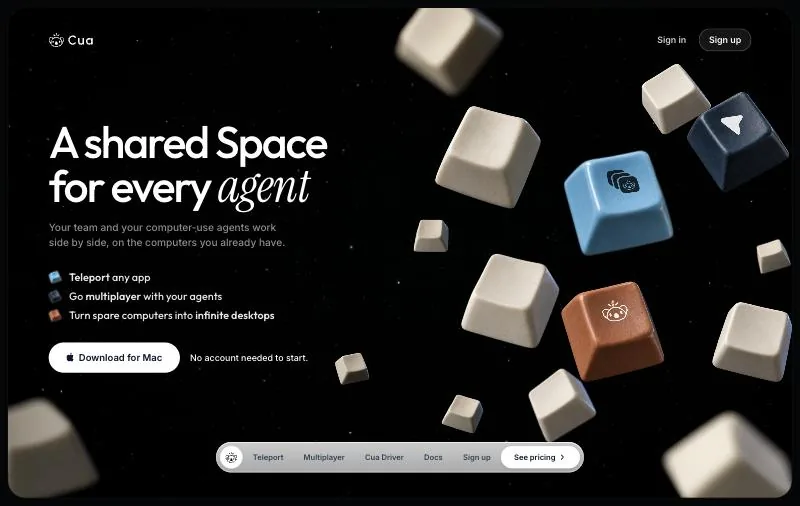
Controls: macOS, Windows (preview) and Linux, locally or in a Cua VM.License: MIT for the repository and Cua Driver; about 30.5k GitHub stars (trycua/cua).How it sees: The accessibility tree, plus a screenshot by default.
Cua Driver reads each system's accessibility tree and acts with its own cursor, so it does not steal focus from you "when the app and platform support it". It never calls a model itself; your MCP client does the thinking. Its main advantage is the path to isolation: the same project offers Lume and Cua Spaces VMs, and the docs recommend a separate macOS user or a VM for unattended runs (Claude Code guide).
curl -fsSL https://cua.ai/install.sh | sh -s -- --select cua-driver
claude mcp add --transport stdio cua-driver -- cua-driver mcp
Key strengths
- One server for macOS, Windows and Linux.
- Background operation without taking over your cursor.
- A built-in route to VMs and sandboxes.
Limitations
- Windows support is a preview.
- A large product surface with deprecated older packages; the repo warns that the
cuabotpackage has known security issues. - The permission mode is fixed when the daemon starts.
Best for: teams that want desktop control on more than one OS, with an easy move to isolated VMs.
5. Peekaboo: best for deep native macOS control
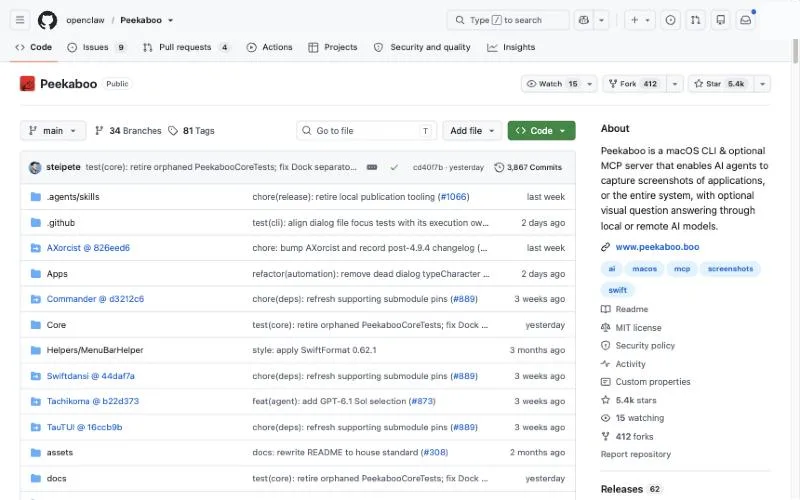
Controls: Your Mac, macOS 15 or later.Version: 4.9.6 (October 20, 2026), MIT, about 5.4k GitHub stars; Node 22+.How it sees: Screen and window capture plus an accessibility UI map with element IDs.
Peekaboo has the richest set of native macOS tools here: menus and the menu bar, windows, drag, set_value, text selection and the clipboard. Optional AI analysis of a capture needs an OpenAI or Anthropic key. The MCP docs give a JSON config rather than a claude mcp add line; the command below is derived from it.
claude mcp add peekaboo -- npx -y @steipete/peekaboo mcpKey strengths
- Deep macOS coverage, including menus and the menu bar.
- Very actively maintained.
- Targeted input that avoids taking over the foreground.
Limitations
- macOS 15+ only, and needs Screen Recording, Accessibility and Event Synthesizing permissions.
- AI analysis needs a model provider key.
Best for: Mac developers who want fine control of native macOS apps.
6. computer-use-mcp: best simple, cross-platform baseline
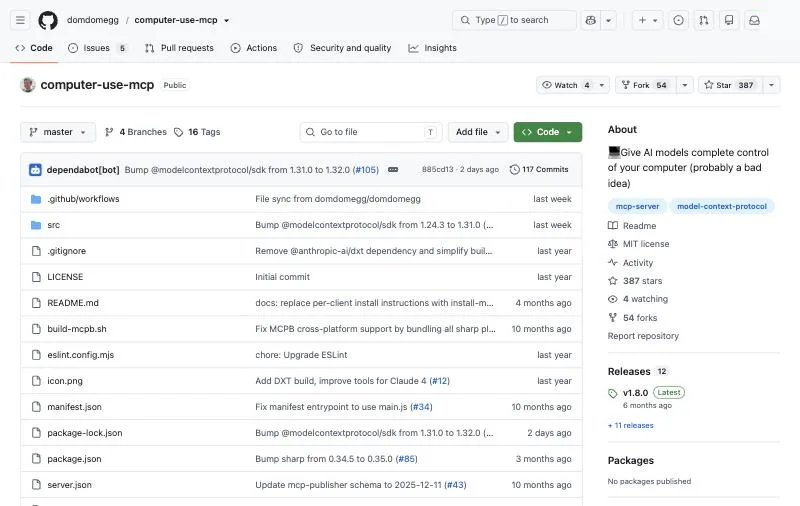
Controls: Your local computer, through nut.js.Version: 1.8.0 (April 13, 2026), MIT, about 387 GitHub stars.How it sees: Screenshots and pixel coordinates.
computer-use-mcp mirrors Anthropic's computer use action set "with some more nudging to prefer keyboard shortcuts", so any MCP model can use it. Setup is the simplest here, with install guides for Claude Desktop, Cursor and Cline. Its README is the most candid: treat it "like giving a hyperactive toddler access to your computer", and consider a sandboxed user account.
claude mcp add --scope user --transport stdio computer-use -- npx -y computer-use-mcpKey strengths
- One-line install, model-agnostic.
- Works on anything drawn on screen.
Limitations
- Pixel-only, so it is fragile at high resolutions; the README recommends 720p.
- The README itself warns about frequent mistakes and prompt injection.
Best for: trying screenshot-and-click computer use quickly on any OS.
7. Terminator: best for deterministic Windows workflows
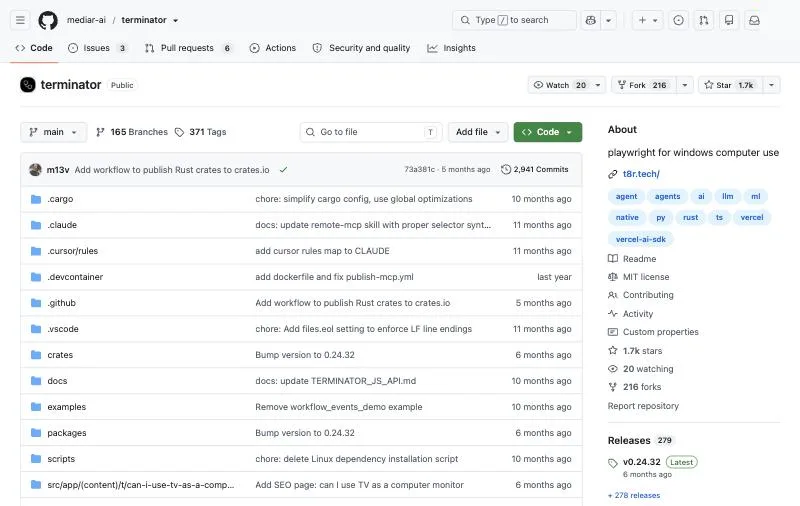
Controls: Windows only; the README marks macOS and Linux "not supported".Version: GitHub release v0.24.32 (about six months old; npm terminator-mcp-agent 0.24.28, January 28, 2026), MIT, about 1.7k GitHub stars.How it sees: Accessibility selectors by name, role and window, plus screenshots.
Terminator treats desktop automation like code: workflows are deterministic and replayable, and the model is used to recover when a step fails. It runs in the background without taking the cursor. The README notes that "many parts are experimental".
claude mcp add terminator "npx -y terminator-mcp-agent@latest"Key strengths
- Accessibility selectors and background operation.
- Deterministic, replayable workflows.
Limitations
- Windows only.
- Experimental in parts, and releases have slowed: the latest is about six months old.
Best for: RPA-style Windows workflows that an agent builds and repairs.
8. mcp-server-macos-use: best lightweight macOS option
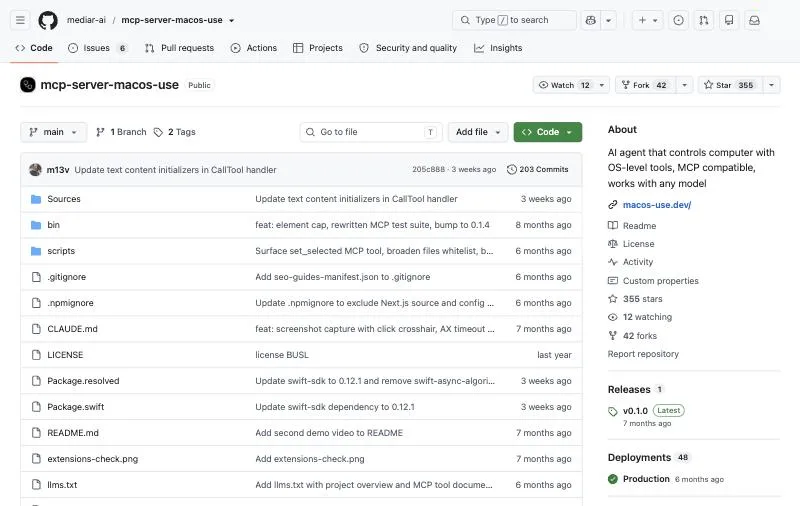
Controls: Your Mac.License: Business Source License 1.1 in the repository (npm 0.1.18 still lists MIT), about 355 GitHub stars.How it sees: The accessibility tree, traversed again after every action.
mcp-server-macos-use is a small Swift server with five tools, each of which acts and then returns the updated accessibility tree, so the agent always sees what changed. There is no claude mcp add line: you build it with swift build and point your client at the binary.
Key strengths
- Returns the UI state after every action.
- A small, focused tool surface.
Limitations
- Requires a Swift build, with sparse docs.
- Source-available under BUSL-1.1, not open source: production use is limited until the change date.
- Only five tools.
Best for: lightweight macOS accessibility automation you are happy to build yourself.
When you only need a browser: Playwright MCP
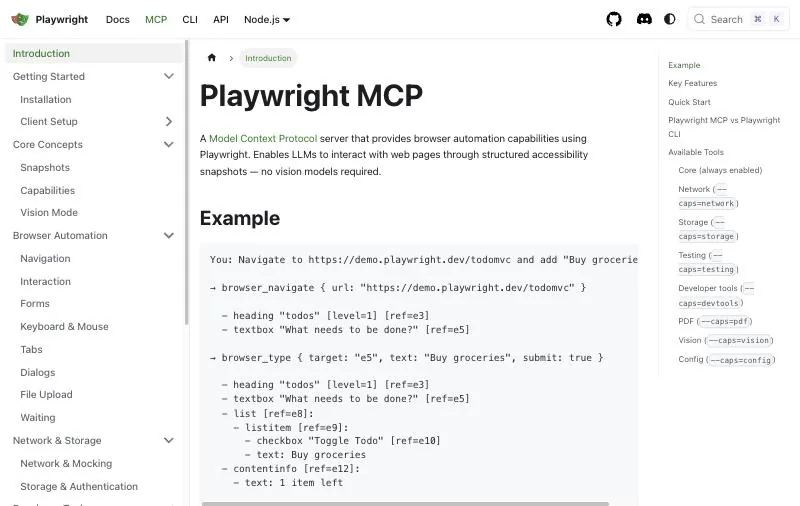
If every step is in a web app, you do not need computer use. Playwright MCP (Apache-2.0, 0.0.83, about 38k stars) drives a browser from accessibility snapshots, with no vision model, and is faster and cheaper than any desktop server for web work. Install it with claude mcp add playwright npx @playwright/mcp@latest. It cannot touch native apps, file dialogs or remote desktops. See our Playwright MCP alternatives for other browser servers.
One more name you may meet: Microsoft's MCP on Windows, in prerelease, adds an on-device agent registry and connectors for File Explorer and Windows Settings. It runs servers in a contained environment, but it does not offer general mouse and keyboard control, so it is not on this list.
Running computer use safely
- Prefer a separate machine. A VM, a separate user account or a cloud computer limits what a mistake or a prompt injection can reach.
- Keep secrets out of reach. Do not let the agent type passwords; use approvals or a person for sign-ins.
- Verify each server. Claude Code's docs warn: "Verify you trust each server before connecting it."
- Confirm consequential actions, such as purchases, deletions and sending messages, with a person.
How to choose a computer use MCP server
- You are on a Mac with Pro or Max and want no setup: Claude Code's built-in computer use.
- You need deep native macOS control: Peekaboo.
- You are on Windows: Windows-MCP, or Terminator for deterministic workflows.
- You need several operating systems, or background control: Cua Driver.
- The agent should not use your own desktop, or should keep running when your laptop is closed: the Sai MCP server.
- Everything is in a browser: Playwright MCP.
Install commands, platforms, licenses and versions checked on each project's README, registry page or documentation on October 22, 2026; star counts are GitHub's rounded figures that day. The Sai MCP server is made by Simular, the publisher of this page.