


The best AI sandbox depends on what your agent does inside it. To run generated code, E2B is the most established choice, Daytona adds Windows sandboxes and GPUs, Modal is built for GPUs and very large parallel runs, and Vercel Sandbox or Cloudflare Sandboxes fit if your app already lives there. When the agent has to use a browser, Browserbase gives it a managed one. And when it has to use desktop apps, you need a full computer: Cua gives you the infrastructure to run one yourself, while the Sai API gives you the computer with a computer-use agent already on it.
This page is for agent builders choosing where their agents run. Every price and limit below was checked on the vendor's own pricing page, docs or repository on October 19, 2026; usage prices change often, so treat them as list prices for comparison, not quotes. Nothing here is sponsored. The Sai API is our product, so its entry says where it is the wrong pick. If you are specifically replacing E2B, our E2B alternatives guide goes deeper on that move.
What is an AI sandbox?
An AI sandbox is an isolated computing environment where an AI agent can run code, install packages, read and write files and use tools without touching your production systems. Most run as a lightweight virtual machine or container per agent session, created from code in seconds and deleted when the task ends.
Isolation is the point: agents run code that nobody reviewed, often based on text from the web. A sandbox limits what that code can reach, such as your network, your secrets and other users' data.
Code sandboxes vs full computers
"Sandbox" covers three quite different things. Pick the kind before you compare vendors:
- Code sandboxes. A Linux machine with a shell and filesystem, driven through an SDK: run a command, read the output. Right for code interpreters, coding agents, data analysis and RL rollouts. E2B, Daytona, Modal, Vercel Sandbox and Cloudflare Sandboxes.
- Browser sandboxes. A managed browser in the cloud, driven with Playwright, Puppeteer or an AI browser SDK. Right for web tasks. Browserbase.
- Full computers. A desktop with a screen, mouse and keyboard, so an agent can use apps the way a person does. Right for desktop software, admin consoles and anything with no API. E2B Desktop, Daytona's computer use, Cua and the Sai API.
The other question is who brings the agent. Every product here except Sai gives you the environment and leaves the model, the action loop and the error handling to you. Sai includes the computer-use agent, so you send a task and get the result.
How we evaluated
- What runs inside. Code only, a browser, or a full desktop, and which operating systems.
- Isolation. MicroVM, container or isolate, and how network access is controlled.
- Price you can check. The free tier and list usage prices on the vendor's own page.
- Limits. Maximum session length, concurrency and persistence (pause, resume, snapshots).
- Who runs the agent. Whether you bring the model and loop, or the product includes them.
Comparison summary
| Product | Kind | Inside | Free tier | List price | Agent included |
|---|---|---|---|---|---|
| Sai API | Full computer + agent | Windows or Linux desktop in the cloud; or your Mac or Windows PC | Shared Windows cloud computer, daily limits | $50/mo pay as you go | Yes |
| E2B | Code sandbox (+ Desktop) | Linux microVM; open-source virtual desktop | $100 one-time credit, 1-hour sessions | Pro $150/mo + usage: $0.0504/vCPU-h + $0.0162/GiB-h | No |
| Daytona | Code sandbox + computer use | Linux sandboxes; Windows sandboxes; GPUs | $200 free compute | $0.0504/vCPU-h + $0.0162/GiB-h | No |
| Modal Sandboxes | Code sandbox | Containers with any image; GPUs | $30/mo credits (Starter) | $0.1419/core-h (2 vCPU) + $0.0240/GiB-h | No |
| Vercel Sandbox | Code sandbox | Firecracker microVM, OCI images | 5 CPU-h/mo, 45-min sessions (Hobby) | $0.128/active CPU-h + $0.0212/GB-h | No |
| Cloudflare Sandboxes | Code sandbox | Linux container microVMs, or Dynamic Workers | None; needs Workers Paid | Workers Paid plan | No |
| Cua | Full computer infrastructure | Linux, Windows; macOS locally on Apple silicon | Local sandboxes free (MIT) | Fleet $0.0446/vCPU-h + $0.0223/GiB-h | Optional loop, your model |
| Browserbase | Browser sandbox | Chromium in a VM per session | 1 browser-hour, 15-min sessions | From $20/mo (100 browser-hours) | Stagehand SDK |
The 8 best AI sandboxes for agents in 2026
1. Sai API: best when the agent needs a full computer, not just a shell
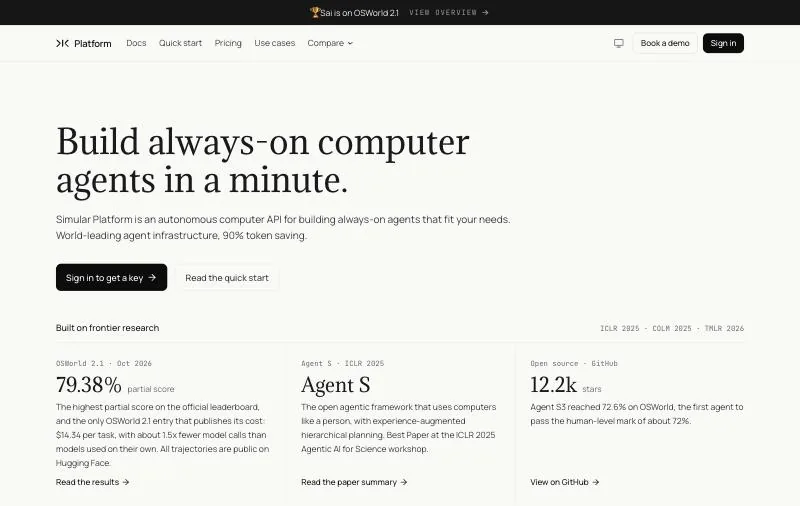
Pricing: Explore $0 with daily credits; Pay as you go $50/month (50,000 credits, up to 5 cloud computers); Sai Unlimited $500/month; Enterprise custom (pricing).Inside: A Windows or Linux cloud computer, or your own Mac or Windows PC through the Sai desktop app.Agent: Included, model-agnostic.
The Sai API is not a sandbox you script: it is a computer-use agent as a service, with its own cloud computer. You send a task in plain English, Sai does it on the desktop, and a task that works can be saved and replayed as code, so repeat runs are faster, cheaper and inspectable. Context carries across tasks on the same computer.
Sai has the highest partial score on the official OSWorld 2.1 leaderboard, 79.38%, and is the only entry that publishes its cost, $14.34 per task (see the results). Sign-ins and sensitive steps go to a person as an approval.
Key strengths
- A real desktop, so native apps, file dialogs and installers are in scope.
- No agent loop to build: the model, actions and step checking are included.
- Usable from any language over HTTP, or from Claude Code, Codex and Cursor over MCP.
Limitations
- Not a code sandbox: for running thousands of short scripts or RL rollouts, E2B, Daytona or Modal is cheaper and faster.
- One task per computer at a time, and the free plan has daily limits.
- Cloud computers are Windows or Linux; macOS needs your own Mac.
Best for: agents that must use desktop or web apps with no API, where you would rather not build the computer-use loop yourself.
2. E2B: best general-purpose code sandbox
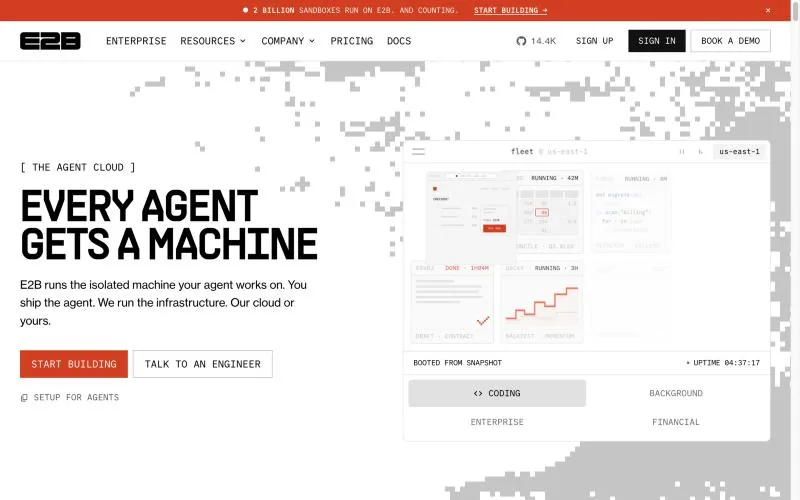
Pricing: Hobby free with $100 one-time credit; Pro $150/month plus usage; Enterprise custom (from $3,000/month committed). CPU $0.000014 per vCPU-second plus RAM $0.0000045 per GiB-second (pricing).Limits: Sessions up to 1 hour on Hobby and 24 hours on Pro; 20 or 100 concurrent sandboxes.Inside: A Linux Firecracker microVM per session.
E2B runs every sandbox as a full Linux microVM built on Firecracker, with pause, resume, snapshot and fork. It is billed by the second, runs in US, EU and APAC regions, lists SOC 2 Type II and HIPAA, and its runtime is Apache-2.0. Enterprise customers can run it in their own AWS, GCP or Azure account. For computer use, the open-source E2B Desktop adds a graphical desktop you stream and control from your own agent (pip install e2b-desktop).
Key strengths
- Mature SDKs for Python and JavaScript, and a large ecosystem built on it.
- Pause and resume, so long tasks can stop billing while idle.
- Bring-your-own-cloud on Enterprise.
Limitations
- One-hour sessions on the free tier, and $150/month before usage on Pro.
- E2B Desktop is a Linux desktop you drive yourself: the model and action loop are yours to build.
Best for: code interpreters and coding agents that need a reliable Linux sandbox from Python or JavaScript.
3. Daytona: best for Windows sandboxes and GPUs
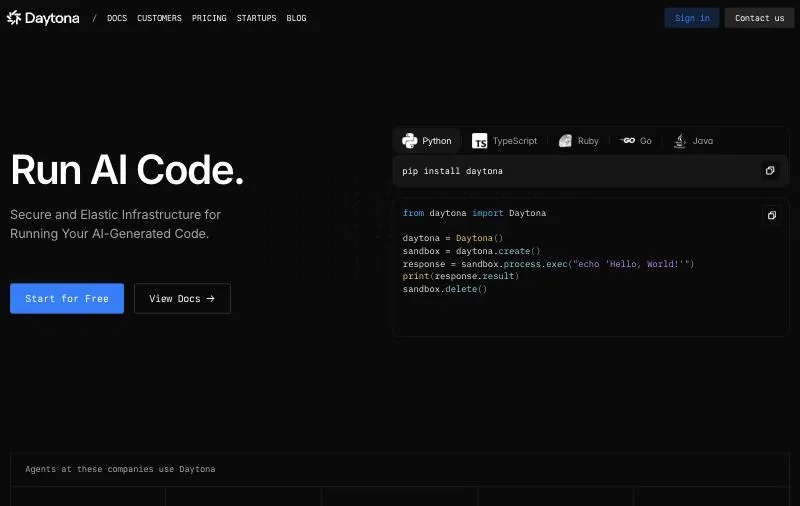
Pricing: $0.0504 per vCPU-hour, $0.0162 per GiB-hour of memory, storage free up to 5 GiB; Windows $0.0858 per vCPU-hour; $200 free compute (pricing).GPUs: From $0.57/hour (RTX 4090, preemptible).Status: Core development moved to a private codebase in June 2026.
Daytona sandboxes start in under 90 milliseconds, according to the project, and come with snapshots, volumes, a web terminal, SSH, VNC access, computer use and an MCP server. It is the only vendor here with a published price for Windows sandboxes, and it offers GPUs in the same API. Startups can apply for up to $50k in credits; Enterprise adds SSO, audit logs and BYOC.
Key strengths
- Sub-90 ms creation, as the project reports, and per-second billing.
- Linux and Windows sandboxes, GPUs, and computer use in one platform.
Limitations
- Its public repository is no longer maintained: since June 2026 the core is closed, so self-hosting the open-source version means running unsupported code.
- As with E2B, the agent and its computer-use loop are yours to build.
Best for: teams that need Windows or GPU sandboxes alongside Linux ones, from one API.
4. Modal Sandboxes: best for GPUs and massive parallel runs
Pricing: $0.1419 per physical core-hour (2 vCPU equivalent) and $0.0240 per GiB-hour for sandboxes; Starter $0/month with $30/month credits; Team $250/month with $100 credits (pricing).Scale: 1M+ sandboxes in under a minute, according to Modal.Inside: Containers from any image, with GPUs available.
Modal Sandboxes are created from Python with modal.Sandbox.create(), run any image with sub-second cold starts, and lock down egress per sandbox. Modal names Cognition, Linear and Ramp among the teams running coding agents and RL rollouts on them.
Key strengths
- The same platform runs inference, training and sandboxes, with GPUs on demand.
- Built for very high parallelism, such as RL training.
Limitations
- Sandbox compute is priced higher than Modal's standard CPU rate.
- No desktop or computer-use environment.
Best for: RL rollouts and evaluation at scale, and agents that need a GPU next to their code.
5. Vercel Sandbox: best if your app runs on Vercel
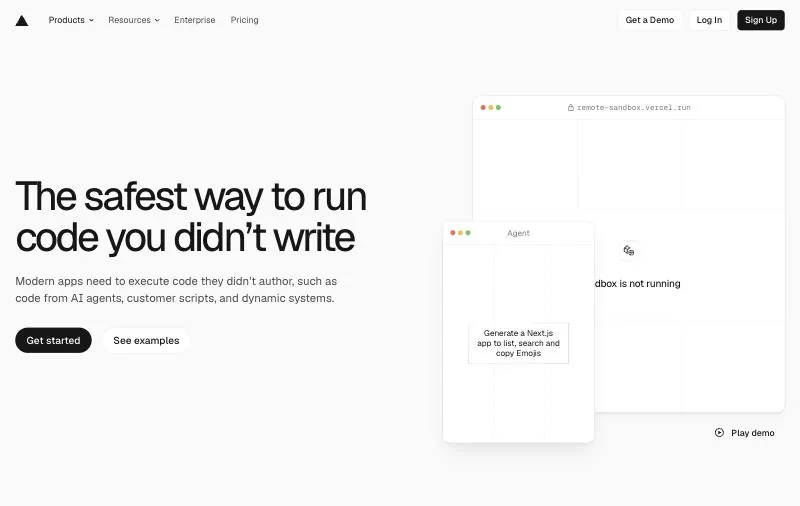
Pricing: Hobby includes 5 active CPU-hours, 420 GB-hours of memory and 5,000 creations a month; Pro $0.128 per active CPU-hour and $0.0212 per GB-hour (pricing).Limits: 45-minute sessions and 10 concurrent on Hobby; 24 hours and 10,000 concurrent on Pro.Inside: A Firecracker microVM with its own filesystem and network.
Vercel Sandbox runs untrusted code in a microVM started from Vercel's managed images or your own OCI images, with snapshots, drives, a firewall and a choice of 19 regions. Pro usage counts against the plan's $20 monthly credit first.
Key strengths
- Fits naturally into a Vercel and AI SDK app, with JS and Python SDKs and a CLI.
- Billing on active CPU time, so idle waiting is cheaper.
Limitations
- Short 45-minute sessions on Hobby, and sandbox creation pauses when the free quota runs out.
- Code only; no desktop environment.
Best for: Vercel teams adding code execution or coding agents to their product.
6. Cloudflare Sandboxes: best for agents built on Workers
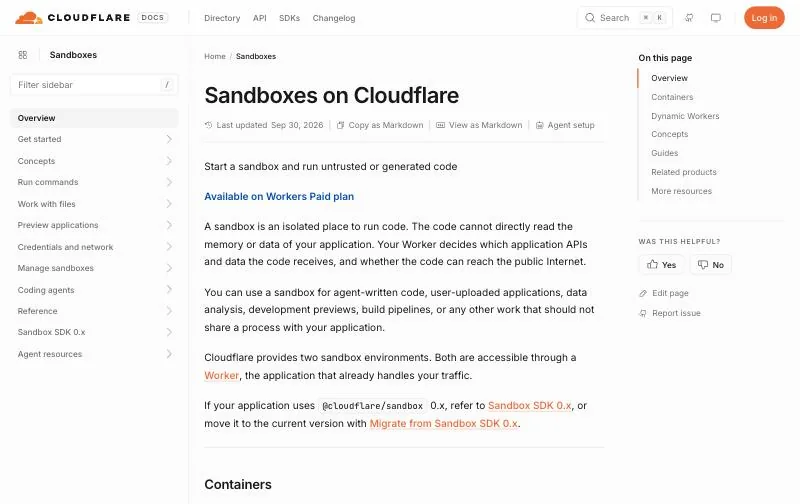
Pricing: Requires the Workers Paid plan.Inside: Containers (a full Linux microVM with its own kernel and network) or Dynamic Workers (JavaScript, Python or WebAssembly).Status: Container scheduling for sandboxes is in public beta.
Cloudflare Sandboxes give a Worker two places to run untrusted code. Containers run any image as a microVM that only your Worker can reach; Dynamic Workers load untrusted modules as separate Workers whose outbound requests you can block. The docs include guides for running Claude Code, Codex and Devin inside a sandbox per task.
Key strengths
- Your Worker decides which APIs, data and internet access the code gets.
- Runs on Cloudflare's network, next to the rest of a Workers app.
Limitations
- Built around Workers and Durable Objects; less natural if your stack is elsewhere.
- Parts of the container scheduling are still in beta.
Best for: teams already on Cloudflare Workers.
7. Cua: best open-source infrastructure for computer-use desktops
Pricing: Local sandboxes free (MIT); Cua Fleet $0.044625 per vCPU-hour plus $0.0223125 per GiB-hour; model tokens separate (pricing).Inside: Linux and Windows desktops; macOS locally on Apple silicon. Cloud images Ubuntu 24.04 and Windows Server 2022.Agent: Optional agent loop with any model through LiteLLM.
Cua is open-source infrastructure for computer-use agents: local and cloud sandboxes with full desktops, the Cua Driver for operating native apps (also usable as an MCP server), and an optional agent loop. You choose and pay for the model separately.
Key strengths
- Fully self-hostable, and free on your own hardware.
- macOS desktops on Apple silicon, which few others offer.
Limitations
- You wire up the model, prompts and error handling yourself.
- No built-in approval workflow; warm pools cost money while idle.
Best for: teams building their own computer-use product who want to own the stack. See Cua vs Sai API.
8. Browserbase: best browser sandbox
Pricing: Free $0 (1 browser-hour, 3 concurrent, 15-minute sessions); Developer $20/month (100 browser-hours); Startup $99/month (500 hours); Scale custom (pricing).Inside: A Chromium-based browser in a dedicated VM per session, up to 6 hours.Agent: Stagehand SDK (MIT) for AI browser actions.
Browserbase hosts headless browsers for agents, with session recordings, a live view a person can take over, and persistent contexts for cookies and storage. Its open-source Stagehand SDK adds natural-language actions for agents.
Key strengths
- Managed browsers with recordings and live view out of the box.
- SOC 2 Type II, with HIPAA on the Scale plan.
Limitations
- Browser only: no shell, no desktop apps.
- Browser-hours, proxies and model tokens are billed separately.
Best for: agents whose work happens entirely on websites. See Browserbase vs Sai API.
E2B vs Daytona
| E2B | Daytona | |
|---|---|---|
| Isolation | Firecracker microVM per session | Isolated sandbox with its own kernel, filesystem and network |
| Free start | $100 one-time credit | $200 free compute |
| Compute price | $0.0504 per vCPU-hour, plus $0.0162 per GiB-hour of memory | $0.0504 per vCPU-hour, plus $0.0162 per GiB-hour of memory |
| Windows | No | Yes, $0.0858 per vCPU-hour |
| GPUs | Not listed on the pricing page | Yes |
| Desktop for computer use | E2B Desktop (open source, Linux) | Computer use and VNC built in |
| Open source | Apache-2.0 runtime | Public repo no longer maintained since June 2026 |
Pick E2B for a mature, open runtime and bring-your-own-cloud. Pick Daytona for Windows sandboxes or GPUs. Fly.io Sprites and Blaxel also come up for persistent agent workspaces; we did not review them for this page.
How to choose an AI sandbox
- Your agent writes and runs code: E2B or Daytona; Modal if you need GPUs or huge parallelism.
- Your app already runs on Vercel or Cloudflare: Vercel Sandbox or Cloudflare Sandboxes.
- Your agent works only on websites: Browserbase.
- You need Windows: Daytona for code, or a full computer from Cua or Sai for desktop apps.
- You are building your own computer-use agent: Cua, E2B Desktop or Daytona's computer use, plus your model.
- You want the desktop task done without building the agent: the Sai API.
Prices, limits and status checked on each vendor's own page on October 19, 2026. The Sai API is made by Simular, the publisher of this page.