The best MCP servers for Claude Code are the ones that reach what a terminal can't: GitHub for issues and pull requests, Context7 for current library docs, Playwright or Chrome DevTools for the browser, and Sentry, Figma, Linear, Supabase or Notion for the services your team already uses. For desktop apps, installers and anything without an API, the Sai MCP server hands the task to an agent on a cloud computer.
This page is for developers who use Claude Code every day and want to know which servers are worth the setup and the context they take. Every install command, license and version below was checked on Claude Code's documentation, the npm registry or the project's own docs on October 23, 2026, and star counts are GitHub's rounded figures that day. Nothing here is sponsored. The Sai MCP server is our product, so its entry says where it is the wrong pick.
What is an MCP server in Claude Code?
An MCP server is a program that gives Claude Code new tools through the Model Context Protocol: reading GitHub issues, querying a database, driving a browser. Claude Code connects to it, lists its tools, and calls them when a task needs them.
MCP is "an open-source standard for connecting AI applications to external systems", which its authors compare to a USB-C port for AI applications (modelcontextprotocol.io). Servers come in two kinds. Remote servers are hosted by the vendor and added by URL; the Claude Code docs recommend HTTP and call SSE "deprecated". Local servers run on your machine as a command.
# Remote server, by URL
claude mcp add --transport http <name> <url>

# Local server; everything after -- is the command that starts it
claude mcp add <name> -- <command> [args...]
Scopes, sign-in and context limits
- Scope. By default a server is local: it "loads only in the project where you added it and stays private to you". Add
--scope projectto save it in a.mcp.jsonfile your team can commit, or--scope userto use it in every project. - Sign-in. Most remote servers use OAuth. Run
/mcpinside Claude Code to sign in, check each server's status, reconnect or clear its credentials. - Output size. Claude Code warns when one tool result passes 10,000 tokens and cuts it at 25,000 by default; raise the cap with the
MAX_MCP_OUTPUT_TOKENSenvironment variable. - Trust. The docs are direct: "Verify you trust each server before connecting it. Servers that fetch external content can expose you to prompt injection risk."
Anthropic lists reviewed connectors in the Claude directory, and the community-run Official MCP Registry indexes published servers. The registry is still in preview and says it is "not yet generally available".
How we evaluated
- Daily usefulness in a coding session: does it remove a copy-paste or a context switch you make every day?
- Setup in Claude Code: an official
claude mcp addline, remote or local, and how sign-in works. - Safety controls: read-only modes, project scoping and approvals.
- Context cost: how many tools it adds and how large its results are.
- Maintenance: first-party or community, latest release, license.
Comparison summary
| Server | Best for | Type | Install in Claude Code | Cost |
|---|---|---|---|---|
| GitHub MCP | Issues, PRs and Actions | Remote or Docker | claude mcp add --transport http github https://api.githubcopilot.com/mcp/ | Free |
| Context7 | Current library docs | Remote or npm | npx ctx7 setup | Free 1,000 calls/month; Pro $10/seat/month |
| Sai MCP | Desktop apps and GUI tasks | Local (stdio), runs on a cloud computer | claude mcp add sai -e SAI_API_KEY=… -- npx -y @simular-ai/sai-mcp | Free plan; paid from $50/month |
| Playwright MCP | Testing web UI changes | Local (npx) | claude mcp add playwright npx @playwright/mcp@latest | Free |
| Chrome DevTools MCP | Performance and network debugging | Local (npx) | claude mcp add chrome-devtools --scope user npx chrome-devtools-mcp@latest | Free |
| Sentry MCP | Fixing production errors | Remote or npm | claude mcp add --transport http sentry https://mcp.sentry.dev/mcp | Needs a Sentry account |
| Figma MCP | Implementing designs | Remote or desktop app | claude mcp add --transport http figma https://mcp.figma.com/mcp | Limits by Figma seat |
| Linear MCP | Tracking work in Linear | Remote | claude mcp add --transport http linear-server https://mcp.linear.app/mcp | Included with Linear |
| Supabase MCP | Postgres apps on Supabase | Remote | claude mcp add --scope project --transport http supabase "https://mcp.supabase.com/mcp" | Free tier works |
| Notion MCP | Specs and docs in Notion | Remote | claude mcp add --transport http notion https://mcp.notion.com/mcp | Any Notion plan |
The 10 best MCP servers for Claude Code
1. GitHub MCP server: best for issues, pull requests and code review
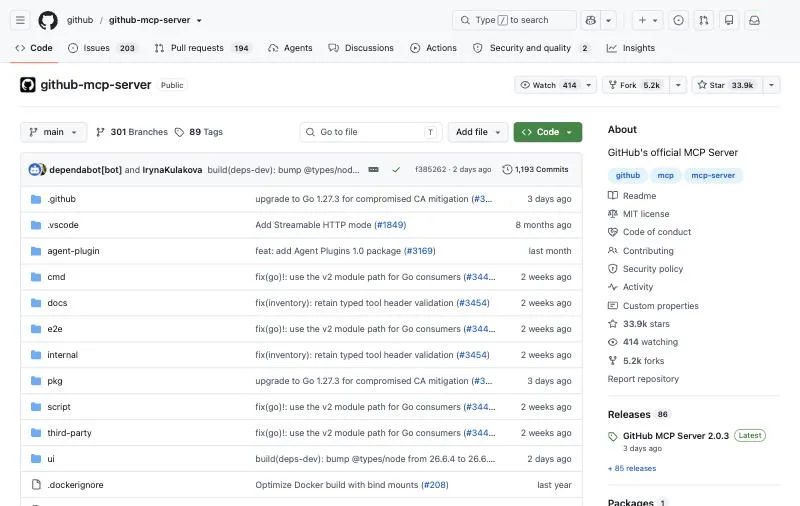
Maker: GitHub (first-party).Version: 2.0.3 (October 2026), MIT, about 33.9k GitHub stars.Type: Remote at api.githubcopilot.com/mcp/, or local through the ghcr.io/github/github-mcp-server Docker image.
GitHub's own server gives Claude Code repositories, issues, pull requests, Actions runs and code search. Its default toolsets are context, repos, issues, pull requests and users, and a --read-only flag turns off every write. This is the line from Claude Code's docs; GitHub's Claude install guide also gives a Docker command for running it locally.
claude mcp add --transport http github https://api.githubcopilot.com/mcp/ \
  --header "Authorization: Bearer YOUR_GITHUB_PAT"
Key strengths
- First-party and very actively released.
- Toolsets and read-only mode limit what Claude Code can touch.
- Works with GitHub Enterprise Cloud.
Limitations
- The remote server does not support GitHub Enterprise Server; run it locally with
GITHUB_HOST. - Some tools need extra token scopes, such as security events and notifications.
- Claude Code already runs
ghin the terminal well; the server pays off most for reviews and cross-repo work.
Best for: PR, issue and code-review workflows without leaving Claude Code.
2. Context7: best for current library and framework docs
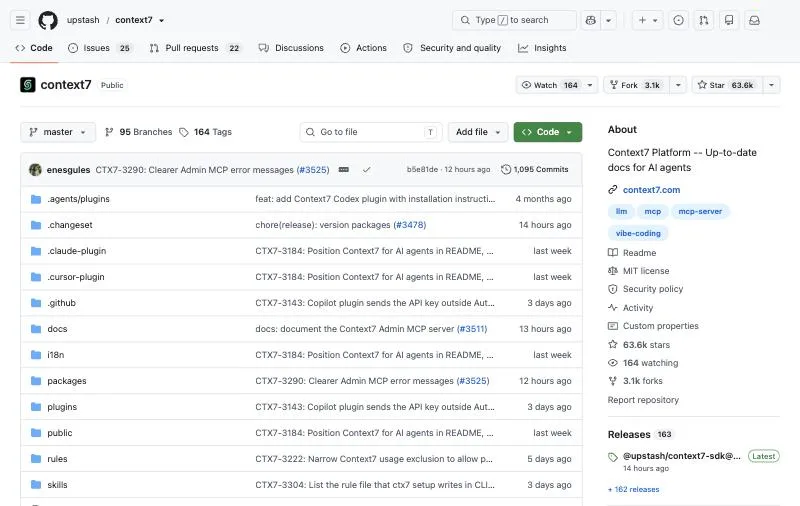
Maker: Upstash.Version: @upstash/context7-mcp 4.4.4 (October 19, 2026), MIT, about 63.6k GitHub stars.Tools: Two: resolve-library-id and query-docs.
Context7 fetches version-specific documentation and code examples, so Claude Code writes against the API you actually have installed rather than the one in its training data. With two tools it is cheap on context. The README's setup command configures Claude Code for you; it does not give a claude mcp add line.
npx ctx7 setup --claudePricing (context7.com/plans): the free plan includes 1,000 calls a month, then 20 bonus calls a day; Pro is $10 per seat a month for 2,000 calls per seat, then $5 per 1,000 more.
Key strengths
- Fewer made-up APIs on fast-moving libraries.
- Only two tools, so it adds little to every session.
- The most-starred server on this list.
Limitations
- Docs are community-contributed, and Context7 makes "no guarantee" about their accuracy.
- Only the MCP server is open source; the parser, crawler and backend are not.
- Monthly call caps on the free plan.
Best for: keeping Claude Code on the current API of the libraries you use.
3. Sai MCP server: best for desktop apps and anything without an API
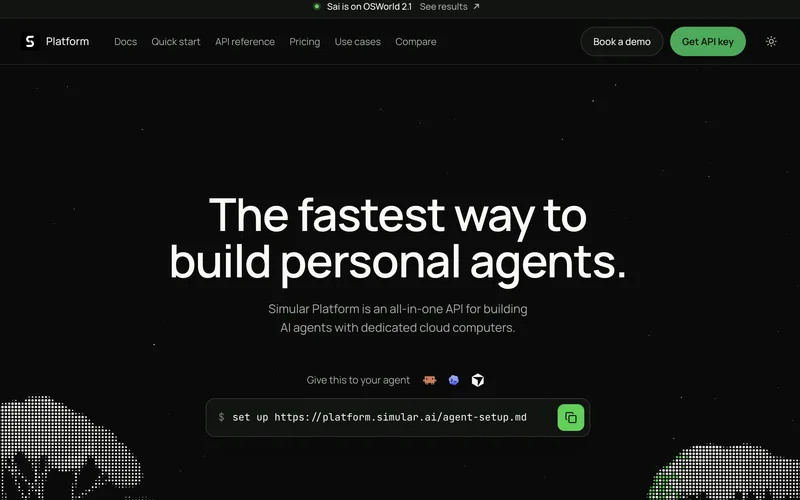
What it adds: A computer-use agent. Claude Code sends a task; Sai does it on a Windows or Linux cloud computer, or on your own Mac or PC, and reports back.Package: @simular-ai/sai-mcp 0.3.1 (October 23, 2026), MIT, stdio.Pricing: Free plan with daily credits; Pay as you go $50/month (pricing).
The other servers on this list connect Claude Code to a service through its API. Some work has no API: clicking through a Windows installer, testing the desktop app Claude Code just built, or filling a form in an old admin console. The Sai MCP server covers that. Claude Code describes the job, such as "install the build and check the settings dialog saves", and Sai carries it out on a cloud computer, then returns what happened and a link to watch the screen. Your own desktop, cursor and signed-in accounts stay out of it.
Sign-ins and other sensitive steps are never typed by the agent; they come to you as an approval. On reliability, Sai has the highest partial score on the official OSWorld 2.1 leaderboard, 79.38%, at $14.34 per task (see the results). Tasks you repeat can be saved and replayed as code, which for repetitive tasks can cut cost by up to 90%.
claude mcp add sai -e SAI_API_KEY=sapi_YOUR_KEY -- npx -y @simular-ai/sai-mcpKey strengths
- Reaches desktop apps, installers and sites with no API or MCP server of their own.
- Task-level: Claude Code spends its context on the goal, not on hundreds of screenshots.
- Runs on a cloud computer, so it keeps working when your laptop is closed.
- Approvals for sign-ins and a published benchmark result with cost per task.
Limitations
- A hosted service: needs a Sai account and API key, and usage beyond the free plan is billed.
- Slower than a direct API call; when a service has its own MCP server, use that.
- No remote (HTTP) endpoint yet; it runs as a local stdio server.
- No macOS cloud computers; Mac apps need your own Mac.
Best for: developers who want Claude Code to test or operate desktop apps and GUI-only tools without giving it their own machine.
4. Playwright MCP: best for checking web UI changes
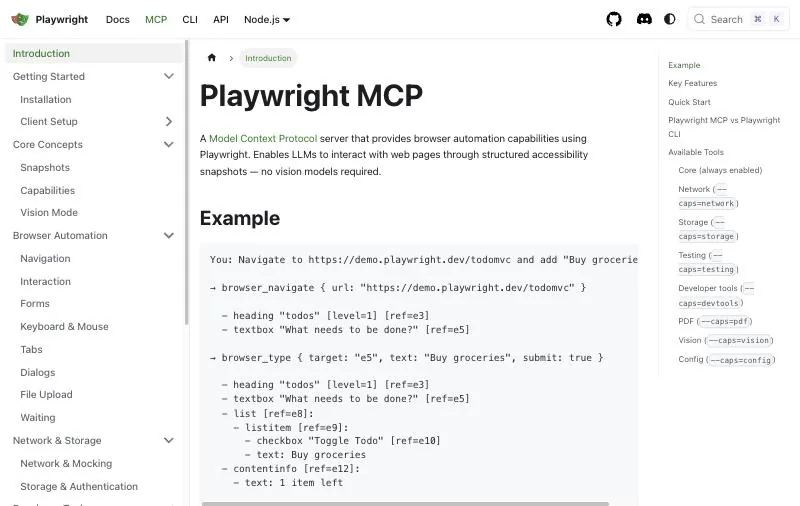
Maker: Microsoft.Version: @playwright/mcp 0.0.83 (September 28, 2026), Apache-2.0, about 38k GitHub stars.How it sees: Accessibility snapshots of the page, not screenshots.
Playwright MCP lets Claude Code open your app, click through it and read the result, so it can check the change it just made. It works from the page's accessibility tree, so it needs no vision model and is fast and deterministic. Its own README now notes that coding agents "increasingly favor CLI-based workflows", because a CLI and skills use fewer tokens than large tool schemas. See our Playwright MCP alternatives for the options.
claude mcp add playwright npx @playwright/mcp@latestKey strengths
- Structured page state, cross-browser, no account.
- The standard choice for end-to-end checks from a coding agent.
Limitations
- Still a 0.0.x release.
- Accessibility trees of large pages are expensive in context.
- The README says it is "not a security boundary".
Best for: end-to-end testing of the web UI Claude Code just changed.
5. Chrome DevTools MCP: best for performance and network debugging
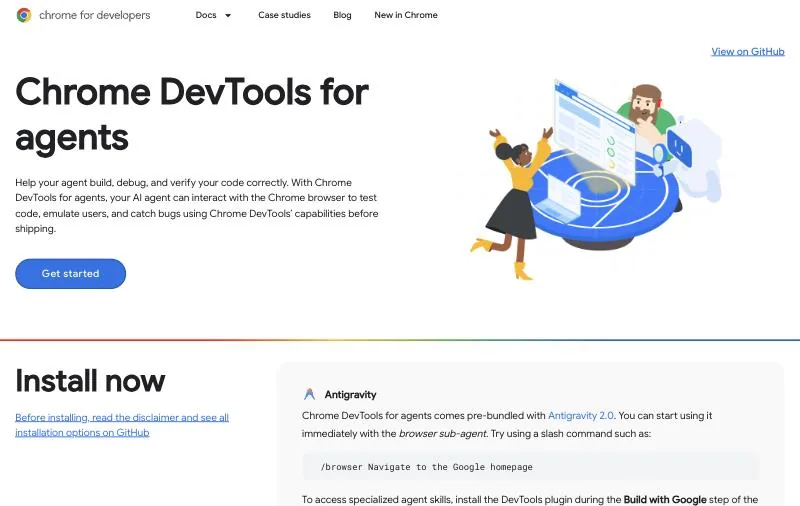
Maker: Google's Chrome DevTools team.Version: npm 1.12.0 (October 22, 2026), Apache-2.0, about 53k GitHub stars.Tools: 57, per the tool reference.
Chrome DevTools MCP gives Claude Code what you use in DevTools: performance traces and insights, network requests, console messages with source-mapped stack traces, Lighthouse audits and heap snapshots. Where Playwright answers "does it work?", this answers "why is it slow?" A --slim mode cuts the tool list for basic tasks.
claude mcp add chrome-devtools --scope user npx chrome-devtools-mcp@latestKey strengths
- Real performance traces, Lighthouse and network detail.
- Source-mapped console errors.
Limitations
- Google collects usage statistics by default; turn them off with
--no-usage-statistics. - Performance tools can send page URLs to the CrUX API unless you pass
--no-performance-crux. - 57 tools is a large surface; Chrome and Chrome for Testing only.
Best for: debugging slow pages, failed requests and console errors in a real browser.
6. Sentry MCP: best for fixing production errors
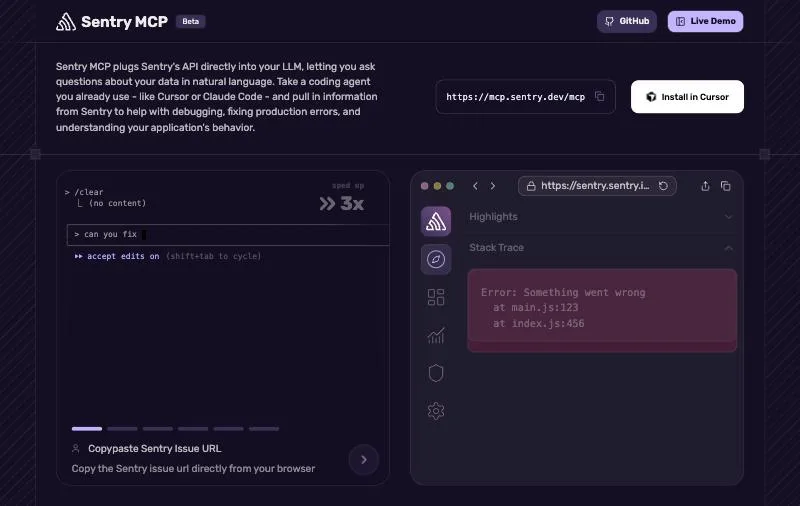
Maker: Sentry (first-party; labeled Beta).Version: @sentry/mcp-server 0.42.0 (September 25, 2026), FSL-1.1-ALv2 (source-available), about 860 GitHub stars.Type: Remote with OAuth, or local over npx.
Sentry MCP lets Claude Code read an issue's stack trace, events and context, so you can paste a Sentry link and ask for a fix. Sentry recommends scoping the URL to one organization and project. Its AI-powered search tools need an LLM provider key of their own.
claude mcp add --transport http sentry https://mcp.sentry.dev/mcp/YOUR_ORG/YOUR_PROJECTKey strengths
- Hosted, OAuth sign-in, scoped to a project.
- Built for the "fix this production error" loop.
Limitations
- FSL license, not OSI open source.
- The local stdio mode is described as "still a work in progress".
- Scoping to a project hides the discovery tools.
Best for: teams on Sentry who want Claude Code to go from an error to a fix.
7. Figma MCP server: best for implementing designs
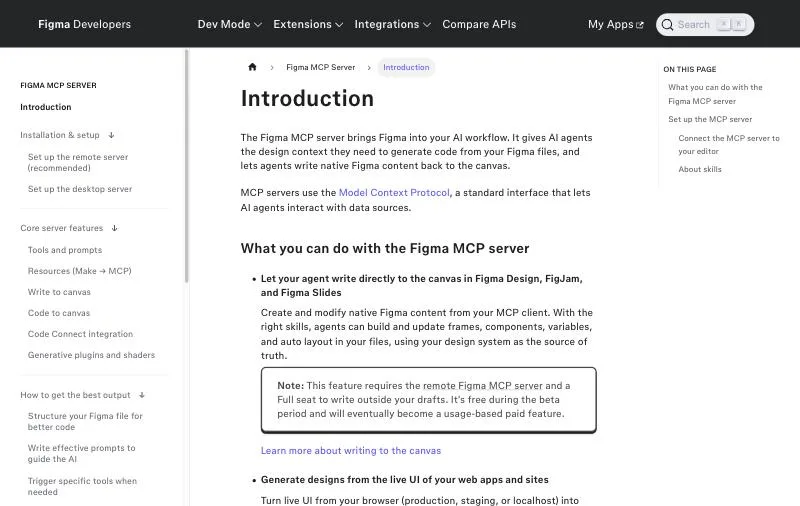
Maker: Figma (first-party).Type: Remote at mcp.figma.com/mcp (recommended), or a local server in the Figma desktop app.Limits: View and Collab seats get up to 20 calls a month; Full and Dev seats on Professional get 200 a day (rate limits).
Figma's server gives Claude Code the design context of a frame: layout, variables, components and Code Connect mappings, plus a screenshot. It can also write back to the canvas, a feature that needs a Full seat and is "free during the beta period" before becoming usage-based. Figma also offers a Claude Code plugin with claude plugin install figma@claude-plugins-official.
claude mcp add --transport http figma https://mcp.figma.com/mcpKey strengths
- Design tokens and Code Connect, not only pixels.
- Writes back to the canvas.
Limitations
- Tight limits on View and Collab seats.
- Writing to the canvas is in beta, with usage-based pricing planned.
Best for: frontend developers turning Figma frames into components.
8. Linear MCP: best for teams that track work in Linear
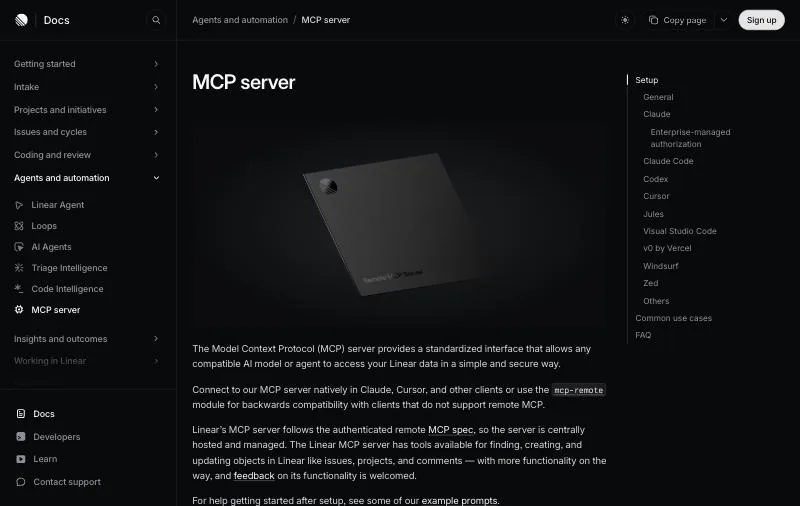
Maker: Linear (first-party, hosted).Endpoints: mcp.linear.app/mcp, plus a read-only endpoint at /mcp/readonly.Sign-in: OAuth 2.1, or an API key as a Bearer token.
Linear's server finds, creates and updates issues, projects and comments, so Claude Code can pick up a ticket, work it and post a summary. The read-only endpoint is a simple way to let it read the backlog without changing anything. Linear says more functionality is planned.
claude mcp add --transport http linear-server https://mcp.linear.app/mcpKey strengths
- A dedicated read-only endpoint.
- Simple OAuth, with enterprise-managed sign-in.
Limitations
- Each workspace needs its own sign-in.
- Some environments, such as WSL, may need the older SSE path.
Best for: teams that plan in Linear and want Claude Code to work from tickets.
9. Supabase MCP: best for Postgres apps on Supabase
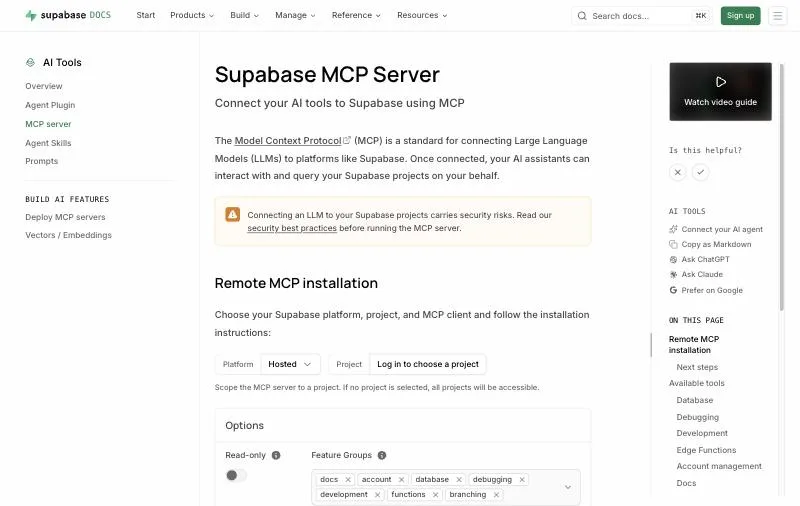
Maker: Supabase (first-party).License: Apache-2.0, about 3.0k GitHub stars.Options: read_only=true, project_ref scoping and feature groups to trim the tool list.
Supabase's server lists tables, runs SQL, applies migrations, reads logs and advisors, generates TypeScript types and deploys Edge Functions. It signs in with OAuth, so "you don't need a personal access token". Its docs carry the clearest warning on this list: "The primary attack vector unique to LLMs is prompt injection." Connect it to development data, and to production only when the task needs production evidence.
claude mcp add --scope project --transport http supabase \
  "https://mcp.supabase.com/mcp?read_only=true&project_ref=YOUR_PROJECT"
Key strengths
- Read-only mode and project scoping.
- Migrations and type generation in one place.
Limitations
- Database access makes prompt injection a real risk; the docs say manual approval "is not foolproof".
- Branching is experimental and needs a paid plan.
Best for: full-stack apps on Supabase, against a development project.
10. Notion MCP: best for specs and docs that live in Notion
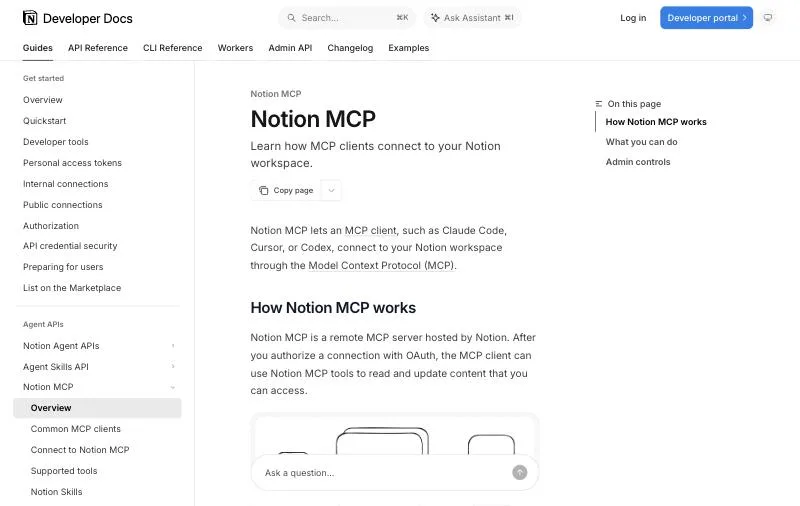
Maker: Notion (first-party, hosted).Tools: About 65, from search and fetch to creating pages and querying databases (supported tools).Plans: Works on any plan; some features need Business or Enterprise.
Notion MCP lets Claude Code read the PRD or spec before it writes code, and write notes or a changelog back when it is done. It signs in with OAuth. The older open-source makenotion/notion-mcp-server is "no longer actively maintained or supported", so use the hosted one.
claude mcp add --transport http notion https://mcp.notion.com/mcpKey strengths
- Hosted, OAuth, broad read and write coverage.
- Shown in Claude Code's own MCP docs.
Limitations
- A large tool list adds context to every session.
- Guests cannot connect, and some features are plan-gated.
Best for: pulling specs into a coding session and writing notes back.
Also worth a look
- Atlassian Rovo MCP for Jira, Confluence and Bitbucket:
claude mcp add --transport http atlassian https://mcp.atlassian.com/v2/mcp. Calls use Rovo credits (Atlassian). - Stripe MCP for payments work:
claude mcp add --transport http stripe https://mcp.stripe.com/. Refunds and payouts need a person to confirm (Stripe). - Vercel MCP for deployments and logs:
claude mcp add --transport http vercel https://mcp.vercel.com, on all plans (Vercel).
Keep your MCP setup lean and safe
- Add only what you use. Every server's tools take context; turn off ones you don't need with
/mcp. - Prefer read-only modes (GitHub, Linear, Supabase) until you need writes.
- Scope by project. Commit shared servers in
.mcp.json, and keep personal tokens in local scope. - Treat fetched content as untrusted. Issues, docs and web pages can carry instructions aimed at the model.
How to choose
- You live in pull requests: GitHub MCP.
- Claude Code keeps using old APIs: Context7.
- You build web apps: Playwright MCP to test them, Chrome DevTools MCP to profile them.
- You fix production bugs: Sentry MCP.
- You build from designs: Figma MCP.
- Your work is in Linear, Supabase or Notion: that service's own server.
- The task is in a desktop app, an installer or a site with no API: the Sai MCP server.
Install commands, licenses and versions checked on Claude Code's documentation, the npm registry and each project's docs on October 23, 2026; star counts are GitHub's rounded figures that day. The Sai MCP server is made by Simular, the publisher of this page.