

The best AI agent builder depends on who builds the agent and where it has to act. n8n is the strongest pick for technical teams that want a visual workflow with an AI agent step and the option to self-host. Gumloop, Lindy and Zapier Agents let business users build agents without code, and ChatGPT workspace agents and Microsoft Copilot Studio fit companies already on ChatGPT or Microsoft 365. Dify is the open-source builder to run yourself, Google's Gemini platform serves Google Cloud teams, and LangGraph is the code-first framework for full control. When the agent has to work in apps that have no API or connector, the Sai API gives it a computer to use.
This page is for developers and technical operators choosing where to build agents. Every tool below was checked on its own site, docs and pricing page on October 29, 2026, including two changes many lists miss: OpenAI's Agent Builder shuts down on November 30, 2026, and Google's Vertex AI is now the Gemini Enterprise Agent Platform. Nothing here is sponsored. The Sai API is our product.
What is an AI agent builder?
An AI agent builder is a tool for creating software agents that use a language model to decide their own steps: which tool to call, what to read, when the task is done. Builders range from no-code apps where you describe the agent in plain language to code frameworks where you write the control flow yourself.
Anthropic draws the line most builders now follow: "Workflows are systems where LLMs and tools are orchestrated through predefined code paths. Agents, on the other hand, are systems where LLMs dynamically direct their own processes and tool usage" (Anthropic). In practice, the builders on this list fall into four groups:
- No-code agent builders. Describe or configure an agent that runs on a trigger or in Slack, email or chat. Gumloop, Lindy, Zapier Agents, ChatGPT workspace agents.
- Workflows with an agent step. A deterministic canvas with an AI node that picks tools. n8n and Dify.
- Enterprise platforms tied to a suite. Microsoft Copilot Studio and Google's Gemini Enterprise Agent Platform.
- Code-first frameworks. LangGraph, and SDKs from the model vendors.
All of them act through APIs, connectors or MCP servers. That covers most SaaS tools, but not desktop software, legacy portals or sites without an integration. That gap is where a computer-use agent such as the Sai API fits, alongside whichever builder you choose.
How we evaluated
- Who builds: business users in plain language, technical users on a canvas, or developers in code.
- Where agents act: number of integrations, MCP support, and whether the agent can use a browser or computer when no integration exists.
- Hosting: cloud only, or self-hosted, and under which license.
- Pricing unit: executions, credits, activities, seats or compute hours, and what the free tier covers.
- Stability: recent renames, shutdowns and preview labels.
Comparison summary
| Tool | Best for | Type | Self-host | Pricing unit | Entry price |
|---|---|---|---|---|---|
| n8n | Technical teams, self-hosted workflows with AI agents | Workflow + agent node | Yes (Sustainable Use License) | Executions | Starter €20/month, billed annually |
| Gumloop | Business teams building agents with IT controls | No-code agent builder | No | Credits | Pro from $37/month; 14-day trial |
| Sai API | Agents that must use apps with no API | Computer-use agent API | No | Credits | Free plan; Pay as you go $50/month |
| ChatGPT workspace agents | Teams already on ChatGPT Business or Enterprise | No-code agent builder | No | Credits | Needs a ChatGPT business plan |
| Microsoft Copilot Studio | Microsoft 365 and Teams companies | Enterprise low-code platform | No | Copilot Credits | $200 per 25,000 credits/month |
| Zapier Agents | Agents across thousands of SaaS apps | No-code agent builder | No | Activities | Free, 400 activities/month |
| Lindy | Assistant-style agents in email, Slack and the browser | No-code agent builder | No | Credits | Free credits for 7 days; from $49.99/user/month |
| Dify | Open-source agents and AI apps you host | Visual builder + workflows | Yes (Dify Open Source License) | Message credits | Free Sandbox; self-host free |
| Google Gemini platform | Google Cloud teams | Enterprise platform, low-code to code | No | vCPU-hours + tokens | Free tier, then $0.085/vCPU-hour |
| LangGraph | Developers who want full control | Code framework | Yes (MIT) | Free; hosting by trace and compute | Free |
The 10 best AI agent builders in 2026
1. n8n: best for technical teams that want to self-host
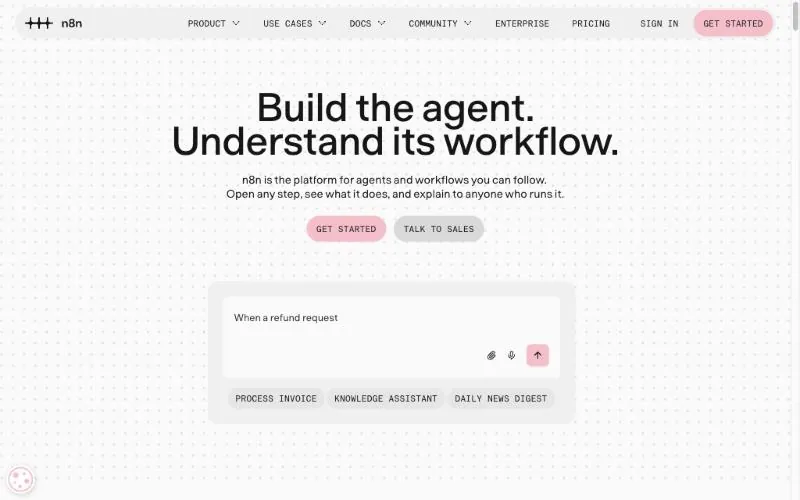
Pricing: Starter €20/month and Pro €50/month billed annually, with 2,500 and 10,000 executions; Business €667/month, self-hosted; unlimited users and workflows on every plan (pricing).License: Sustainable Use License, "fair-code", not OSI open source (license); about 208k GitHub stars.Latest: 2.45.4, October 26, 2026.
n8n is a workflow automation platform with 400+ integrations and an AI Agent node that lets a model choose among the tools you connect to it (n8n docs). It works with MCP in both directions: an agent can use any MCP server as a tool, and the MCP Server Trigger exposes your n8n workflows to MCP clients such as Claude (docs). You can mix visual steps with code, and run it on n8n Cloud or your own servers.
Key strengths
- Self-hosting, with unlimited users and workflows on every plan.
- Two-way MCP and a large integration library.
- Deterministic workflow steps and an agent in the same canvas.
Best for: technical teams that want agents inside reliable workflows, on their own infrastructure.
2. Gumloop: best for business teams building agents with IT controls
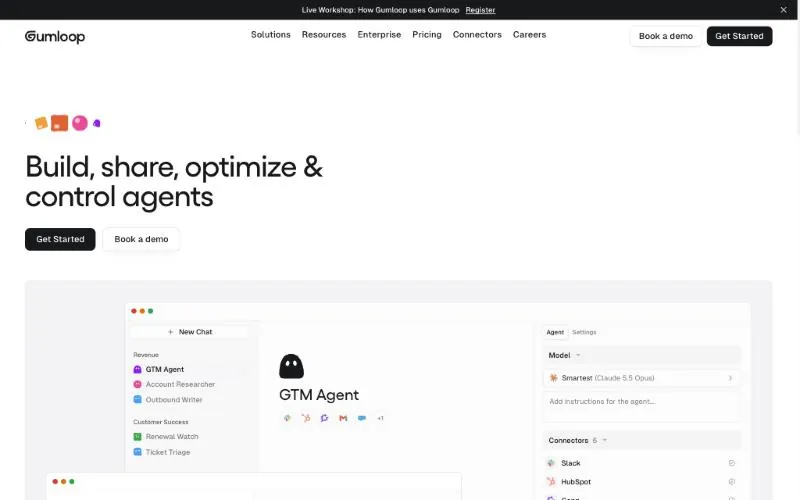
Pricing: Pro starts at $37/month with 20,000 credits, unlimited seats and an 8% orchestration fee; Enterprise custom; no free plan, 14-day trial (pricing).Where agents run: triggers, Slack, Microsoft Teams, email and text messages.Integrations: 400+ connectors, custom MCPs and an agent browser.
Gumloop calls itself "the multiplayer AI agent builder": non-technical staff build agents with any model while IT controls access, spend and connectors. Its Gumball assistant builds agents from a description and can set up a custom MCP server for an app Gumloop doesn't support, and its agent browser handles sites without an integration, with saved logins and session recording.
Key strengths
- Built for teams: roles, SSO and SCIM, spend caps and audit logs.
- An assistant that builds agents and custom MCP servers.
- A browser agent for sites without an integration.
Best for: operations and go-to-market teams that want to build their own agents under IT's rules.
3. Sai API: best when your agent has to use apps with no API
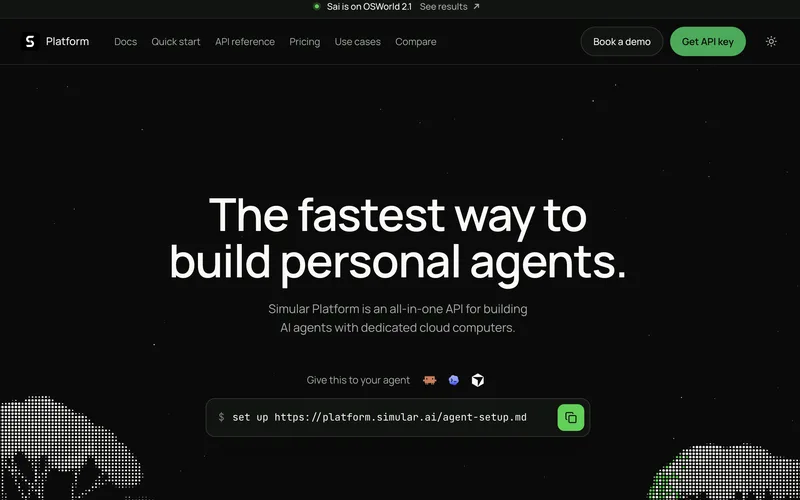
Pricing: Explore $0 with daily credits; Pay as you go $50/month; Sai Unlimited $500/month; Enterprise custom (pricing).Computer: a real Windows, macOS or Linux computer; free accounts get one pooled Windows cloud computer.Use it from: your code, or Claude Code, Codex and Cursor through the @simular-ai/sai-mcp server.
The Sai API lets your code or your coding agent hand a task to a computer-use agent that works on a real Windows, macOS or Linux computer: you send a message, the agent works on the computer, and you read the result. Because it uses apps the way a person does, by seeing the screen, clicking and typing, it gets work done where there is no API: a vendor portal, an admin console, desktop software, a form with no import. Sign-ins go to a person as an approval, and for typed output your code can use, you add options to the message.
On reliability, the Sai API has the highest partial score on the official OSWorld 2.1 leaderboard for computer-use agents, 79.38%, at $14.34 per task (see the results). Run a workflow once and it can be saved as a reusable skill: later runs replay it as code and ask the model only where the screen matters, so they are faster and cheaper, and the agent takes over when the UI changes.
Key strengths
- Works where integrations stop: desktop apps, legacy portals, any site.
- The model and the computer are included; no model keys to bring.
- Works alongside the builder you already use instead of replacing it.
Best for: giving the agents you build a fleet of autonomous computers, for work in software that no connector reaches.
4. ChatGPT workspace agents: best for teams already on ChatGPT
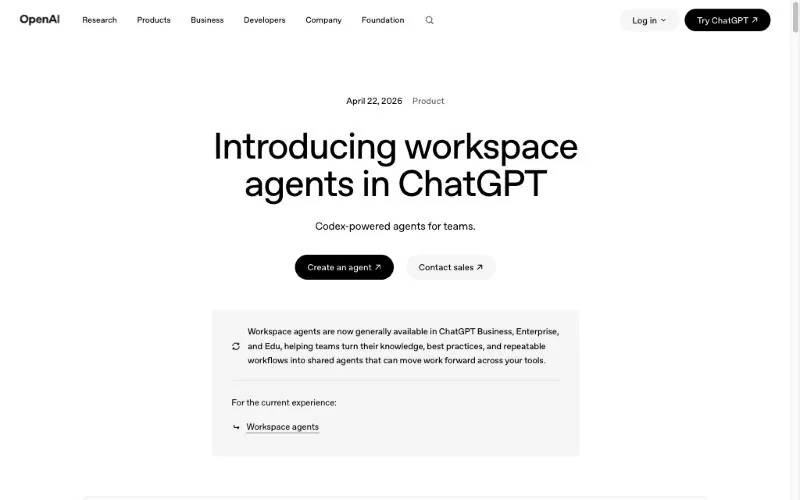
Availability: ChatGPT Business, Enterprise, Edu and Teachers, since April 22, 2026 (OpenAI).Pricing: credit-based after an initial free period; credit rates are not on the launch page.For developers: OpenAI's Agent Builder canvas is deprecated and shuts down November 30, 2026 (deprecations).
Workspace agents are OpenAI's shared team agents, "an evolution of GPTs" powered by Codex. You describe the agent in plain language, connect tools such as Slack and Gong, and it runs in the cloud on a schedule or in Slack, with admins controlling which tools each group can use. Developers who used Agent Builder should note that OpenAI's migration guide points to workspace agents or the Agents SDK, and that export "does not convert your workflow graph" (migration guide).
Key strengths
- No setup for teams already using ChatGPT.
- Schedules and Slack deployment built in.
- Admin controls over tools per user group.
Best for: companies on ChatGPT Business or Enterprise that want shared agents without another tool.
5. Microsoft Copilot Studio: best for Microsoft 365 companies
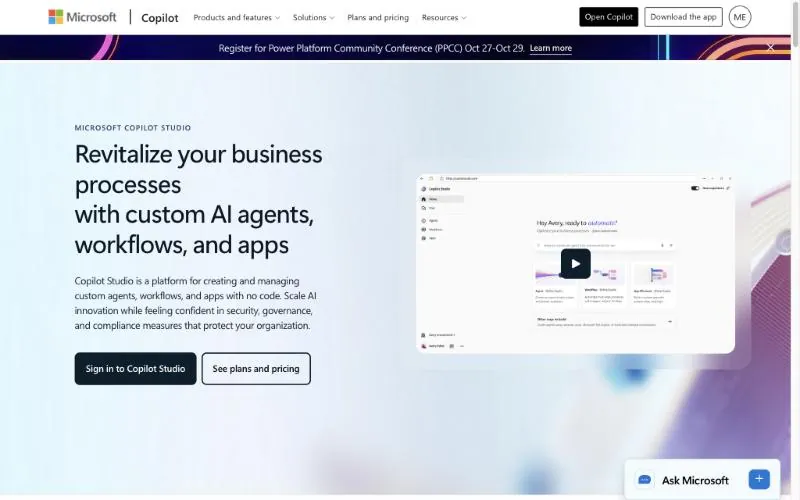
Pricing: $200 per pack of 25,000 Copilot Credits per month, or pay as you go through Azure; agents published to Microsoft 365 Copilot are included for users with its $30/user/month license (pricing).MCP: generally available, tools and resources (docs).Publishes to: Teams, Microsoft 365 Copilot, websites and apps.
Copilot Studio is "a graphical, low-code studio for building and managing AI-powered agents and workflows", connected to your organization's data and published where people already work. It can also operate websites and Windows apps through computer use, billed per step.
Key strengths
- Deep Teams and Microsoft 365 distribution.
- Prebuilt and custom connectors, plus MCP.
- Agents included for Microsoft 365 Copilot users.
Best for: organizations that live in Microsoft 365 and Teams.
6. Zapier Agents: best for agents across thousands of SaaS apps
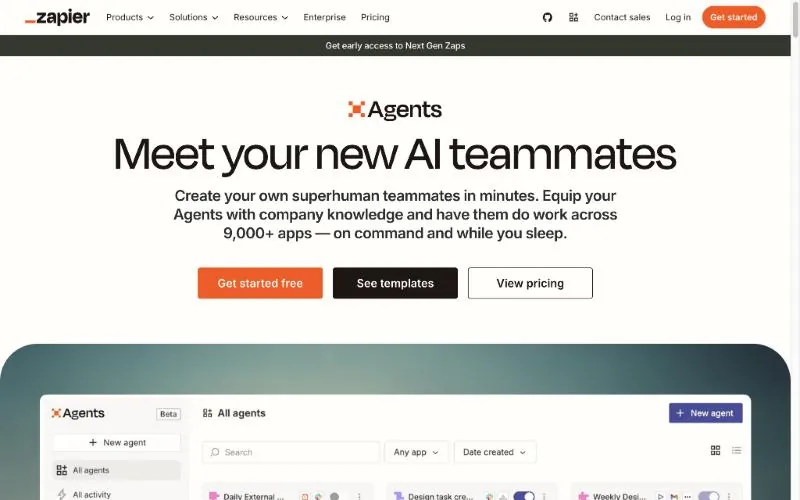
Pricing: Free with 400 activities/month; Pro $400 billed annually for 1,500 activities/month; Enterprise custom; separate from Zapier's automation plans (pricing).Integrations: 9,000+ apps.Status: the Agents page still has a beta support FAQ.
Zapier Agents are AI teammates that work "on command and while you sleep" across Zapier's app catalog, using your docs and live app data, and they can browse the web. Every action, knowledge search, page visit or search query is one activity, with a cap of 10 activities per run on the free plan and 40 on paid (Zapier help).
Key strengths
- The largest app catalog on this list.
- A permanent free tier.
- Works with your existing Zaps.
Best for: small teams already on Zapier who want agents across many SaaS tools.
7. Lindy: best for assistant-style agents in email, Slack and the browser
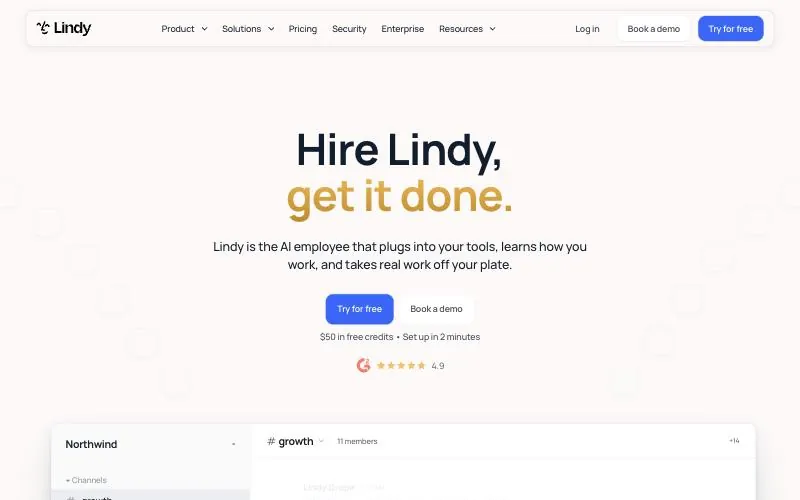
Pricing: Free with $50 in credits that last 7 days; every active user billed from $49.99/month with 5,000 credits; top-ups $10 per 1,000 credits; Enterprise custom (pricing).Integrations: 1,500+, plus any hosted MCP server.Browser: can drive a browser when a tool has no integration.
Lindy pitches itself as an "AI employee" that works across Slack, iMessage, email and the browser: meeting notes, scheduled routines and inbox work, with memory kept in editable plain files. Agent steps are its most credit-hungry parts, so estimate usage before you build long agents.
Key strengths
- A browser fallback for tools without an integration.
- MCP support and 1,500+ integrations.
- Good fit for personal and executive-assistant work.
Best for: individuals and small teams who want an assistant that handles email, meetings and follow-ups.
8. Dify: best open-source builder to run yourself
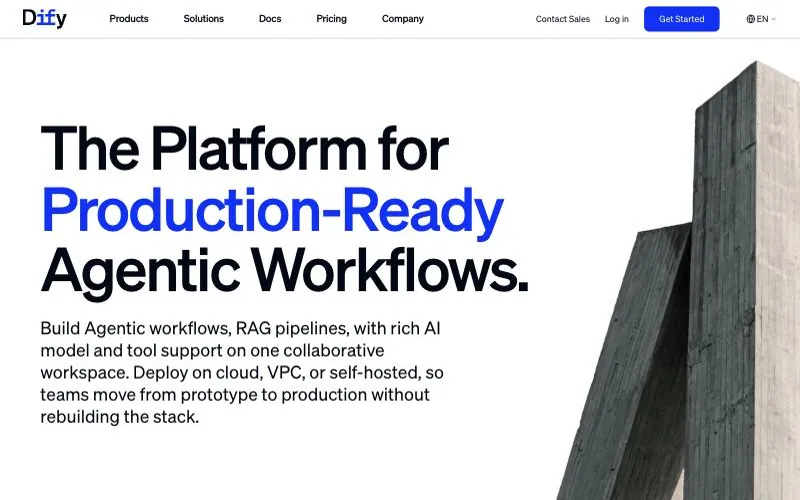
Pricing: Sandbox free with 200 message credits; Professional $590/workspace/year; Team $1,590/workspace/year; Community Edition self-hosted free (pricing).License: Dify Open Source License, Apache 2.0 with conditions on multi-tenant use and branding (license); about 160k GitHub stars.MCP: two-way since v1.6.0 (Dify blog).
Dify is an open-source platform for building agents, agentic workflows and chatbots on your own data, then publishing them as web apps or APIs. It deploys with Docker Compose, calls any MCP server and can publish its own agents as MCP servers.
Key strengths
- Free to self-host with Docker Compose.
- Two-way MCP.
- One of the largest communities in the category.
Best for: developers who want an open-source visual builder on their own servers.
9. Google Gemini platform: best for Google Cloud teams
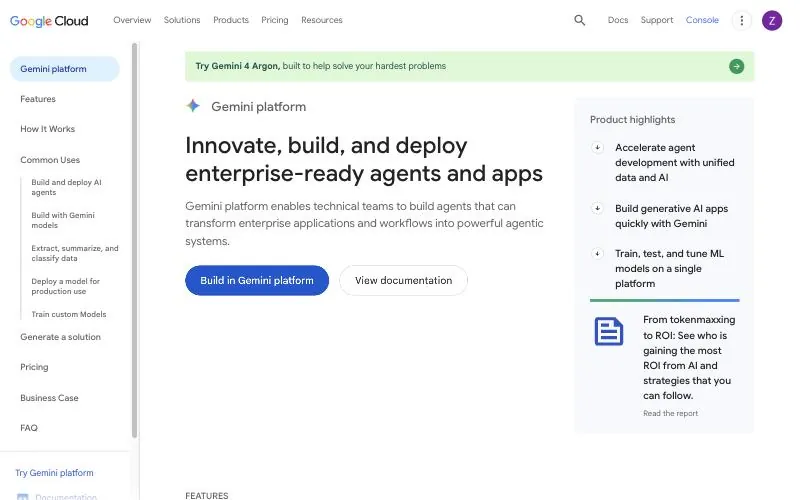
Name: Gemini Enterprise Agent Platform, shown on Google's product page as Gemini platform; it replaced Vertex AI on April 22, 2026 (Google Cloud).Pricing: Agent Runtime $0.085 per vCPU-hour and $0.009 per GiB-hour after a monthly free tier of 50 vCPU-hours and 100 GiB-hours; model tokens extra (pricing).Parts: Agent Studio (low-code), ADK (code), Agent Runtime, Memory Bank, Agent Gateway and Registry.
Google introduced the Gemini Enterprise Agent Platform as "the evolution of Vertex AI". Agent Studio is a visual interface whose agents export directly into the open-source Agent Development Kit, so a team can start low-code and move to code. Agent Runtime hosts long-running, stateful agents, and finished agents can be delivered to employees through the Gemini Enterprise app.
Key strengths
- A path from low-code to full code without rebuilding.
- Managed runtime for long-running agents, with a free tier.
- Enterprise identity, gateway and registry for agents.
Best for: engineering teams on Google Cloud building agents for their company.
10. LangGraph: best code-first framework for full control
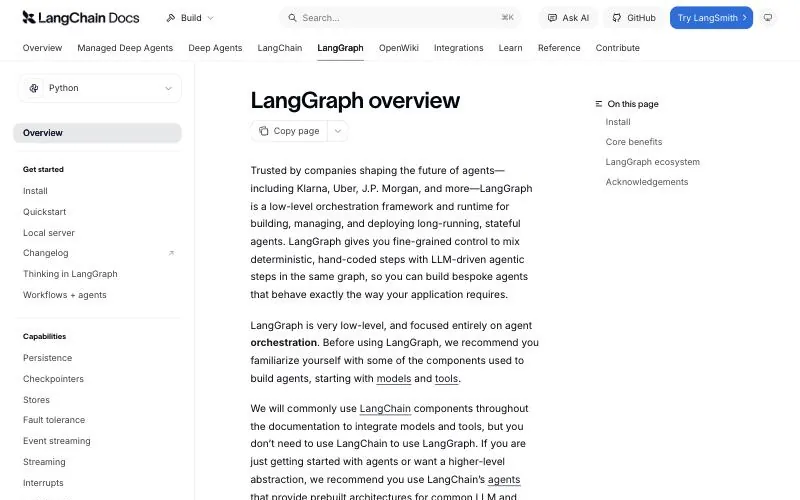
License: MIT; about 44k GitHub stars (GitHub).Latest: Python 1.2.18 and JavaScript 1.5.3, October 26, 2026.Hosting: self-host free, or LangSmith: Developer $0, Plus $39/seat/month, deployments metered by compute (pricing).
LangGraph is "a low-level orchestration framework and runtime for building, managing, and deploying long-running, stateful agents". You write the agent as a graph of steps, with durable execution, streaming, human review at any point and short- and long-term memory. It does not require LangChain. We picked it over CrewAI, which has more stars (about 60k) and is a good choice for multi-agent "crews" in Python (CrewAI).
Key strengths
- Full control over every step and the agent's state.
- MIT license, Python and JavaScript.
- Built for long-running agents that must resume after failures.
Best for: engineering teams building agents into their own product.
What we left out
- OpenAI Agent Builder was deprecated on June 3, 2026 and shuts down on November 30, 2026 (OpenAI). It is covered under ChatGPT workspace agents.
- Flowise was acquired by Workday in August 2025, and its roadmap now follows Workday's platform (Flowise blog).
- Microsoft AutoGen is in maintenance mode; Microsoft points new users to Microsoft Agent Framework (GitHub).
- Relevance AI retired its free plan in September 2025 and now shows only sales-led Enterprise pricing (Relevance AI docs).
How to choose
- You want visual workflows with an agent step, on your own servers: n8n, or Dify for a fully open-source option.
- Business users will build the agents: Gumloop for team controls, Zapier Agents for app coverage, Lindy for assistant work.
- You are on ChatGPT Business or Microsoft 365: ChatGPT workspace agents or Copilot Studio.
- You are on Google Cloud: Google's Gemini platform.
- You are building agents into your product, in code: LangGraph.
- Your agent has to use desktop apps or sites with no API: add the Sai API to whichever builder you choose.
Prices from each vendor's pricing page, versions from GitHub, PyPI and npm, and status changes from the vendors' own announcements on October 29, 2026. The Sai API is made by Simular, the publisher of this page.